
Google I/O 2026: Android XR, Intelligent Eyewear, and the Ambient AI Interface

At Google I/O 2026, Android XR and intelligent eyewear moved from long-running concept to concrete platform direction. The important story is not simply that Google showed new glasses. The important story is that Google is trying to move Gemini out of the phone and into a hands-free, context-aware operating surface. That changes how developers should think about mobile, XR, multimodal input, privacy, and ambient computing.
This article is the Android, XR, and device surfaces spoke inside the larger Google I/O 2026 architectural hub. The model story lives in Gemini Omni and Gemini 3.5. The developer-tooling story lives in Antigravity, AI Studio, and Google DevTools. This piece focuses on the physical interface layer: Android XR, intelligent eyewear, audio glasses, display glasses, and what happens when AI assistance becomes wearable.
Google’s official I/O 2026 Android XR announcement describes intelligent eyewear as two categories: audio glasses that offer spoken help in your ear, and display glasses that show information when you need it. Audio glasses are launching first later this fall, with new frames from Gentle Monster and Warby Parker, built with Samsung and the broader Android XR platform work Google has been developing with Samsung and Qualcomm.
Why Android XR Matters More Than the Glasses Demo
It is easy to reduce the announcement to smart glasses. That would be a mistake. Android XR is the platform layer behind a broader shift: AI is moving into headsets, glasses, and mixed surfaces where the user is not necessarily looking at a phone or laptop. Google has described Android XR as a platform built in the Gemini era, designed for headsets, glasses, and everything in between. That is the architectural point.
A phone app assumes the user intentionally opens a screen, navigates a UI, and gives explicit input. Intelligent eyewear changes that assumption. The device can share the user’s visual and spatial context, respond through voice, and potentially show information directly in the field of view. That turns user interaction from app-first to context-first.
The shift is not from phone to glasses. The shift is from explicit interaction to ambient assistance.— Device surface perspective
Two Product Paths: Audio Glasses and Display Glasses
Google’s I/O 2026 message is careful here. It does not present one single glasses product. It separates the category into audio glasses and display glasses. That distinction matters because the technical constraints are completely different.
- Audio glasses can focus on voice, speakers, cameras, microphones, capture, and Gemini assistance without the full complexity of persistent visual overlays.
- Display glasses introduce a harder interface problem: what information appears, when it appears, how it avoids distraction, and how privacy is handled.
- Both categories move AI closer to the user’s live context instead of keeping it trapped inside a phone screen.
This is probably the right staged approach. Audio-first glasses are less visually intrusive and easier to wear all day. Display glasses carry more ambition, but also more risk: optics, battery life, thermal design, social acceptance, app compatibility, and safety all become harder.
What Gemini Adds to Eyewear
Gemini is the reason Android XR glasses are not just another accessory category. Google says users can ask questions about what they see, get natural directions, manage calls and texts, summarize missed messages, capture photos and videos, edit images, and translate speech or written text. That means the glasses are not only an output device. They are an input surface, a sensing surface, and an execution surface.
- Ask about objects, places, signs, restaurants, or visual context in front of you
- Navigate with turn-by-turn directions based on location and orientation
- Send messages, manage calls, and summarize missed communication hands-free
- Capture photos and video without reaching for the phone
- Translate speech and written text in real time
That sounds simple at the user level, but the architecture underneath is not simple. The system needs camera input, audio input, location, orientation, user identity, app integration, assistant context, model routing, permission control, and fallback behavior. This is why the eyewear story belongs inside the same cluster as Gemini Omni and Gemini 3.5. The device surface is only as useful as the model and orchestration layer behind it.
// Intelligent eyewear is not just a wearable UI
// It is a context pipeline input: camera: what the user sees audio: what the user hears and says location: where the user is orientation: which direction the user faces apps: Maps, Messages, Calendar, Photos assistantTask = resolveIntent(input)
result = executeWithPermissions(assistantTask)
The Developer Implication: Less App UI, More Context Contracts
For developers, the move to Android XR and intelligent eyewear means the product interface is no longer just a screen. It becomes a context contract. Apps must expose useful actions, safe permissions, clean state, and predictable summaries so an assistant can operate without forcing the user through a full visual workflow every time.
This has consequences for API design. If an assistant is going to add a stop to a route, summarize messages, or trigger a capture-and-edit flow, the app cannot depend on a fragile sequence of UI taps. It needs explicit actions and state boundaries that can be called, verified, and reversed. That connects directly to the developer-tooling conversation in Antigravity, AI Studio, and Google DevTools, because the same shift from interface to action is happening inside the development environment.
// Old mobile assumption
user.opensApp()
user.navigatesScreen()
user.tapsButton() // XR and agentic surface assumption
intent = assistant.detectUserNeed(context)
action = app.exposeSafeAction(intent)
result = action.executeWithUserPermission()
assistant.confirm(result)
Privacy and Social Acceptance Are Not Side Issues
Smart glasses always face the same uncomfortable question: what happens to the people around the user? Cameras, microphones, live translation, visual search, and always-available assistants create obvious privacy tension. Google’s earlier Android XR materials acknowledged the need for trusted tester feedback and assistive products that respect privacy for users and those around them. With I/O 2026 moving closer to launch, that concern becomes operational, not theoretical.
For product teams, privacy cannot be bolted on at the end. Wearable AI requires visible capture states, permission boundaries, local processing where possible, deletion controls, and clear rules for what data flows to the cloud. The more ambient the interface becomes, the more explicit the trust model must be.
- Clear capture indicators when photo, video, or audio recording is active
- Strict permission boundaries for app-level actions
- Local-first processing where latency and privacy require it
- User-visible history for actions taken by the assistant
- Fast disable controls for sensitive environments
Why This Is Not Google Glass 2.0
The lazy comparison is Google Glass. The better comparison is an Android-era ecosystem play combined with Gemini-era assistance. Google is not only showing a gadget. It is trying to create a platform with hardware partners, phone integration, Gemini, Android XR, and developer surfaces that can support multiple device types over time.
That difference matters. Google Glass was too early, too isolated, and socially awkward. Android XR eyewear still has social and technical risks, but it enters a very different market: people already use AI assistants, wear earbuds all day, use cameras constantly, and accept voice-based interactions in cars and homes. The adoption problem is not solved, but the environment is more favorable.
The Real Product Question: Does It Reduce Friction?
The success of intelligent eyewear will not depend on how futuristic it looks on stage. It will depend on whether it removes enough friction from real situations. Directions while walking in a city, quick translation while traveling, capturing a moment hands-free, summarizing messages while moving, and asking about something in front of you are all plausible use cases. But each one must be faster, calmer, and less awkward than pulling out a phone.
A wearable assistant wins only when using it feels less intrusive than using the phone. Otherwise it becomes a demo device, not a daily device.— Product reality check
How This Fits the Broader Google I/O 2026 Strategy
The eyewear announcement is not isolated. It completes one part of the larger Google I/O 2026 map. The models provide intelligence, Antigravity and AI Studio push agentic execution for developers, Search and Workspace move agents into consumer workflows, and Android XR gives those agents new physical surfaces. That is why this article links back to the main Google I/O 2026 hub rather than standing alone as a hardware recap.
If the strategy works, Google is not only shipping glasses. It is building a cross-surface assistant layer that follows the user across phone, browser, workplace, search, and wearable contexts. That is the actual strategic bet. The final spoke in this cluster, Agentic Products Across Search, Workspace, and Shopping, covers how that same agentic logic appears in consumer and productivity products.
Risks and Open Questions
- Battery life and thermal design may limit how much real-time intelligence can run continuously
- Display glasses must avoid distracting or unsafe overlays
- Audio glasses need excellent microphones and noise handling to work in public environments
- Developers need stable APIs, not just impressive demos
- Privacy controls must be obvious to users and socially legible to bystanders
- The platform must prove why glasses are better than phone plus earbuds for daily tasks
These risks do not kill the category, but they prevent easy hype. Intelligent eyewear is one of the most interesting Google I/O 2026 announcements precisely because it sits at the intersection of AI capability, wearable hardware, social behavior, and developer platform maturity.
Related Articles in This Cluster
- Main Hub: Google I/O 2026: Architectural Pivots, Agentic AI, and the Unified Ecosystem Reality Check
- Compute Layer: Google I/O 2026: Gemini Omni and Gemini 3.5
- Developer Tooling: Google I/O 2026: Antigravity, AI Studio, and Google DevTools
- Agentic Consumer Products: Google I/O 2026: Agentic Products Across Search, Workspace, and Shopping
Final Perspective
Android XR and intelligent eyewear show the physical side of Google’s agentic Gemini strategy. The important thing is not that the glasses can take photos or read messages. The important thing is that Google is building a path for AI to operate in the user’s live context, across camera, audio, location, apps, and wearable output. That could become a meaningful platform shift if the hardware is comfortable, the privacy model is trusted, the developer APIs are stable, and the assistant actually reduces friction in daily life. Until then, the right response is not blind hype. It is structured testing, sober product thinking, and careful attention to where ambient AI is genuinely better than the phone already in your pocket.
Related Articles

What Is an AI Solution Architect? System Boundaries, Responsibilities and Trade-offs
An AI Solution Architect turns business requirements into a production-ready AI system across data, models, tools, security, runtime, evaluation and operations.

Managed Agent Harness vs Self-Hosted Agent Loop: What You Gain, What You Lose
“Self-hosted agent” can mean very different architectures. This guide separates the managed harness, self-hosted execution environment, and fully self-operated agent loop—and shows which control boundary teams actually need.

When Should an AI Stop Trusting Its Own Knowledge? — The Retrieval Trigger
An AI model does not need retrieval for every question. The important problem is knowing when its internal knowledge is no longer enough. The Retrieval Trigger is a practical decision boundary that determines when an AI system should stop relying solely on model knowledge and obtain external evidence before answering.

Agentic AI Explained: When an AI System Can Plan, Use Tools and Act
Agentic AI uses models inside multi-step execution loops where they can choose tools, observe results, update state and adapt their next action within explicit runtime and permission boundaries.

ZBT Z8102AX 5G OpenWrt Router Review: Dual SIM, RM500U-EA and an Honest Assessment
The ZBT Z8102AX is an unusual 5G router with an OpenWrt base, a dual-SIM concept, and a Quectel RM500U-EA modem. In testing, it shows clear strengths in flexibility, interfaces, and mobile connectivity, but also the typical weaknesses of a vendor-modified OpenWrt build.

Comprehensive Guide to Rollback Triggers in Enterprise AI Runbooks
This guide explores Rollback Triggers, essential mechanisms in enterprise AI runbooks that automatically detect anomalies and initiate rollbacks to maintain system stability. Learn how to configure, monitor, and optimize these triggers for robust AI deployments.

Comprehensive Guide to Test Dev Enterprise Stajic.de: Architecture and Best Practices
Explore the architectural principles, benefits, and technical details of managing an enterprise-grade development and testing environment with Test DEv Enterprise Stajic.de.

AI Agent Reliability: Why the Final Answer Is Not Enough
Correct output does not prove correct reasoning, safe execution, or a trustworthy system.

What Is an AI Platform Architect? Models, Data, Runtime, Security and Operations
An AI Platform Architect designs reusable AI foundations across models, providers, retrieval, agents, identity, security, evaluation, observability and operations.

AI Agent Memory Is Not RAG: How to Separate Memory, Retrieval, State and Context
Agent memory, RAG, state, and context are often used as if they were interchangeable. They are not. This practical architecture model separates the four layers, shows where each belongs, and explains what breaks when systems collapse them into one.
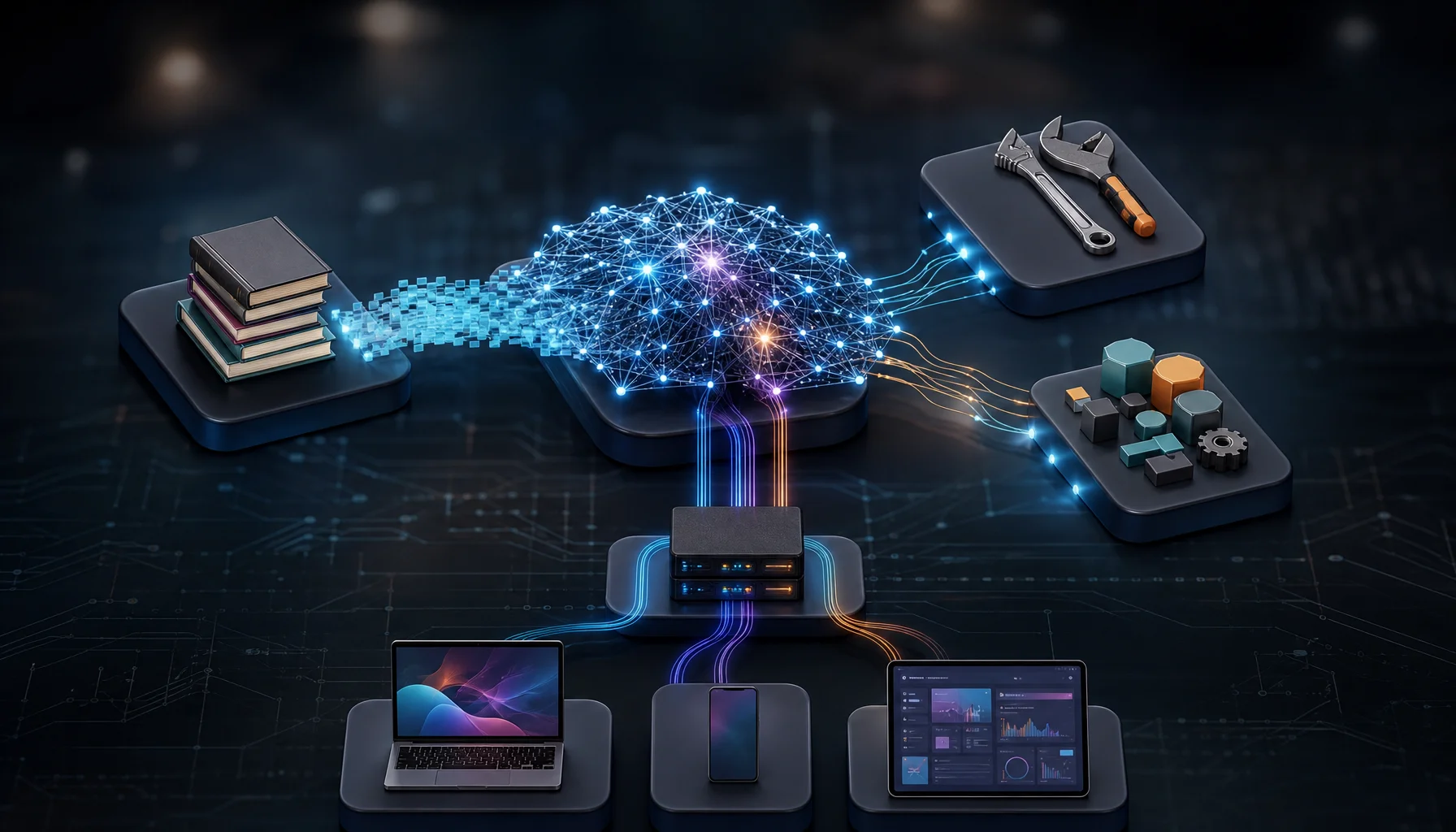
Generative AI Explained: Models, Retrieval, Tools and Applications Are Not the Same Thing
Generative AI is more than a model. Learn how models, retrieval, tools, context, runtimes and applications fit together in production AI systems.

Computer-Use Agents: Why a Successful Demo Can Still Be an Unreliable System
Computer-use agents can now complete impressive browser and desktop workflows, but one successful run proves capability—not reliability. This article shows how to test repeatability, environmental robustness, long-horizon control, state awareness, outcome verification, and safe goal handling.