
How to Scan and Clean Your Cloud Linux Server from Malware

How to Scan and Clean Your Cloud Linux Server from Malware
Learn how to uncover potential malware and security risks on your cloud Linux server using essential scanning tools.
Why Malware Detection is Crucial for Your Cloud Server
Some unexpected behavior on a cloud Linux server could be a result of a malware infection, while other malicious software might not alert to its presence. Scanning your system for different types of unwanted programs can help identify potential issues, or at least give you peace of mind knowing that your server is clean.
There are multiple options for ensuring your cloud server is free from malware. In this guide, we will discuss a couple of essential scanning software tools you can utilize to check your system.
ClamAV: A Popular Antivirus Solution for Linux
ClamAV is a well-known open-source antivirus engine available on most Linux distributions.
To install ClamAV on your system, run:
sudo apt-get install clamav clamav-daemonUpdate the virus database:
sudo systemctl stop clamav-freshclam
sudo freshclam
Start and enable the services:
sudo systemctl start clamav-freshclam
sudo systemctl enable clamav-freshclam
Run a test scan:
sudo clamscan -r /homeHow to Test ClamAV
Download the harmless EICAR test file:
wget -P ~/ http://www.eicar.org/download/eicar.comScan again to verify detection:
sudo clamscan -r /homeRemove detected files:
sudo clamscan --infected --remove --recursive /homeFull system scan:
sudo clamscan --infected --recursive --exclude-dir="^/sys" /Conclusion
Regular malware scanning with tools like ClamAV helps keep your cloud Linux server secure and reliable.
Related Articles

Why Does AI Retrieve Some Sources and Ignore Others? — The Retrieval Authority Layer
Finding a relevant document is not enough. AI systems also need to distinguish sources that are current, authoritative, applicable and traceable from sources that merely look similar. The Retrieval Authority Layer defines that source-selection boundary.

Enterprise Start Here: Your Gateway to Operational Excellence
New to our enterprise platform? This guide provides a structured onboarding path, from foundational reference models to actionable playbooks, runbooks, and assessments designed for seamless implementation.

Comprehensive Metrics Guide for Delivery and Change Management
This guide provides a detailed overview of essential metrics for enterprise delivery and change management, helping teams measure performance, optimize processes, and drive continuous improvement. Discover key indicators, calculation methods, and best practices to align your metrics with business outcomes.

Google I/O 2026: Agentic Products Across Search, Workspace, and Shopping
Google I/O 2026 showed that agentic AI is moving beyond model demos and developer tools into everyday product surfaces. This article breaks down how Search, Workspace, Gemini Spark, and Universal Cart point toward a new product model where Google agents help users research, work, shop, and act across connected services.
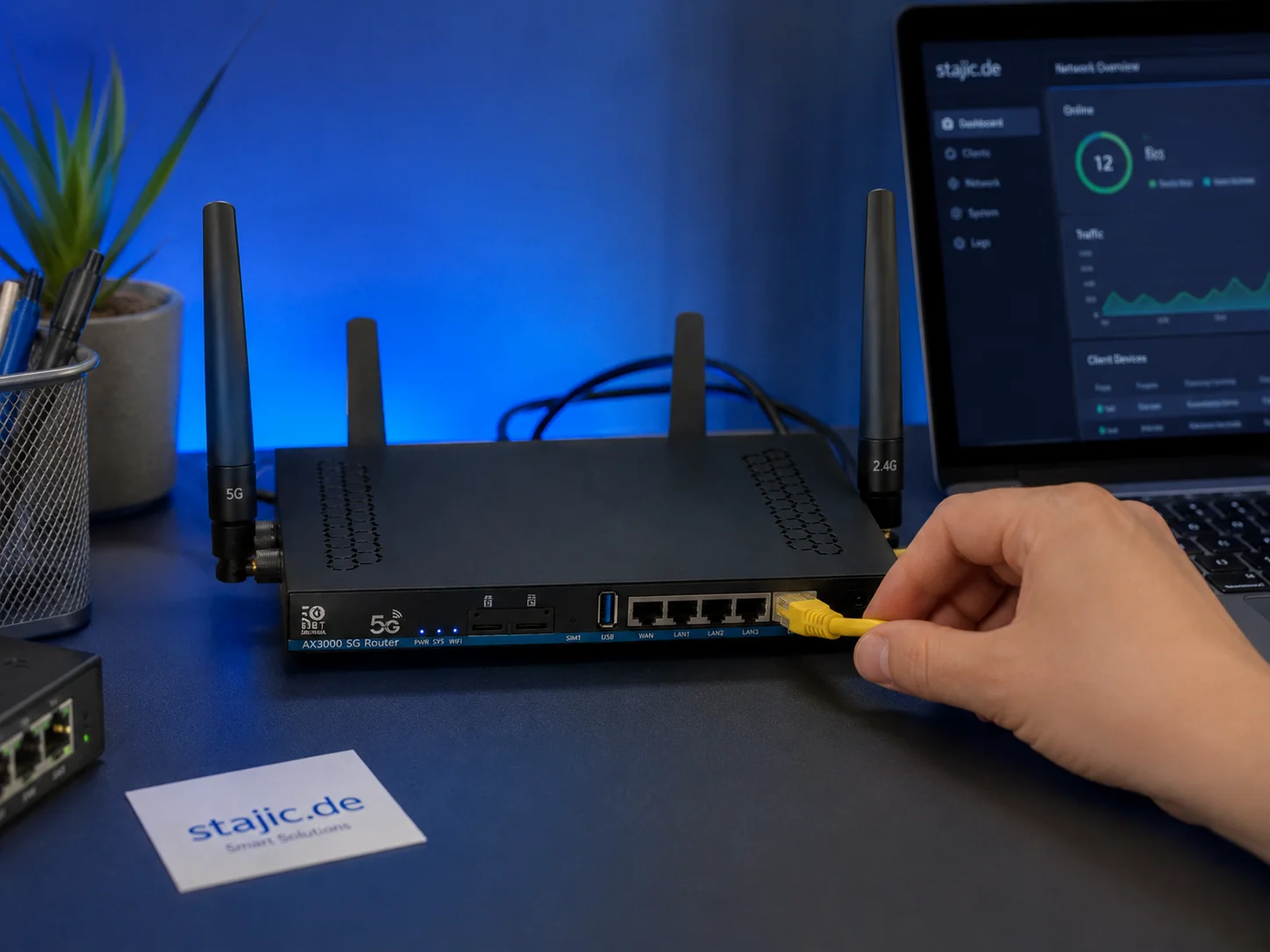
ZBT Z8102AX OpenWrt 21.02 Firmware Review: Stable Enough, but Is It Future-Proof?
The ZBT Z8102AX runs a vendor-modified OpenWrt 21.02 build with kernel 5.4.246. In practical testing, the firmware worked successfully and kept the router stable for several days, but the old base raises important questions about security, modem control, upgrade paths and long-term maintainability.

RAG Failed — But Which Layer Actually Failed? A Diagnostic Method
When a RAG answer is wrong, blaming retrieval or the model is too vague. This diagnostic method isolates source coverage, query construction, retrieval, ranking, context assembly, generation, evidence attribution, and freshness—so the actual failure can be reproduced and fixed.

Vector Databases, Embeddings and Reranking: Three Different Parts of Retrieval
Embeddings represent meaning, vector databases retrieve candidates, and rerankers refine results. Learn how these three retrieval layers differ and work together in RAG.

What Is an AI Platform Architect? Models, Data, Runtime, Security and Operations
An AI Platform Architect designs reusable AI foundations across models, providers, retrieval, agents, identity, security, evaluation, observability and operations.

Comprehensive Guide to Test Dev Enterprise Stajic.de: Architecture and Best Practices
Explore the architectural principles, benefits, and technical details of managing an enterprise-grade development and testing environment with Test DEv Enterprise Stajic.de.

Source of Truth in AI Systems: Where Reliable Knowledge Actually Comes From
A Source of Truth defines which source is authoritative for a specific fact or state. Learn how it differs from RAG, provenance, memory, context, vector databases and systems of record.

Comprehensive Guide to Rollback Triggers in Enterprise AI Runbooks
This guide explores Rollback Triggers, essential mechanisms in enterprise AI runbooks that automatically detect anomalies and initiate rollbacks to maintain system stability. Learn how to configure, monitor, and optimize these triggers for robust AI deployments.

Enterprise AI Architecture: What Changes When AI Enters a Company
Enterprise AI architecture explains how AI changes company systems across data authority, identity, permissions, providers, risk, governance, evaluation, compliance and operations.