
Understanding and Resolving npm ERESOLVE Dependency Conflicts
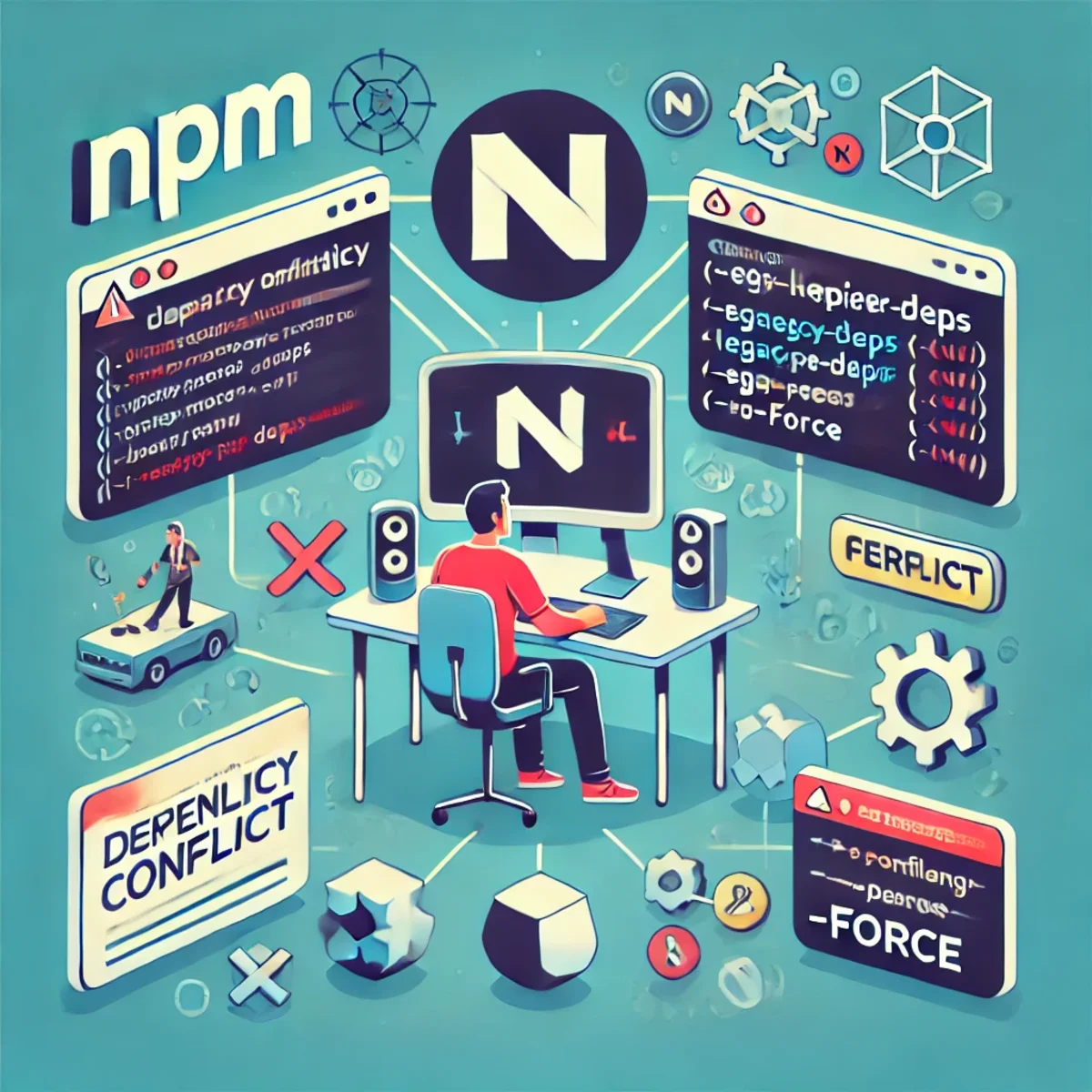
Understanding and Resolving npm ERESOLVE Dependency Conflicts
An npm ERESOLVE error means npm couldn't build a dependency tree that satisfies all version rules — most often because of peer dependencies. Since npm 7, peer dependencies are handled strictly during install, so conflicts that previously installed “anyway” now fail fast.
That strictness reduces runtime surprises, but it can block installs when one package expects older versions than your project.
Quick Triage: Find the Actual Conflict
Before you force anything, identify who requires what. These commands usually pinpoint the culprit in under a minute.
npm -v
node -v

# show dependency chain
npm ls @tensorflow/tfjs
npm ls react

# show peer dependency requirements
npm view @tensorflow-models/handpose peerDependencies

# explain why a version was chosen
npm explain @tensorflow/tfjs
Why Peer Dependency Conflicts Happen
Peer dependencies are compatibility contracts. A library says: “I don't ship React / TFJS myself — you must provide a compatible version.” Conflicts happen when two packages demand incompatible version ranges.
- Package A requires
@tensorflow/tfjs^3, but your project installs@tensorflow/tfjs@4. - A plugin requires
react@^17, while your app is onreact@18. - You mixed majors in a package family (e.g. tfjs core v4, backends still v3).
How to Fix npm ERESOLVE (Safest → Most Aggressive)
1) Align Versions (Best Long-Term Fix)
Keep one compatible major across the entire dependency family. This is the fix that survives CI, deployments, and future upgrades.
// package.json (example: align tfjs family on v3)
{
  "dependencies": {
    "@tensorflow/tfjs": "^3.21.0",
    "@tensorflow/tfjs-backend-webgl": "^3.21.0",
    "@tensorflow/tfjs-backend-cpu": "^3.21.0",
    "@tensorflow-models/handpose": "^0.0.7"
  }
}
rm -rf node_modules package-lock.json
npm install2) Use npm "overrides" (Controlled Forcing, npm 8+)
Use overrides when a transitive dependency pulls the wrong version. This is safer than --force, but you must test runtime behavior.
// package.json
{
"overrides": {
"@tensorflow/tfjs": "^4.0.0",
"@tensorflow/tfjs-backend-webgl": "^4.0.0",
"@tensorflow/tfjs-backend-cpu": "^4.0.0"
}
}rm -rf node_modules package-lock.json
npm install3) --legacy-peer-deps (Fast Unblock, Less Safety)
Bypasses strict peer resolution and installs anyway. Good for quick experiments — risky as a default in production.
npm install --legacy-peer-deps4) --force (Last Resort)
Forces an install even when npm knows the tree is inconsistent. Use only if you accept potential runtime breaks.
npm install --force5) Clean Install Checklist (Fixes Weird Lockfile States)
rm -rf node_modules package-lock.json
npm cache verify
npm installnpm vs pnpm vs Yarn: Practical Differences
All three can hit peer conflicts, but they differ in speed, node_modules strategy, and how quickly they expose "hidden" dependency mistakes.
npm (v7+): strict by default
- Pros: catches incompatible peer combos early; predictable CI.
- Cons: blocks installs more often; people reach for flags.
- Best for: teams that want strict correctness over convenience.
pnpm: fast, disk-efficient, stricter dependency access
pnpm uses a global content-addressable store and links packages. Installs are typically faster and use less disk. Its stricter layout can reveal missing direct dependencies earlier.
corepack enable
corepack prepare pnpm@latest --activate
pnpm installYarn: strong workspaces tooling, flexible resolutions
Yarn is popular in monorepos. Depending on Yarn version/config it can feel more forgiving, but the big win is workspaces and its ability to pin versions via resolutions.
corepack enable
corepack prepare yarn@stable --activate
yarn install
# package.json (Yarn) -> "resolutions": { "react": "18.2.0" }Conclusion
For production: prefer aligning versions or controlled overrides. Use --legacy-peer-deps to unblock quickly, and reserve --force for last resort. If installs are slow or the repo is large, pnpm is often a strong upgrade. If workspaces and strict pinning matter, Yarn is a good fit.
Copy/Paste Snippets
# safest: align versions
rm -rf node_modules package-lock.json
npm install
# controlled: overrides
# package.json -> "overrides": { "pkg": "version" }
# quick unblock
npm install --legacy-peer-deps
# last resort
npm install --forceRelated Articles
PostgreSQL 14 Ubuntu Server 23.04
PostgreSQL 14 Ubuntu Server 23.04
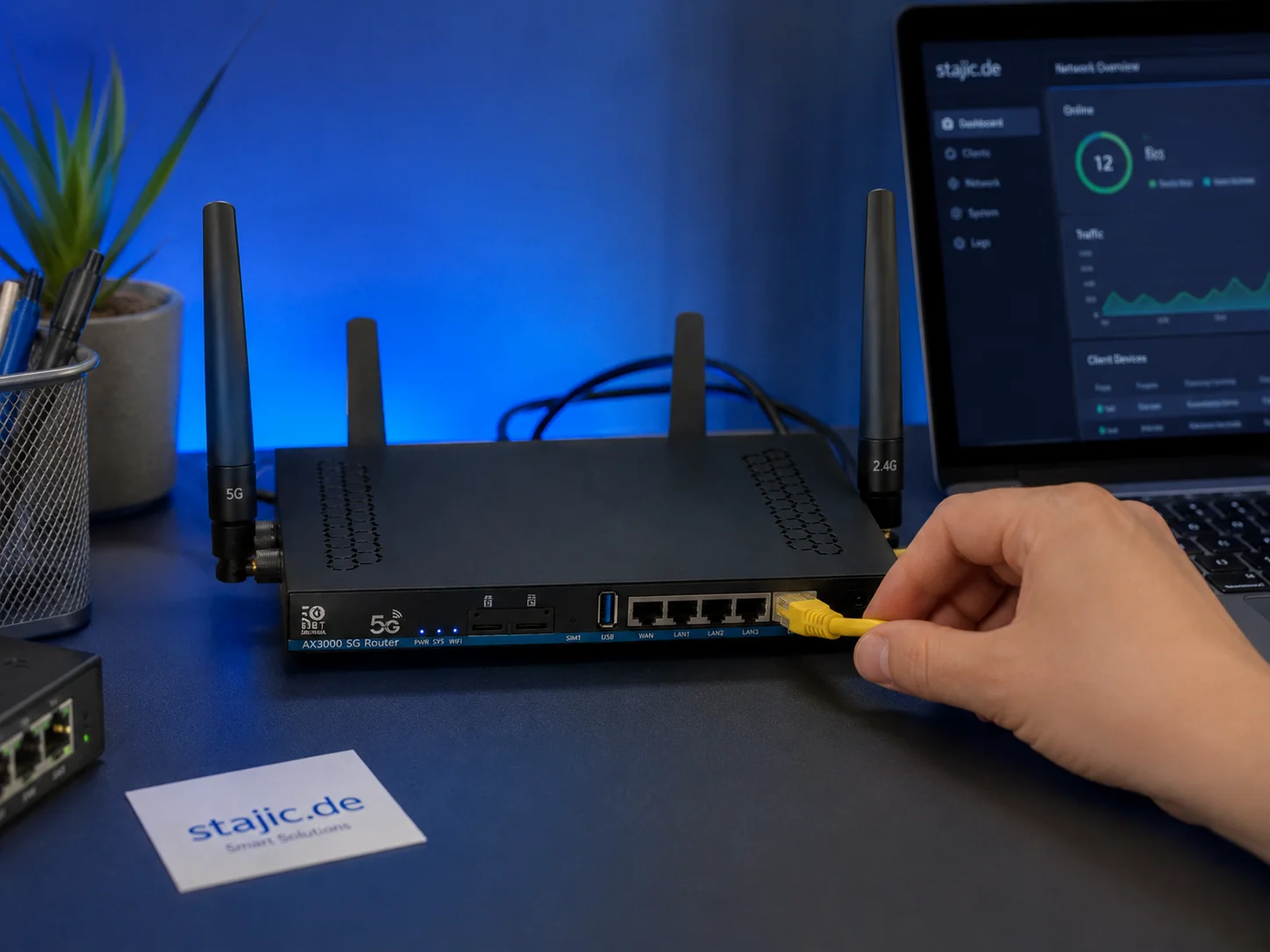
Test du firmware OpenWrt 21.02 du ZBT Z8102AX : assez stable, mais est-il paré pour l'avenir ?
Le ZBT Z8102AX fonctionne sous une version d'OpenWrt 21.02 modifiée par le fabricant avec le noyau 5.4.246. Lors des tests pratiques, le firmware a fonctionné avec succès et a maintenu le routeur stable pendant plusieurs jours, mais cette ancienne base soulève d'importantes questions sur la sécurité, le contrôle du modem, les chemins de mise à niveau et la maintenabilité à long terme.

Welcome to NuxtWP Multilang Theme
Introduction to the NuxtWP Multilang Theme - a modern multilingual CMS built with Nuxt 4.
entdecke-die-bahnbrechenden-moeglichkeiten-von-gpt-4

Guide complet des métriques pour la livraison et la gestion du changement
Ce guide fournit un aperçu détaillé des métriques essentielles pour la livraison et la gestion du changement en entreprise, aidant les équipes à mesurer la performance, optimiser les processus et favoriser l'amélioration continue. Découvrez les indicateurs clés, les méthodes de calcul et les meilleures pratiques pour aligner vos métriques sur les résultats commerciaux.

Développement front-end et back-end
Le développement front-end et back-end est une partie essentielle du développement web et implique la création d'applications web et de sites web. Le développement front-end se concentre sur l'interface utilisateur, tandis que le développement back-end est responsable de la programmation et de la gestion côté serveur.
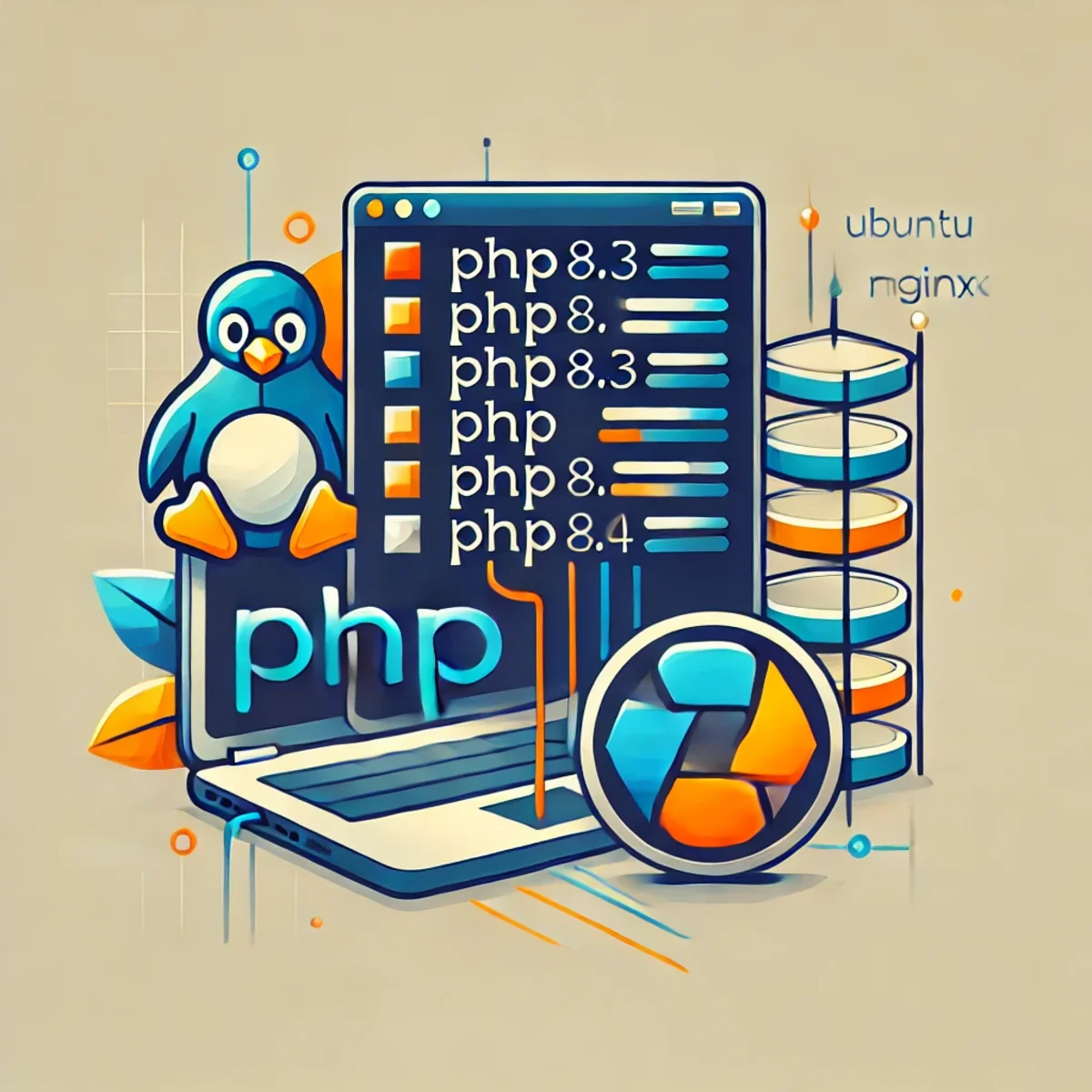
Comment installer PHP 8.3 sur Ubuntu 22.04
Guide à jour sur l'installation de PHP 8.3 sur Ubuntu 22.04, incluant l'intégration d'Apache et Nginx (PHP-FPM), les extensions, et l'exécution de plusieurs versions de PHP côte à côte.

Google I/O 2026 : Produits agentiels dans la Recherche, Workspace et Shopping
Google I/O 2026 a montré que l'IA agentielle va au-delà des démonstrations de modèles et des outils de développement pour s'intégrer dans les interfaces des produits du quotidien. Cet article explique comment Search, Workspace, Gemini Spark et Universal Cart pointent vers un nouveau modèle de produit où les agents Google aident les utilisateurs à effectuer des recherches, travailler, faire des achats et agir à travers des services connectés.

Fiabilité des agents IA : pourquoi la réponse finale ne suffit pas
Une sortie correcte ne prouve pas un raisonnement correct, une exécution sûre ou un système digne de confiance.

Guide ultime des critères d'acceptation pour l'adoption des LLM dans les playbooks d'entreprise
Maîtrisez l'art de définir des critères d'acceptation précis pour garantir une intégration réussie des LLM dans votre environnement d'entreprise. Ce guide complet fournit des cadres d'action, des exemples et des bonnes pratiques adaptés à une adoption pilotée par des playbooks.

Qwen 3.6 en production : Runbook de déploiement, Rollback IA et Versionnage LLMOps
Qwen 3.6 n'est pas seulement une autre mise à jour de modèle. C'est à la fois un événement de déploiement, un scénario de rollback et un problème de versionnage. Cet article explique comment Qwen 3.6 doit être géré en production à travers la discipline LLMOps, la traçabilité des prompts et des modèles, le déploiement contrôlé et une préparation au rollback basée sur des preuves.

Invariance du prompt : la conclusion survit-elle au prompt ?
Une méthodologie pratique pour tester si la conclusion d'une IA dépend de la manière dont un problème a été formulé. Prompt Invariance compare des formulations originales, en aveugle, inversées et contradictoires, tout en maintenant la structure des preuves sous contrôle.