
Using Cygwin’s bash Babun terminal in a JetBrains IDE
Babun
pwd?
Hold on… you might notice you’re in the wrong directory now. The terminal opened in C:\Users\YOUR-USERNAME\ instead of opening at the root of the current project like it typically would with the default shell. This would drive me mad, especially when switching projects or opening more terminal tabs. To fix this, open up C:\Users\YOUR-USERNAME\.babun\cygwin\etc\bash.bashrcfor Babun, C:\cygwin\etc\bash.bashrc (or similar) for Cygwin, and add a new line to the end; cd $OLDPWD. Now, you're brought to the current project's room every time you open the terminal or another terminal tab.
Related Articles
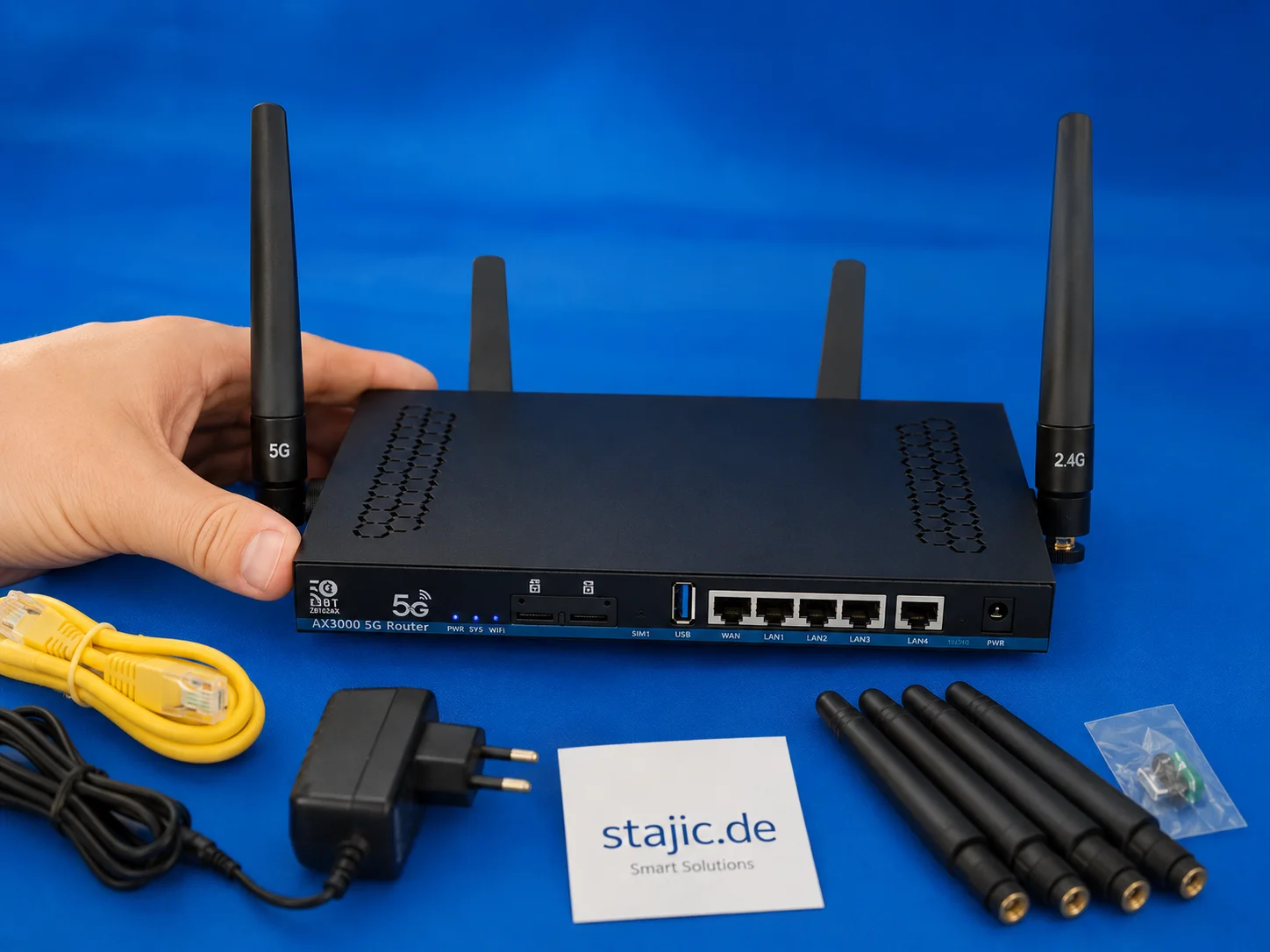
Test du routeur 5G OpenWrt ZBT Z8102AX : Double SIM, RM500U-EA et une évaluation honnête
Le ZBT Z8102AX est un routeur 5G atypique avec une base OpenWrt, un concept double SIM et un modem Quectel RM500U-EA. Lors des tests, il montre des points forts évidents en matière de flexibilité, d'interfaces et de connectivité mobile, mais aussi les faiblesses typiques d'une version d'OpenWrt modifiée par le fabricant.

Architecture multi-bases de données avec Prisma 7 : Un Deep Dive pour experts
La gestion de paysages de données complexes nécessite des architectures modernes. Prisma 7 offre des fonctionnalités avancées pour l'intégration multi-bases de données et adresse les défis de la persistance polyglotte.
PostgreSQL 14 Ubuntu Server 23.04
PostgreSQL 14 Ubuntu Server 23.04

Laravel 12 CMS personnalisé avec Filament 3 : Le workflow des experts
Une analyse détaillée des synergies entre Laravel 12 et Filament 3 pour la création de systèmes de gestion de contenu sur mesure. Des experts analysent le flux de travail innovant, les avantages, les inconvénients et le défi du flux de travail Jetstream.
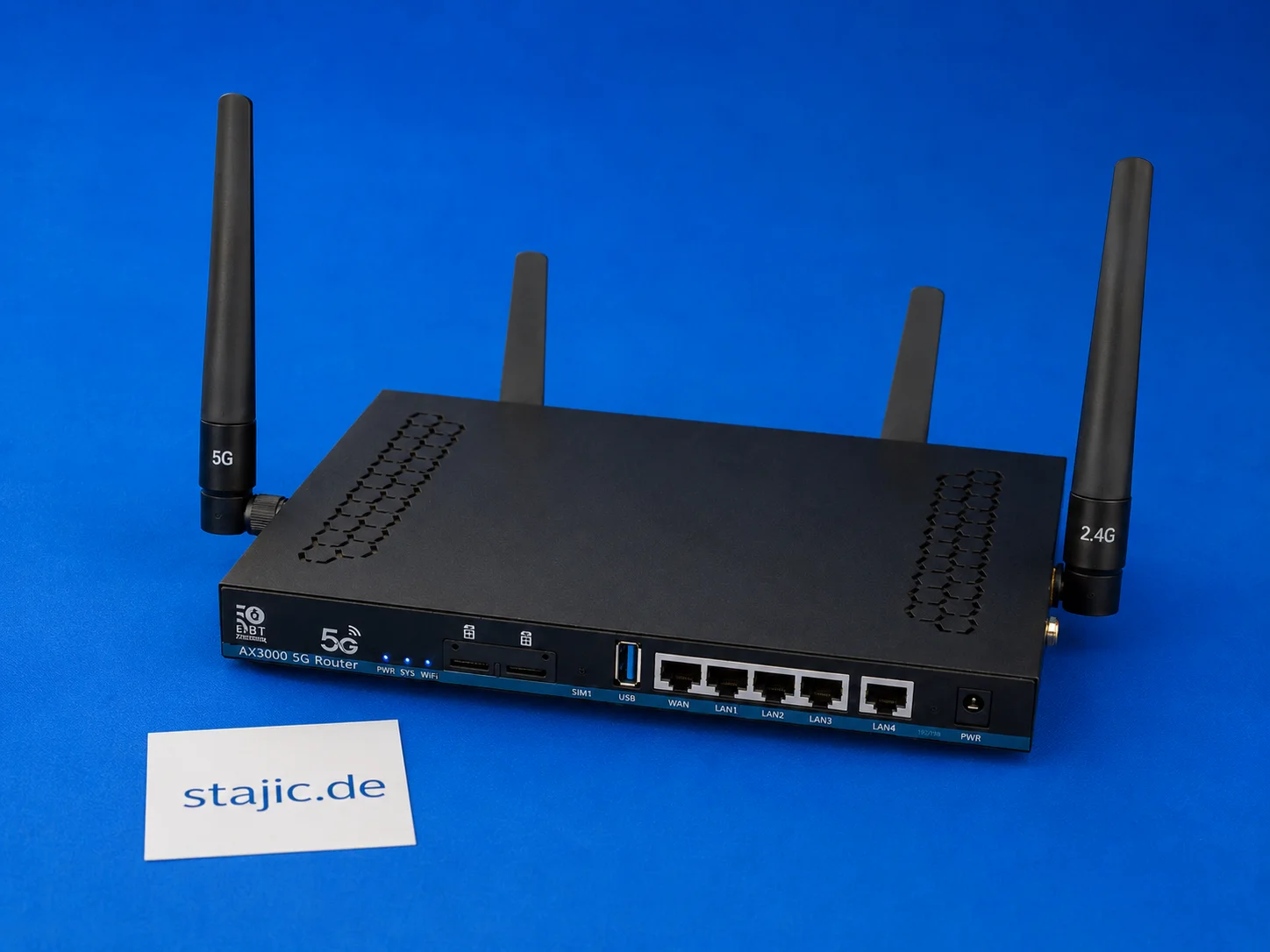
Basculement double SIM du ZBT Z8102AX : ce qui fonctionne, ce qui manque et ce qui nécessite un meilleur firmware
Le ZBT Z8102AX est un routeur OpenWrt 5G double SIM, mais le matériel double SIM à lui seul n'est pas la même chose qu'un basculement intelligent. Le routeur reconnaît la carte SIM et se connecte avec succès, mais la commutation automatique, la récupération du modem, les décisions basées sur le signal et une logique de basculement propre nécessitent encore des tests plus approfondis.
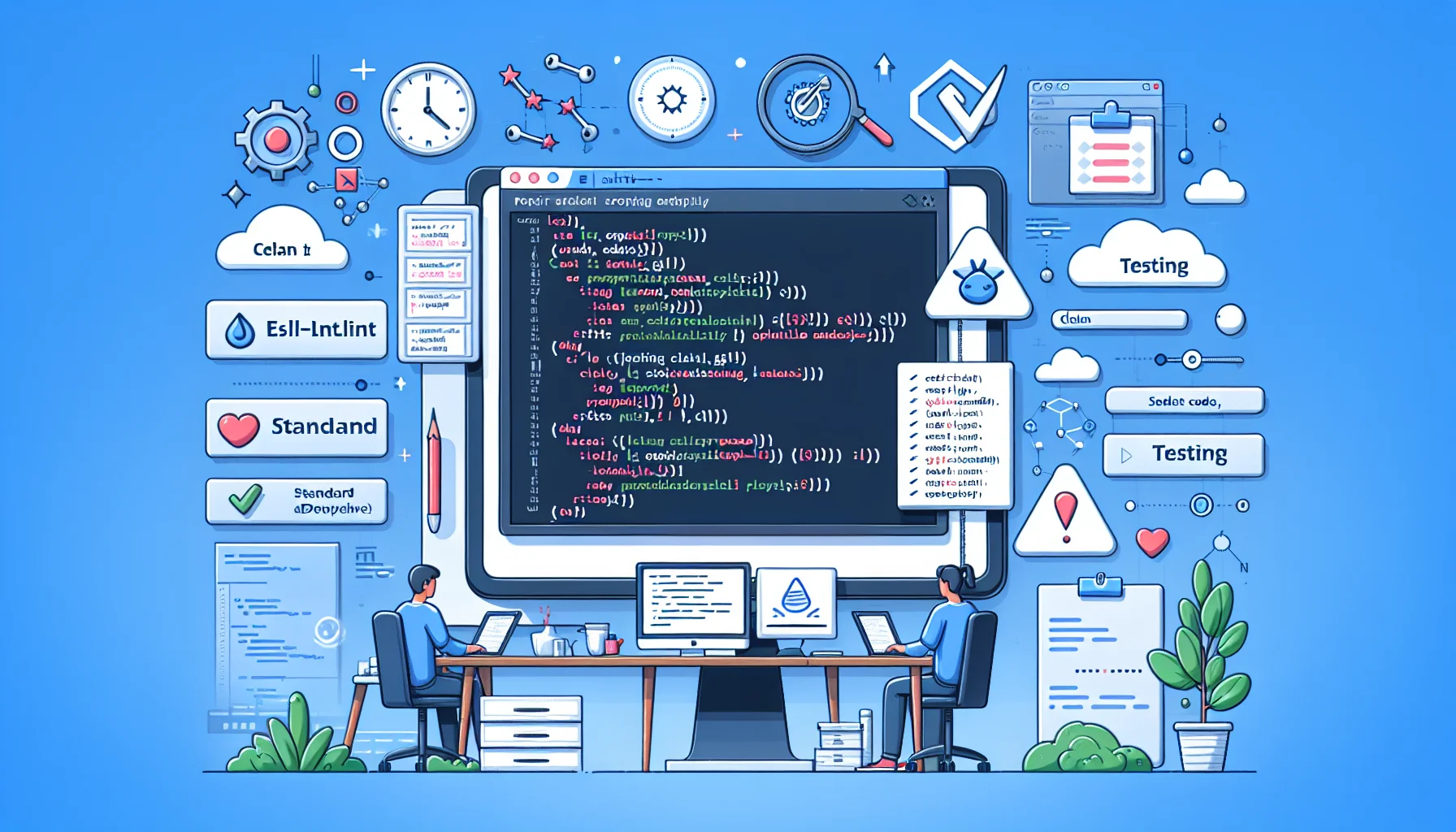
Optimisation de la qualité du code : Tests avec ESLint et Prettier
Dans le développement logiciel moderne, le maintien d'une qualité et d'un style de code cohérents est primordial. ESLint et Prettier offrent une combinaison puissante pour automatiser ces aspects cruciaux, garantissant que les bases de code sont propres, lisibles et respectent les normes définies. Cet article explore comment ces outils s'intègrent de manière transparente dans les flux de travail de test, améliorant la productivité des développeurs et la maintenabilité des projets.
installation-apache-solr-7-6-0-auf-ubuntu-18-04-lts-und-18-10

Guide complet des déclencheurs de rollback dans les runbooks IA d'entreprise
Ce guide explore les déclencheurs de rollback, mécanismes essentiels dans les runbooks d'IA d'entreprise qui détectent automatiquement les anomalies et initient des rollbacks pour maintenir la stabilité du système. Apprenez à configurer, surveiller et optimiser ces déclencheurs pour des déploiements d'IA robustes.
mozilla-thunderbird-68-x-kann-oauth2-fuer-provider-for-google-calendar-nicht-speichern

Tendances Linux émergentes en 2026 : façonner l'avenir de l'infrastructure serveur
Explorez les principales tendances Linux de 2026, de la domination de Kubernetes et des distributions immuables à l'intégration de l'IA et à la sécurité eBPF.
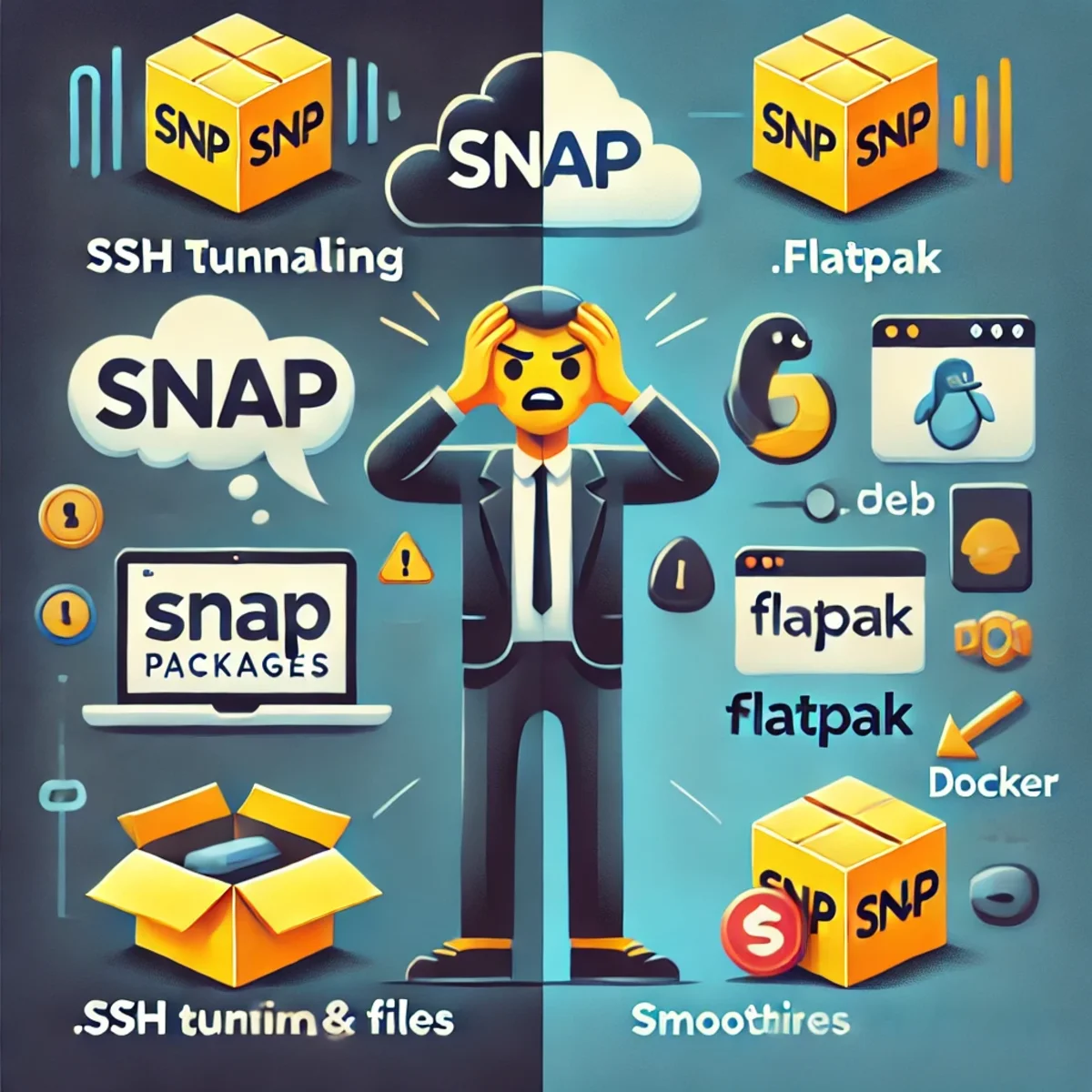
Paquets Snap : Pourquoi ils ne sont pas à la hauteur pour les outils avancés comme DBeaver
Les paquets Snap introduisent un bac à sable restrictif qui perturbe les flux de travail avancés. Cet article explique pourquoi DBeaver rencontre des difficultés avec le tunneling SSH sous Snap et pourquoi les paquets Flatpak ou natifs sont de meilleures alternatives.

Développement front-end et back-end
Le développement front-end et back-end est une partie essentielle du développement web et implique la création d'applications web et de sites web. Le développement front-end se concentre sur l'interface utilisateur, tandis que le développement back-end est responsable de la programmation et de la gestion côté serveur.