
force install package in virtualenv
Activating virtual environment:
- source venv/bin/activate on Unix/Linux-based systems
- venv\Scripts\activate on Windows
Forcing reinstall of the packages:
- Upgrade can be done by adding: --upgrade or -U
- Forcing reinstall of the packages can be done by adding: --force-reinstall
In your case (once the environment is activated):
python -m pip install -U --force-reinstall pack setuptools Django- Deactivate and delete the old virtual environment
- Create new environment using python -m virtualenv venv for python 2 or python -m venv venv for python 3.x. That's the only point where you might want to use for example python3 or some absolute path instead. Later use the code as is.
- Activating the virtual environment source venv/bin/activate
- python -m pip install -U pip If you have issue with ImportError: No module named _internal than probably you are using an old version of pip. Do this: python -m pip install --upgrade pip
- python -m pip install -U --force-reinstall -r requirements.txt-U --force-reinstall is a bit of an overkill in case of fresh environment, but it will do no harm
- Go to the place where your manage.py is located and start the server using python manage.py runserver
Related Articles

Eine Praktische Monorepo-Architektur mit Next.js, Fastify, Prisma und NGINX
Erkunden Sie eine praktische Monorepo-Architektur mit Next.js, Fastify, Prisma und NGINX, die reale Integration und den Workflow hervorhebt.

Qwen 3.6 in der Produktion: Release-Runbook, KI-Rollback und LLMOps-Versionierung
Qwen 3.6 ist nicht nur ein weiteres Modell-Upgrade. Es ist gleichzeitig ein Release-Ereignis, ein Rollback-Szenario und ein Versionierungsproblem. Dieser Artikel erklärt, wie Qwen 3.6 in der Produktion durch LLMOps-Disziplin, Prompt- und Modell-Rückverfolgbarkeit, kontrollierten Rollout und evidenzbasierte Rollback-Bereitschaft gehandhabt werden sollte.

Die GPU ist nicht das Produkt: Zukunftssichere private KI-Architektur
Private KI-Infrastruktur sollte nicht um eine einzige GPU oder ein einziges Modell herum konzipiert werden. Ein resilienterer Ansatz kombiniert schnelle Inferenz-GPUs, speicherstarke KI-Systeme, physische KI-Knoten und optionale Frontier-Cloud-Modelle hinter einer fähigkeitsbewussten Routing-Schicht.

Snap-Pakete: Warum sie für anspruchsvolle Tools wie DBeaver zu kurz greifen
Snap-Pakete führen ein restriktives Sandboxing ein, das fortgeschrittene Workflows unterbricht. Dieser Artikel erklärt, warum DBeaver mit SSH-Tunneling unter Snap zu kämpfen hat und warum Flatpak oder native Pakete bessere Alternativen sind.
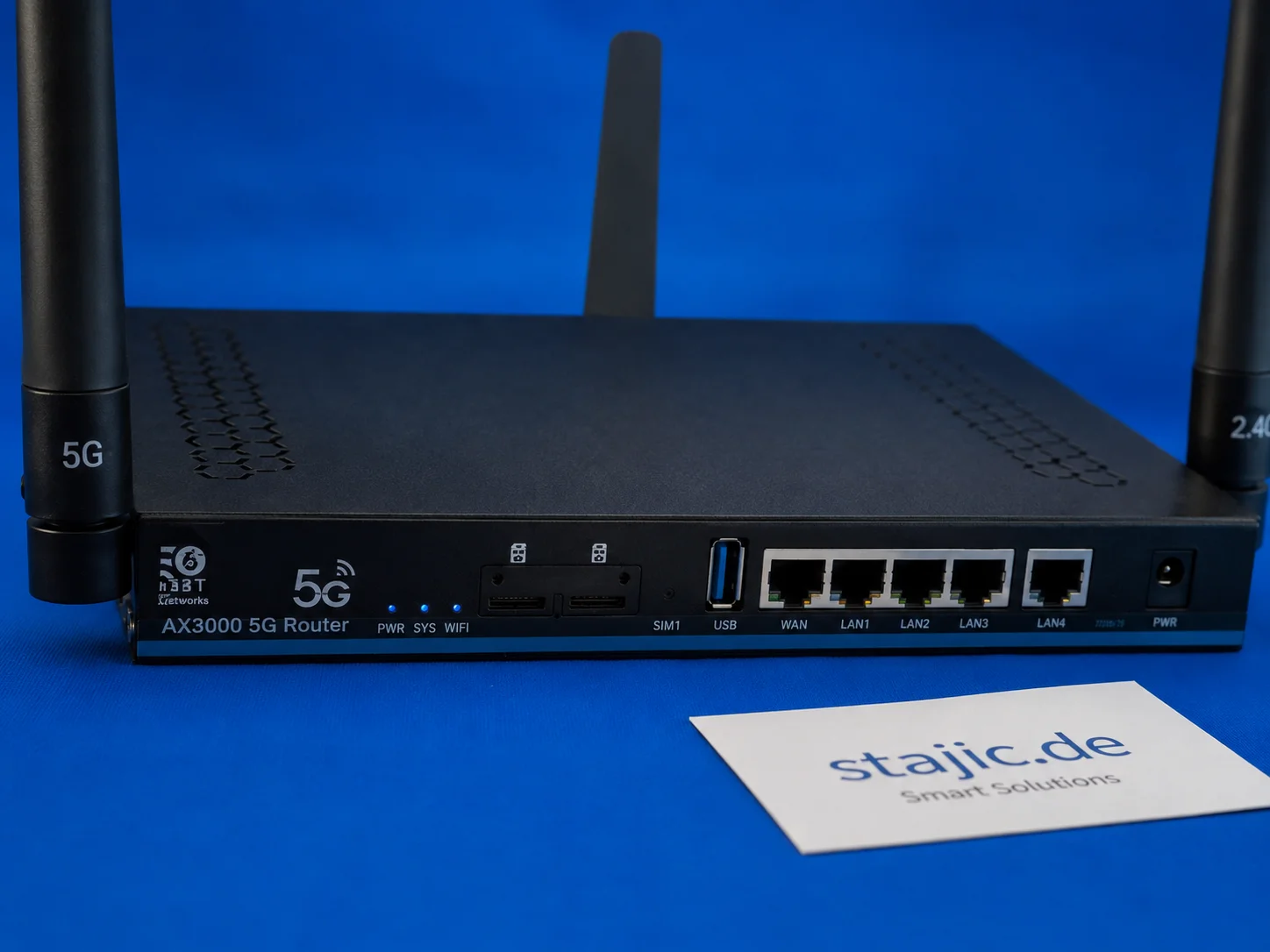
Quectel RM500U-EA im ZBT Z8102AX: 5G-Bänder, o2 Germany und Signalverhalten in der Praxis
Der ZBT Z8102AX verwendet ein Quectel RM500U-EA-Modem für die 4G- und 5G-Konnektivität. Im ersten Praxistest verband sich der Router erfolgreich mit o2 Germany mit LTE-Band 3 und NR n28. Das Modem funktioniert, aber tiefergehende Diagnosen wie RSRP, RSRQ, SINR, Band-Locking und Zellverhalten müssen noch richtig getestet werden.

Enterprise – Hier starten: Ihr Tor zu Operational Excellence
Neu auf unserer Enterprise-Plattform? Dieser Leitfaden bietet einen strukturierten Onboarding-Pfad, von grundlegenden Referenzmodellen bis hin zu umsetzbaren Playbooks, Runbooks und Assessments, die für eine nahtlose Implementierung konzipiert sind.

Zuverlässigkeit von KI-Agenten: Warum die endgültige Antwort nicht ausreicht
Korrekte Ausgabe beweist weder korrektes Denken, sichere Ausführung noch ein vertrauenswürdiges System.

Aufkommende Linux-Trends 2026: Die Zukunft der Serverinfrastruktur gestalten
Entdecken Sie die wichtigsten Linux-Trends von 2026, von der Kubernetes-Dominanz und unveränderlichen Distributionen bis hin zur KI-Integration und eBPF-Sicherheit.

Boosting Productivity with ERP Systems: A Case Study on Relational Databases

Laravel 12 Custom CMS mit Filament 3: Der Experten-Workflow
Eine detaillierte Betrachtung der Synergien zwischen Laravel 12 und Filament 3 für die Erstellung maßgeschneiderter Content-Management-Systeme. Experten analysieren den innovativen Workflow, Vorteile, Nachteile und die Herausforderung des Jetstream-Workflows.
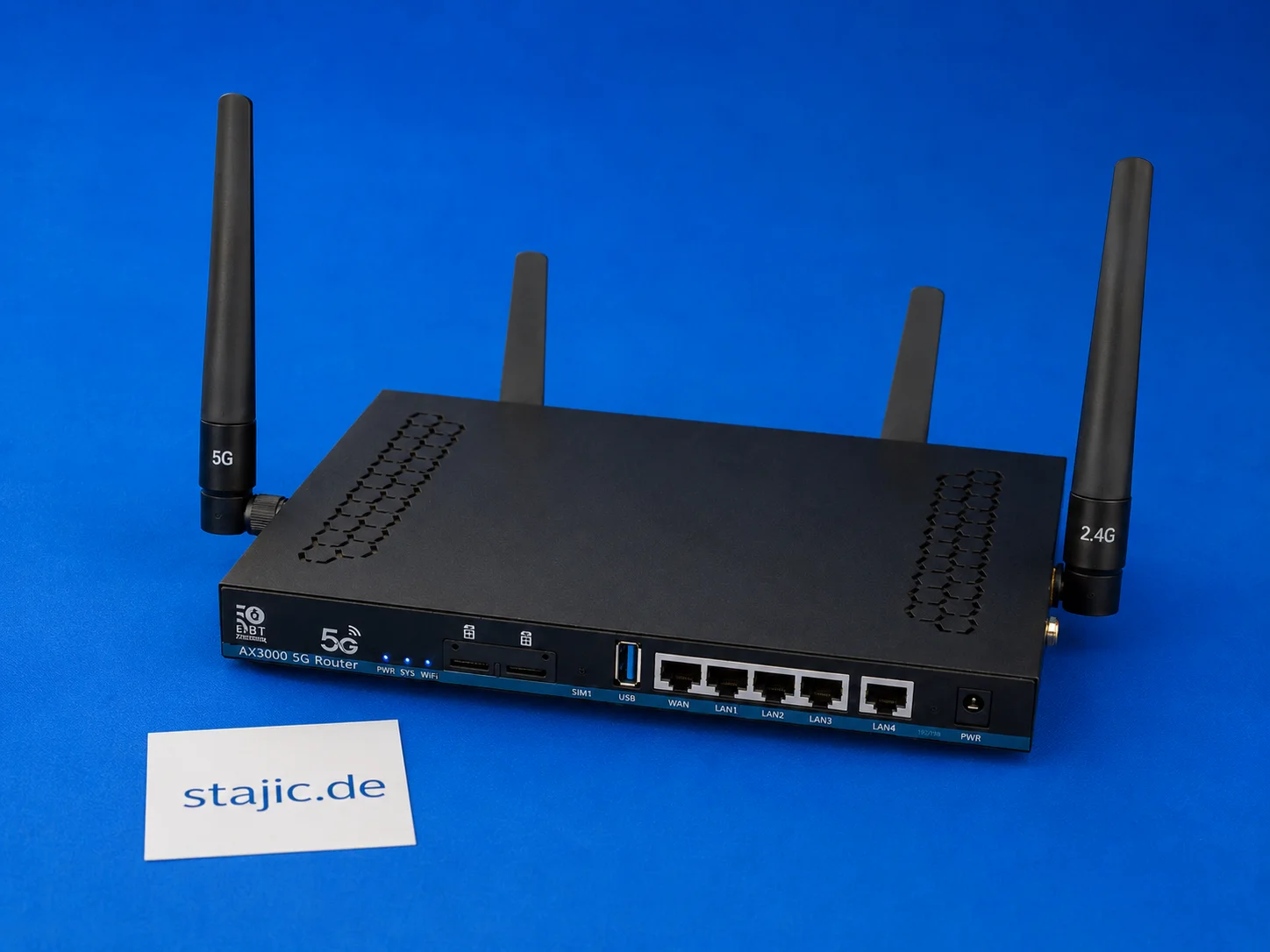
ZBT Z8102AX Dual-SIM-Failover: Was funktioniert, was fehlt und was eine bessere Firmware benötigt
Der ZBT Z8102AX ist ein Dual-SIM-5G-OpenWrt-Router, aber Dual-SIM-Hardware allein ist nicht dasselbe wie ein intelligentes Failover. Der Router erkennt die SIM und verbindet sich erfolgreich, aber die automatische Umschaltung, die Modem-Wiederherstellung, signalbasierte Entscheidungen und eine saubere Failover-Logik erfordern noch eingehendere Tests.

Ultimativer Leitfaden zu Akzeptanzkriterien für die LLM-Einführung in Enterprise-Playbooks
Meistere die Kunst, präzise Akzeptanzkriterien zu definieren, um eine erfolgreiche LLM-Integration in Ihrer Unternehmensumgebung sicherzustellen. Dieser umfassende Leitfaden bietet umsetzbare Frameworks, Beispiele und Best Practices, die auf playbook-gesteuerte Adoption zugeschnitten sind.