
Comprehensive Guide to Rollback Triggers in Enterprise AI Runbooks

Introduction to Rollback Triggers
In enterprise AI runbooks, Rollback Triggers serve as automated safeguards that detect deployment issues and revert to a stable previous version. These triggers are critical for minimizing downtime, protecting user experience, and ensuring compliance in high-stakes AI environments. By defining precise conditions for rollback, teams can respond to failures in seconds rather than hours.
Rollback Triggers integrate seamlessly with CI/CD pipelines, monitoring tools, and AI-specific metrics like model drift or inference latency spikes.
Key Benefits of Rollback Triggers
- Rapid Recovery: Automatically revert changes within seconds of detecting issues.
- Reduced Human Error: Eliminates manual intervention in panic situations.
- Compliance Assurance: Logs all trigger events for audit trails.
- Cost Savings: Prevents prolonged exposure to faulty models that incur high compute costs.
- Scalability: Handles thousands of microservices or model variants effortlessly.
Types of Rollback Triggers
1. Metric-Based Triggers
Monitor quantitative KPIs such as:
- Error rates exceeding 5%.
- Latency increases beyond 200ms p95.
- CPU/memory utilization spikes over 90%.
2. Anomaly Detection Triggers
Leverage AI-driven anomaly detection:
- Sudden drops in model accuracy.
- Unusual traffic patterns indicating A/B test failures.
- Data drift scores surpassing predefined thresholds.
3. Canary and Blue-Green Triggers
Deployment-specific triggers:
- Canary rollout failure, for example <80% healthy instances.
- Blue-green switchback on shadow traffic discrepancies.
4. Manual and External Triggers
- API endpoints for on-demand rollbacks.
- Integration with PagerDuty or Slack for human override.
Configuring Rollback Triggers: Step-by-Step
Step 1: Define Trigger Conditions
In your runbook YAML configuration:
- Set thresholds:
error_rate > 0.05 for 2m. - Specify evaluation windows: rolling 5-minute averages.
- Add hysteresis to prevent flapping:
>5% up, <3% down.
Step 2: Select Rollback Scope
Choose granularity:
- Model-Level: Revert specific AI model versions.
- Service-Level: Rollback entire microservice.
- Cluster-Level: Revert Kubernetes deployments.
Step 3: Integrate Monitoring
Connect to tools like Prometheus, Datadog, or custom AI observability platforms:
- Export metrics via
/metricsendpoint. - Define alerts with
PromQLqueries. - Enable webhook notifications for external systems.
Step 4: Test Triggers
- Dry-Run Mode: Simulate failures without actual rollbacks.
- Chaos Engineering: Inject faults using tools like Gremlin.
- Historical Replay: Test against past incident data.
Step 5: Deploy and Monitor
- Roll out via GitOps, for example ArgoCD or Flux.
- Set up dashboards for trigger history.
- Review false positives weekly.
Best Practices for Effective Rollback Triggers
- Multi-Trigger Logic: Use AND/OR combinations, for example high error AND latency.
- Grace Periods: Allow 30–60s warmup post-deployment.
- Version Pinning: Always rollback to known-good versions, not latest.
- Alert Fatigue Prevention: Group related metrics into composite triggers.
- Post-Rollback Analysis: Auto-generate incident reports.
Common Pitfalls and Solutions
| Pitfall | Solution |
|---|---|
| False Positives | Increase evaluation window and add multiple conditions. |
| Slow Detection | Use sub-minute polling intervals. |
| Incomplete Rollbacks | Verify rollback success with health checks. |
| Overly Aggressive Triggers | Implement staged rollbacks, for example 50% → 100%. |
Advanced Features
- ML-Optimized Triggers: Auto-tune thresholds using reinforcement learning.
- Federated Triggers: Coordinate rollbacks across multi-cloud setups.
- Predictive Triggers: Use time-series forecasting to preempt issues.
Monitoring and Maintenance
Track these KPIs:
- Trigger fire rate, target: <1% deployments.
- Mean time to rollback, target: <30s.
- Success rate of rollbacks, target: 99.9%.
Regularly audit configurations during sprint reviews.
Conclusion
Rollback Triggers transform AI deployments from risky experiments into reliable production systems. By proactively defining and refining these mechanisms, enterprise teams achieve unprecedented stability and velocity. Start with basic metric triggers and evolve toward AI-driven anomaly detection for optimal results.
Related Articles

What Is RAG? The Simplest Explanation of How It Works
RAG sounds complicated, but the idea is simple: before an AI answers, it first looks up useful information from a knowledge source and gives that information to the language model. This guide explains RAG, LLMs, state, memory and tools using one simple mental model.

AI Agent Reliability: Why the Final Answer Is Not Enough
Correct output does not prove correct reasoning, safe execution, or a trustworthy system.

What Should an AI Agent Remember, Forget, Recompute or Retrieve Again?
Long-running agents should not remember everything. This article provides a practical lifecycle model for deciding what belongs in durable memory, what should be retrieved again, what is safer to recompute, and what should expire or be superseded.

OpenAI Agents API vs Agents SDK vs Responses API: What Should You Build On in 2026?
OpenAI’s agent stack changed in September 2026. This architecture guide separates the Agents API, Agents SDK, Responses API, and Codex SDK by runtime ownership—so teams can choose the right control boundary instead of comparing product names.

From Research Protocol to a General AI Reasoning Framework
A methodology developed for rigorous AI-assisted research can be generalized far beyond research itself. By separating evidence from assumptions, testing competing hypotheses, controlling prompt framing, searching for counter-evidence and applying domain-specific validators, the same reasoning architecture can improve debugging, software design, strategy, technical analysis and AI-assisted decision support.
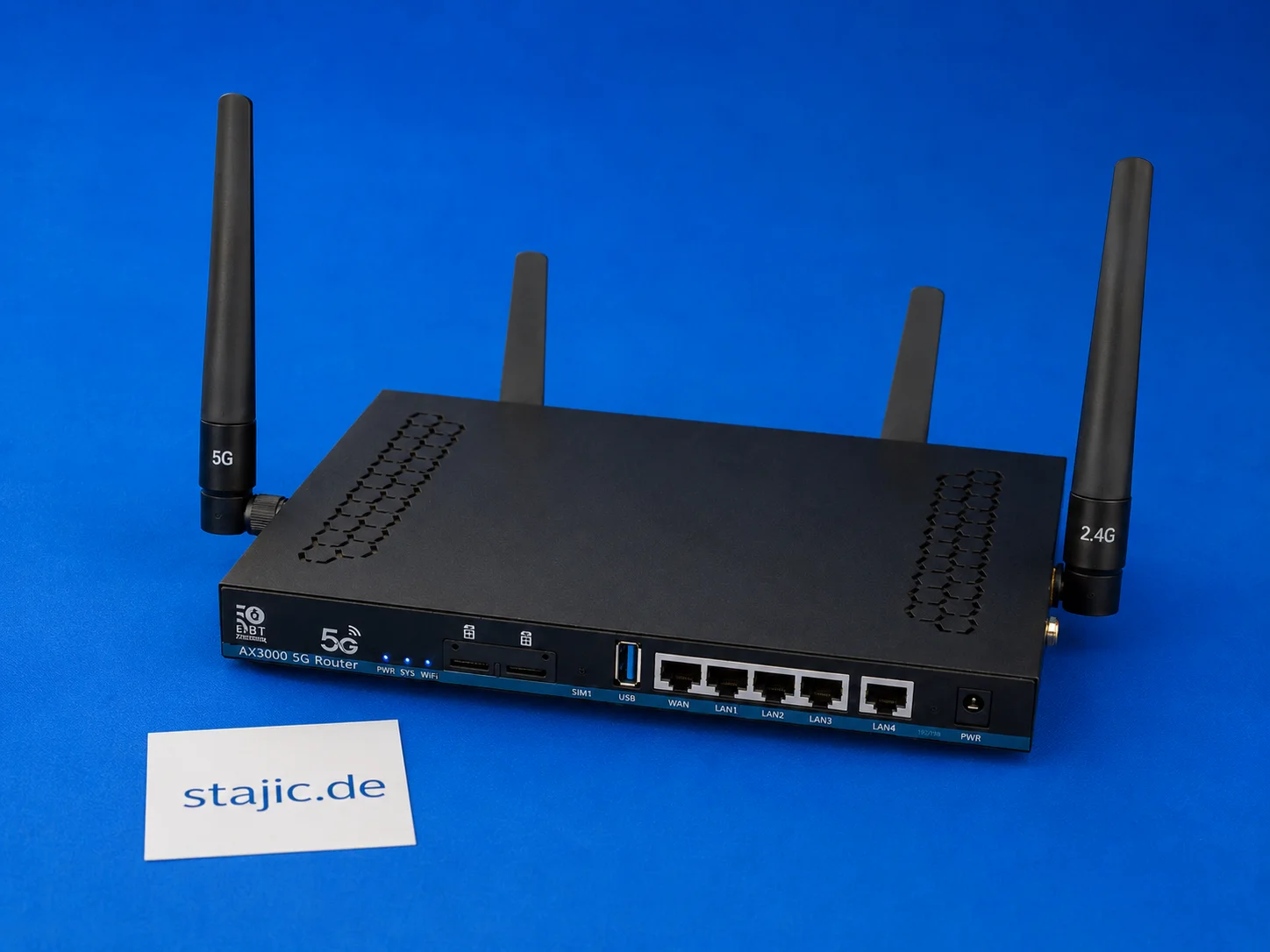
ZBT Z8102AX Dual-SIM Failover: What Works, What Is Missing and What Needs Better Firmware
The ZBT Z8102AX is a dual-SIM 5G OpenWrt router, but dual-SIM hardware alone is not the same as intelligent failover. The router recognizes the SIM and connects successfully, but automatic switching, modem recovery, signal-based decisions and clean failover logic still need deeper testing.

Sovereign AI: Control of Models, Data, Infrastructure and Dependencies
Sovereign AI is about effective control over models, data, infrastructure, software, operations and strategic dependencies — not simply where an AI model is hosted.

What Is an AI Solution Architect? System Boundaries, Responsibilities and Trade-offs
An AI Solution Architect turns business requirements into a production-ready AI system across data, models, tools, security, runtime, evaluation and operations.

Enterprise Start Here: Your Gateway to Operational Excellence
New to our enterprise platform? This guide provides a structured onboarding path, from foundational reference models to actionable playbooks, runbooks, and assessments designed for seamless implementation.

Can Evidence Survive the AI Pipeline? — The Evidence Preservation Chain
Evidence can be correct at the source and still become unreliable after parsing, normalization, chunking, retrieval and context assembly. The Evidence Preservation Chain tracks whether identity, provenance, scope and meaning survive the entire AI pipeline.
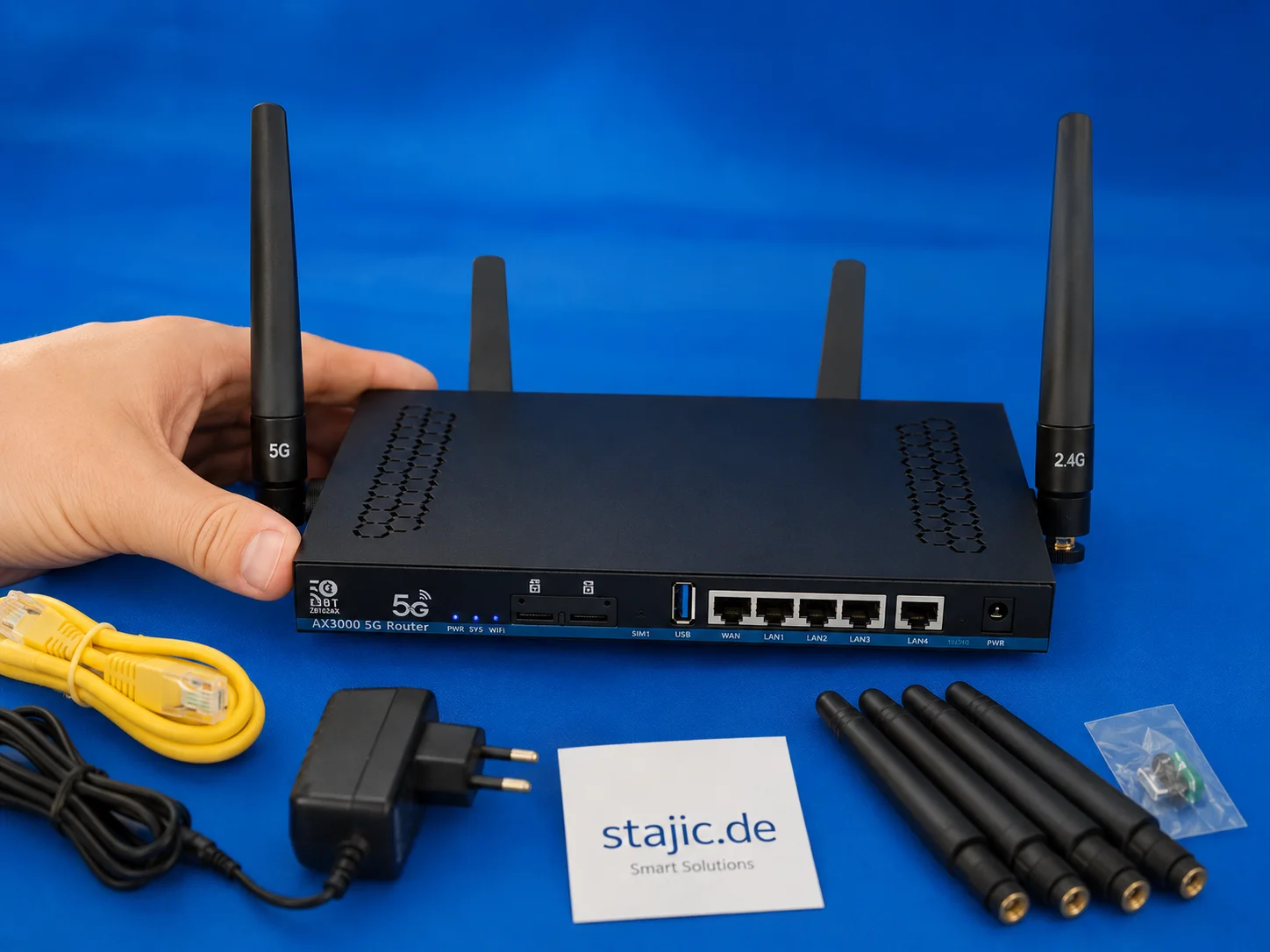
The Next OpenWrt 5G Router: Why Wi-Fi 7, a Stronger CPU and Better Firmware Matter
The ZBT Z8102AX is a useful first sample, but the next step should be stronger: Wi-Fi 7, a more powerful four-core platform, better firmware clarity, improved packaging and a more stable pricing policy. The goal is not just another 5G router, but a better configured OpenWrt-based prosumer device.

Google I/O 2026: Gemini Omni, Gemini 3.5, and the Compute Layer Behind Agentic AI
Google I/O 2026 put Gemini Omni and Gemini 3.5 at the center of Google’s agentic AI strategy. This article breaks down the difference between multimodal creation and action-grade intelligence, why Gemini 3.5 Flash matters for agents and coding, and how these models power the wider Google I/O 2026 platform shift.