
How to Install PHP 8.3 on Ubuntu 22.04
How to Install PHP 8.3 on Ubuntu 22.04
This guide shows how to properly install and run PHP 8.3 on Ubuntu 22.04 in a modern server environment. It covers system preparation, repository setup, Apache and Nginx integration, PHP extensions, version switching and common best practices.
Step 1: Update the Operating System
Before installing PHP, make sure your system is fully up to date. This prevents dependency conflicts and ensures security patches are applied.
sudo apt update && sudo apt upgrade -yStep 2: Add the PHP Repository
Ubuntu 22.04 does not ship PHP 8.3 by default. The widely used and trusted Ondřej Surý repository provides up-to-date PHP versions and extensions.
sudo apt install -y ca-certificates apt-transport-https software-properties-commonsudo add-apt-repository ppa:ondrej/phpsudo apt updateStep 3: Install PHP 8.3 (CLI)
Install the PHP 8.3 core package. This provides the PHP CLI and the base runtime required by web servers and background tasks.
sudo apt install -y php8.3Verify the installed PHP version:
php -vStep 4: Install PHP 8.3 for Apache
If you are using Apache, install PHP as an Apache module. This setup is common for traditional LAMP stacks.
sudo apt install -y libapache2-mod-php8.3Restart Apache to activate the PHP module:
sudo systemctl restart apache2Step 5: Install PHP 8.3 FPM for Nginx
For Nginx-based setups, PHP must run via PHP-FPM. This approach offers better performance and scalability.
sudo apt install -y php8.3-fpmCheck that the PHP-FPM service is running:
systemctl status php8.3-fpmStep 6: Install Common PHP Extensions
Most applications require additional PHP extensions. Install only what your project actually needs to keep the system lean and secure.
sudo apt install -y php8.3-mysql php8.3-curl php8.3-xml php8.3-mbstring php8.3-zip php8.3-intl php8.3-gd php8.3-opcacheList all loaded PHP modules:
php -mStep 7: Run Multiple PHP Versions Side-by-Side
Ubuntu allows multiple PHP versions to coexist. This is useful when maintaining legacy applications while deploying new projects on PHP 8.3.
sudo update-alternatives --config phpYou can also set a specific PHP version directly:
sudo update-alternatives --set php /usr/bin/php8.3Step 8: Recommended Post-Installation Checks
After installation, it is recommended to verify PHP configuration files, confirm the correct PHP-FPM socket or port for your web server, and ensure OPcache is enabled for production environments.
For production systems, always review php.ini settings such as memory limits, execution time, upload size and error handling according to your application requirements.
Conclusion
Installing PHP 8.3 on Ubuntu 22.04 provides a modern, stable and performant foundation for web applications. Whether you run Apache or Nginx, a clean PHP setup with the right extensions and version management ensures long-term maintainability and smooth operation.
Related Articles
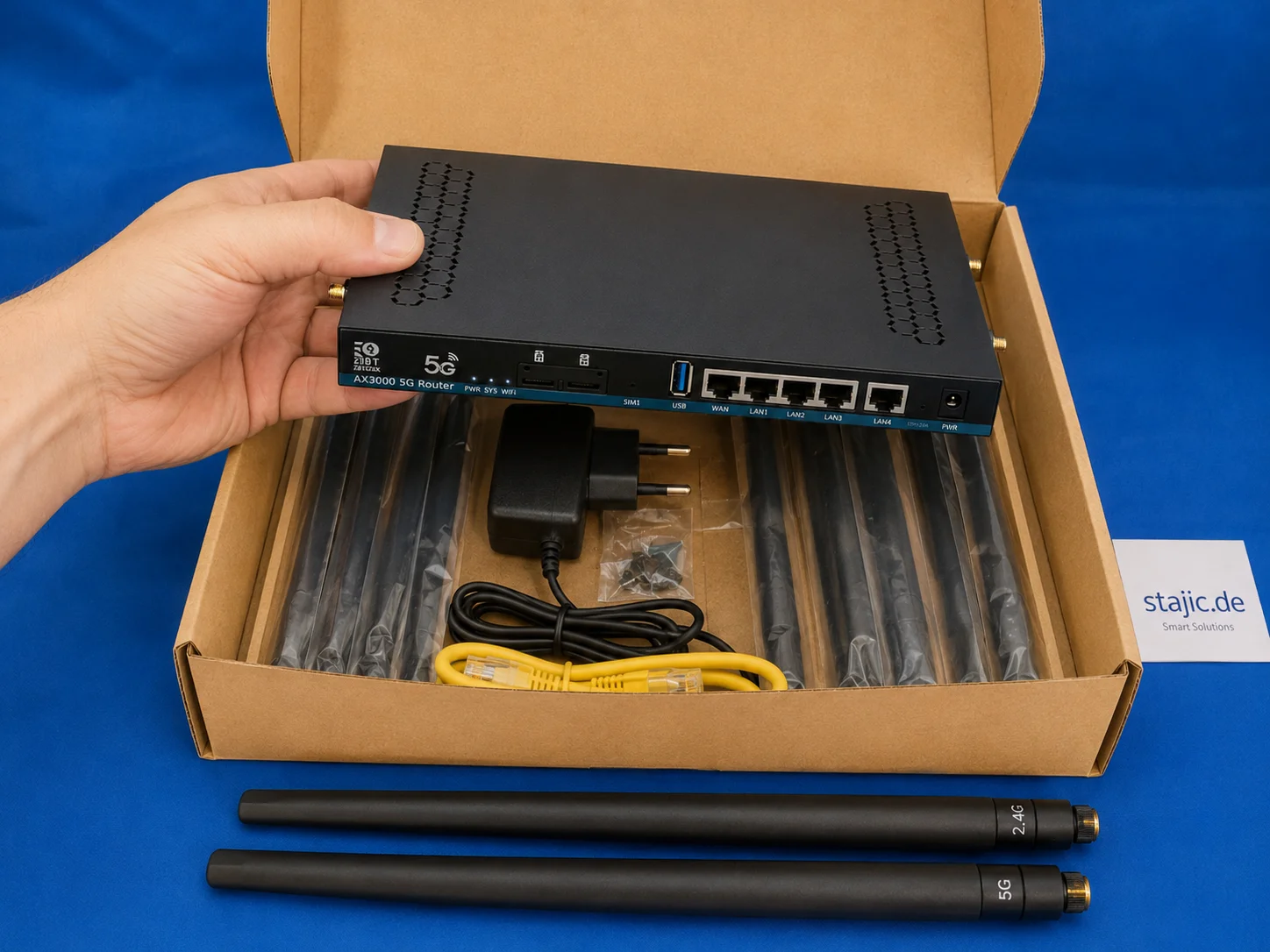
ZBT Z8102AX Hardware and Packaging Review: Strong Router, Weak Box
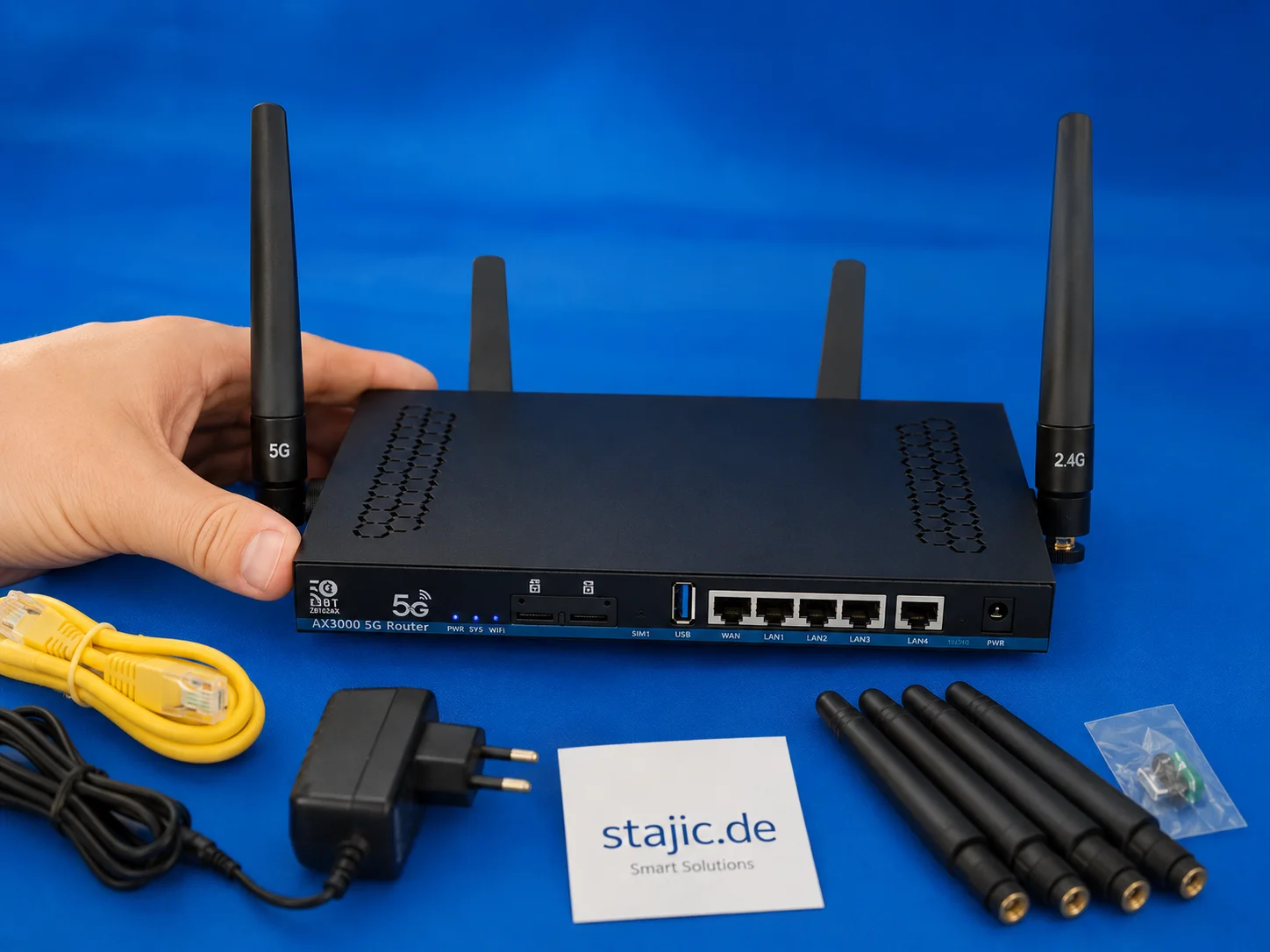
The ZBT Z8102AX makes a solid first impression as a slim black metal 5G OpenWrt router with multiple antenna connectors, dual-SIM slots, USB, LAN/WAN ports and a practical accessory set. The hardware feels useful and serious, but the packaging is clearly the weak point.

Remove Duplicate APT Package Sources: Expert Guide for Ubuntu and Debian
A detailed guide for identifying and removing redundant or duplicate APT package sources in Debian and Ubuntu systems to ensure stability and performance.
Understanding and Resolving npm ERESOLVE Dependency Conflicts
Resolve npm ERESOLVE peer dependency conflicts the right way: identify the real mismatch, align versions, use overrides safely, and know when pnpm or Yarn is a better fit.

Boosting Productivity with ERP Systems: A Case Study on Relational Databases
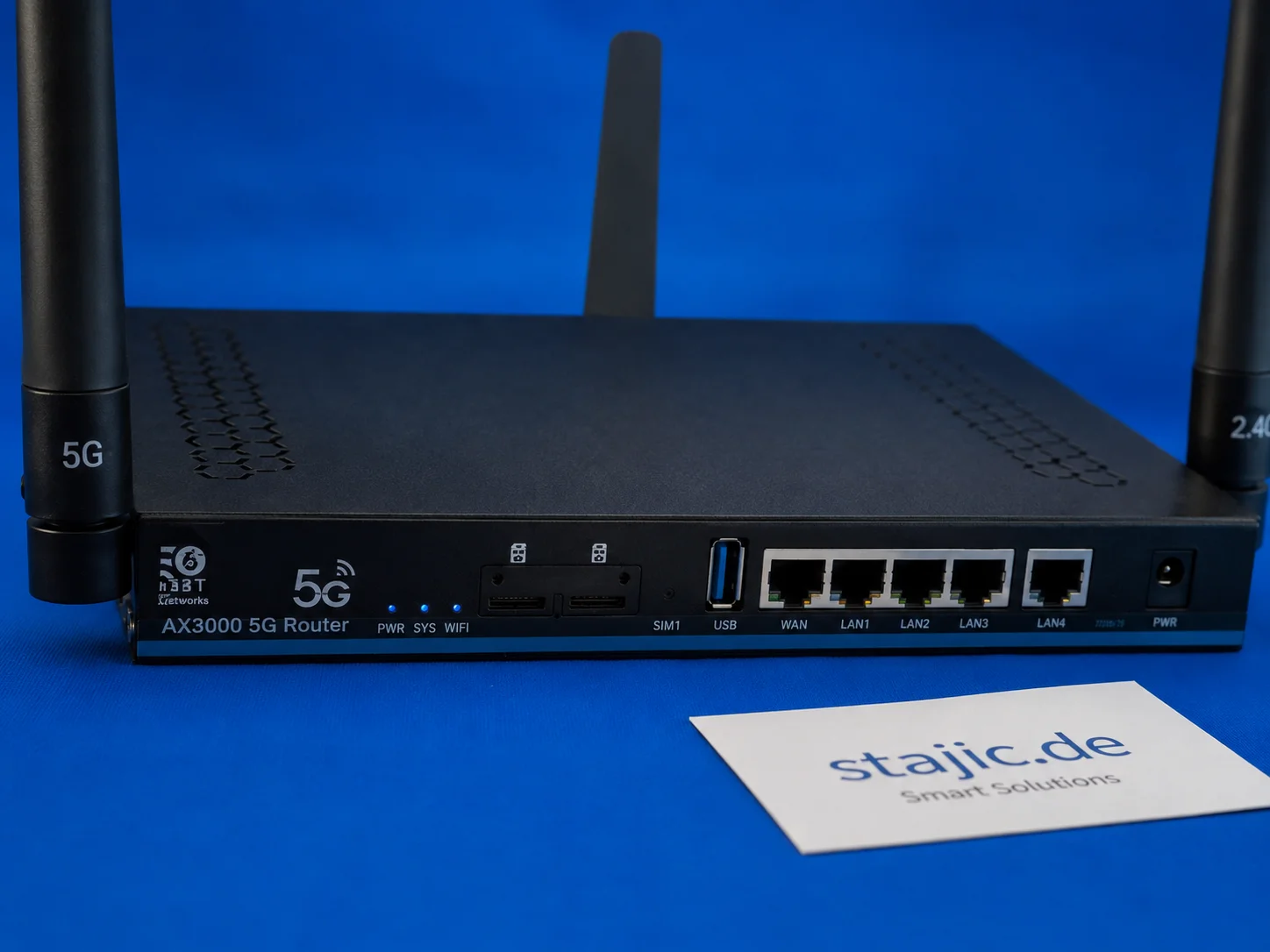
Quectel RM500U-EA in the ZBT Z8102AX: 5G Bands, o2 Germany and Real-World Signal Behavior
The ZBT Z8102AX uses a Quectel RM500U-EA modem for 4G and 5G connectivity. In the first practical test, the router connected successfully to o2 Germany with LTE Band 3 and NR n28. The modem works, but deeper diagnostics such as RSRP, RSRQ, SINR, band locking and cell behavior still need proper testing.

Beyond Prompt Engineering: A Methodology for More Reliable AI Reasoning
Large language models do not necessarily fail because they lack reasoning capability. They often fail because the reasoning process is not sufficiently constrained, challenged, or verified. This article presents a domain-independent methodology that turns prompting into a structured epistemic process: separating facts from assumptions, generating competing hypotheses, testing counter-evidence, applying falsification, and checking whether conclusions remain stable under alternative framings. The goal is not to make the model “agree less,” but to make its conclusions less dependent on the user’s initial framing.
Snap Packages: Why They Fall Short for Advanced Tools like DBeaver
Snap packages introduce restrictive sandboxing that breaks advanced workflows. This article explains why DBeaver struggles with SSH tunneling under Snap and why Flatpak or native packages are better alternatives.
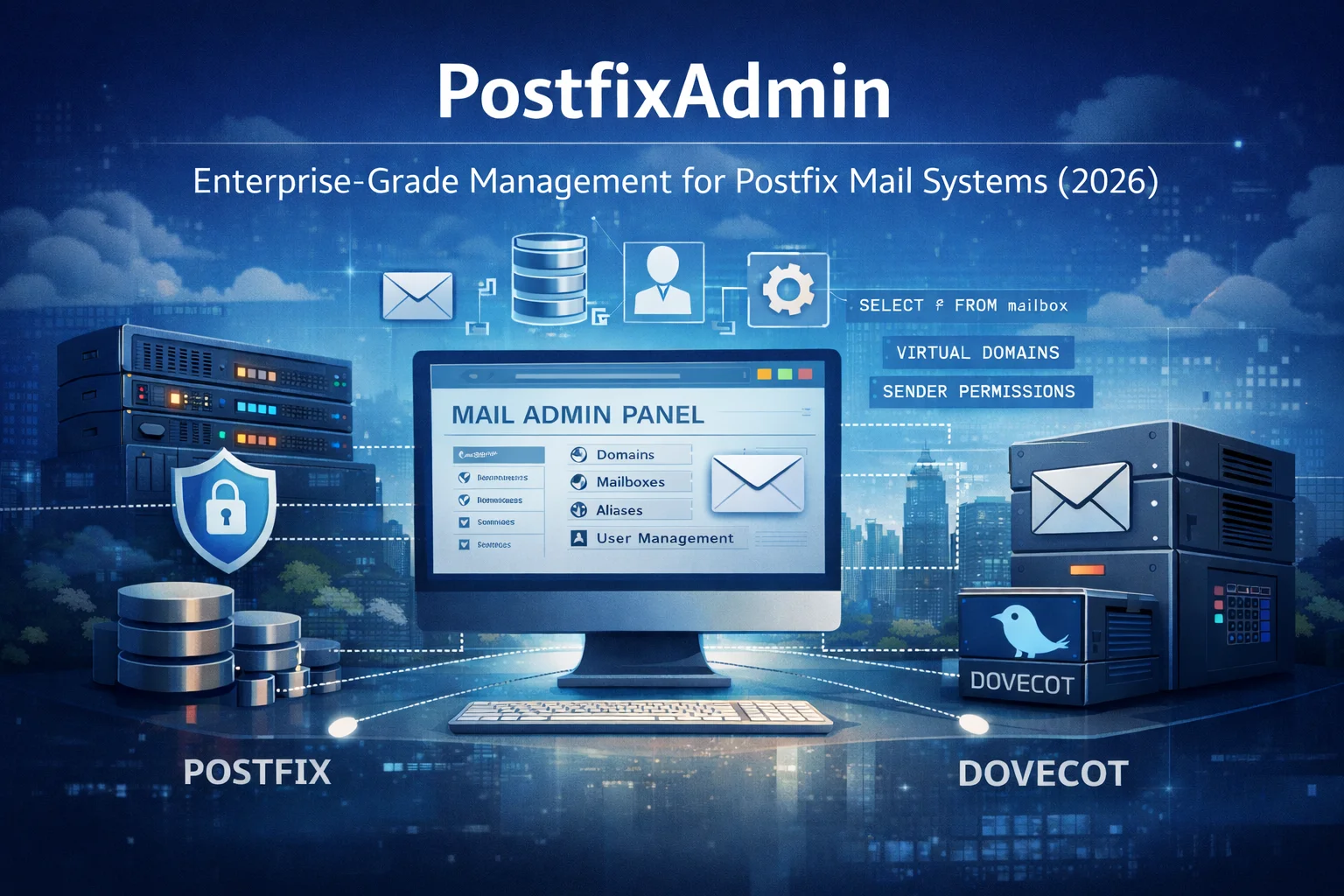
PostfixAdmin: Enterprise-Grade Management for Postfix Mail Systems — Anno 2026
PostfixAdmin is a database-centric administration interface designed for professional Postfix mail systems. Rather than hiding complexity, it provides precise control over domains, mailboxes, aliases, and sender permissions. This article explains why PostfixAdmin remains a trusted enterprise solution in 2026 and how it fits into modern, security-focused mail infrastructures.
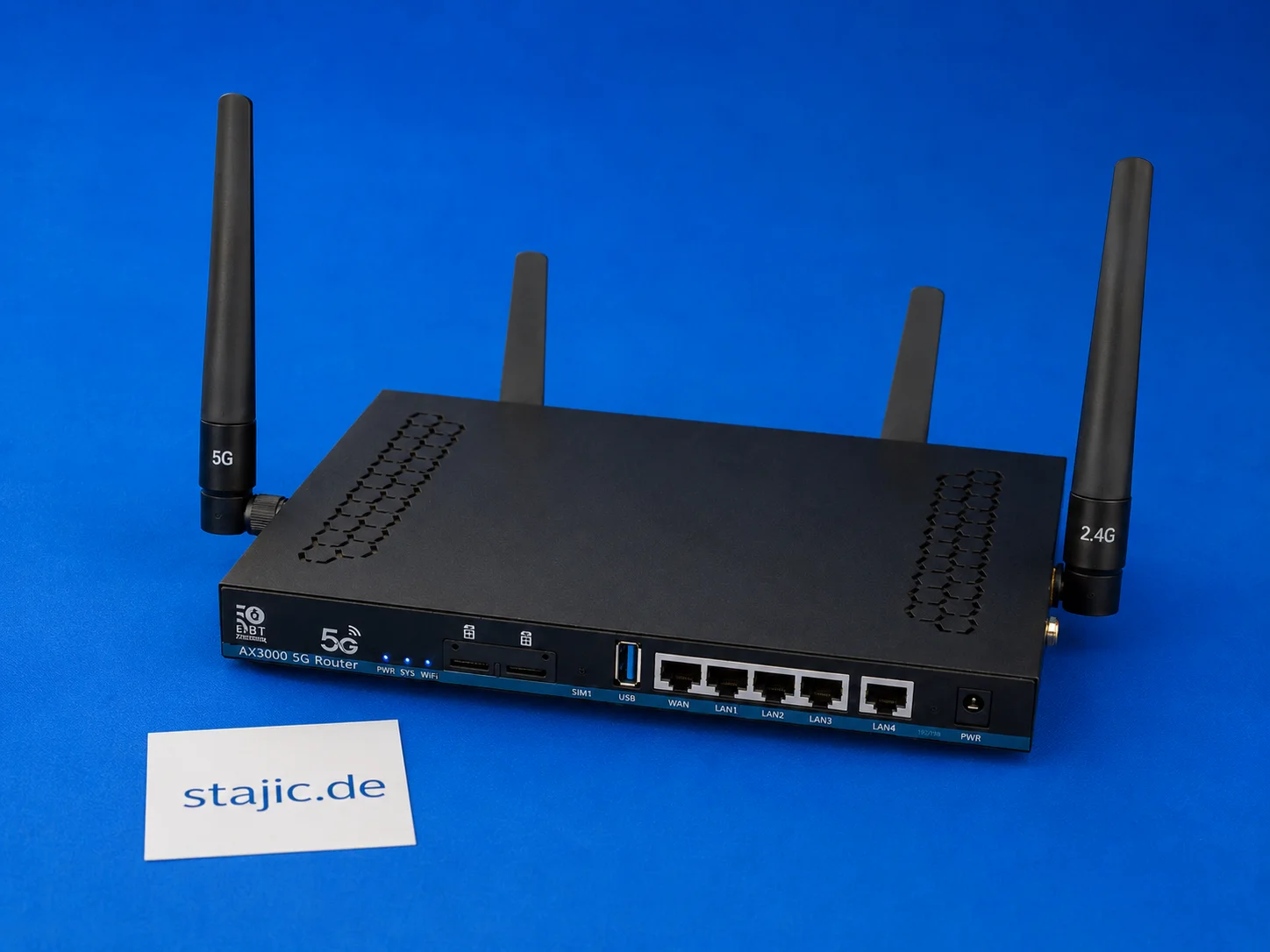
ZBT Z8102AX Dual-SIM Failover: What Works, What Is Missing and What Needs Better Firmware
The ZBT Z8102AX is a dual-SIM 5G OpenWrt router, but dual-SIM hardware alone is not the same as intelligent failover. The router recognizes the SIM and connects successfully, but automatic switching, modem recovery, signal-based decisions and clean failover logic still need deeper testing.

Drag-and-Drop with JavaScript: A Deep Analysis of the Native API for Interactive Menu Structures
Implementing drag-and-drop functionality is crucial for modern, interactive user interfaces. This article examines the technical implementation using the native HTML5 Drag-and-Drop API in Vanilla JavaScript and TypeScript, focusing on the creation of dynamic menu structures.
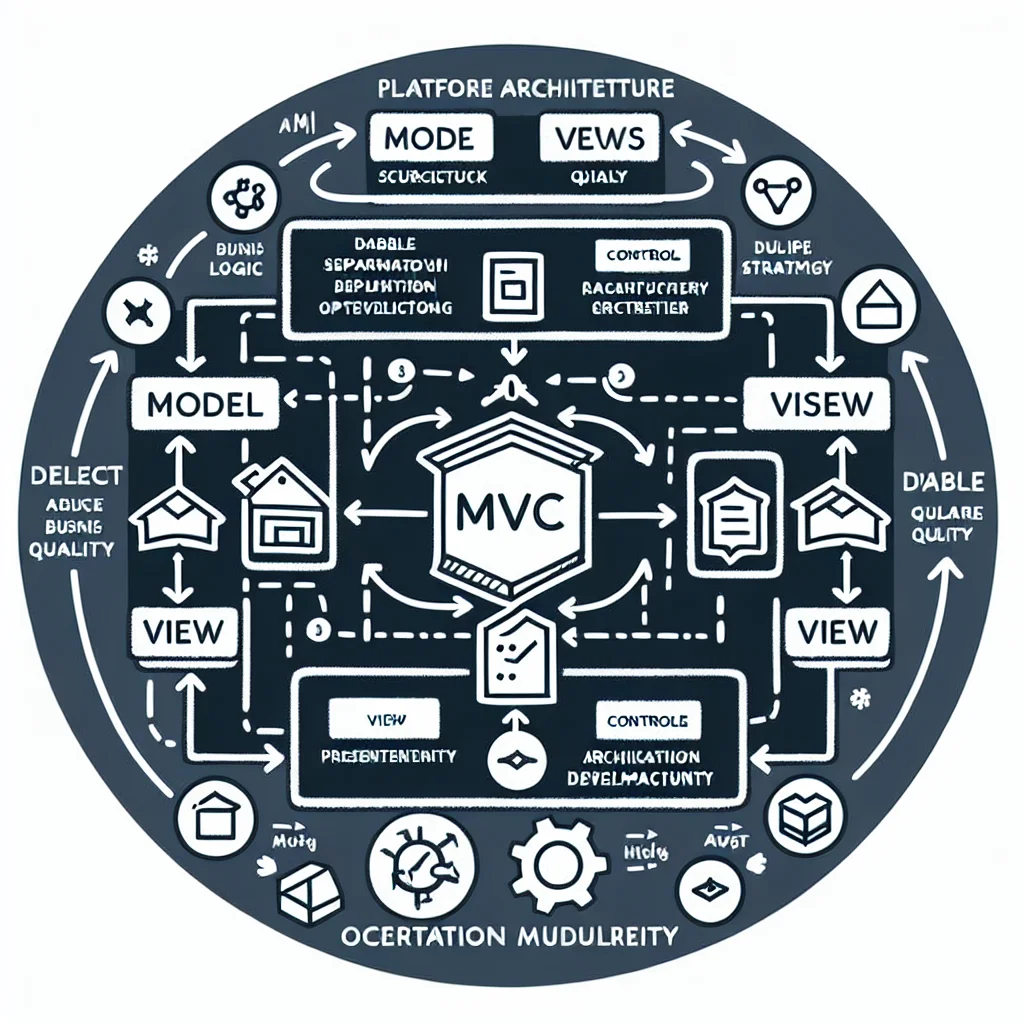
Model-View-Controller (MVC): The Structural Backbone of Modern Web Applications
Model-View-Controller, usually shortened to MVC, remains one of the most durable architectural patterns in software development. It gives teams a practical way to separate business logic, presentation, and user interaction so applications stay easier to build, extend, test, and maintain. This article explains what MVC is, why it still matters, where it fits in today’s web stacks, and how it connects to broader platform architecture, delivery quality, migration strategy, and operational maturity.
The Next OpenWrt 5G Router: Why Wi-Fi 7, a Stronger CPU and Better Firmware Matter
The ZBT Z8102AX is a useful first sample, but the next step should be stronger: Wi-Fi 7, a more powerful four-core platform, better firmware clarity, improved packaging and a more stable pricing policy. The goal is not just another 5G router, but a better configured OpenWrt-based prosumer device.