
How to Install PHP 8.3 on Ubuntu 22.04
How to Install PHP 8.3 on Ubuntu 22.04
This guide shows how to properly install and run PHP 8.3 on Ubuntu 22.04 in a modern server environment. It covers system preparation, repository setup, Apache and Nginx integration, PHP extensions, version switching and common best practices.
Step 1: Update the Operating System
Before installing PHP, make sure your system is fully up to date. This prevents dependency conflicts and ensures security patches are applied.
sudo apt update && sudo apt upgrade -yStep 2: Add the PHP Repository
Ubuntu 22.04 does not ship PHP 8.3 by default. The widely used and trusted Ondřej Surý repository provides up-to-date PHP versions and extensions.
sudo apt install -y ca-certificates apt-transport-https software-properties-commonsudo add-apt-repository ppa:ondrej/phpsudo apt updateStep 3: Install PHP 8.3 (CLI)
Install the PHP 8.3 core package. This provides the PHP CLI and the base runtime required by web servers and background tasks.
sudo apt install -y php8.3Verify the installed PHP version:
php -vStep 4: Install PHP 8.3 for Apache
If you are using Apache, install PHP as an Apache module. This setup is common for traditional LAMP stacks.
sudo apt install -y libapache2-mod-php8.3Restart Apache to activate the PHP module:
sudo systemctl restart apache2Step 5: Install PHP 8.3 FPM for Nginx
For Nginx-based setups, PHP must run via PHP-FPM. This approach offers better performance and scalability.
sudo apt install -y php8.3-fpmCheck that the PHP-FPM service is running:
systemctl status php8.3-fpmStep 6: Install Common PHP Extensions
Most applications require additional PHP extensions. Install only what your project actually needs to keep the system lean and secure.
sudo apt install -y php8.3-mysql php8.3-curl php8.3-xml php8.3-mbstring php8.3-zip php8.3-intl php8.3-gd php8.3-opcacheList all loaded PHP modules:
php -mStep 7: Run Multiple PHP Versions Side-by-Side
Ubuntu allows multiple PHP versions to coexist. This is useful when maintaining legacy applications while deploying new projects on PHP 8.3.
sudo update-alternatives --config phpYou can also set a specific PHP version directly:
sudo update-alternatives --set php /usr/bin/php8.3Step 8: Recommended Post-Installation Checks
After installation, it is recommended to verify PHP configuration files, confirm the correct PHP-FPM socket or port for your web server, and ensure OPcache is enabled for production environments.
For production systems, always review php.ini settings such as memory limits, execution time, upload size and error handling according to your application requirements.
Conclusion
Installing PHP 8.3 on Ubuntu 22.04 provides a modern, stable and performant foundation for web applications. Whether you run Apache or Nginx, a clean PHP setup with the right extensions and version management ensures long-term maintainability and smooth operation.
Related Articles

交付与变更管理综合指标指南
本指南详细概述了企业交付与变革管理的关键指标,帮助团队衡量绩效、优化流程并推动持续改进。探索关键指标、计算方法及最佳实践,使您的指标与业务成果保持一致。
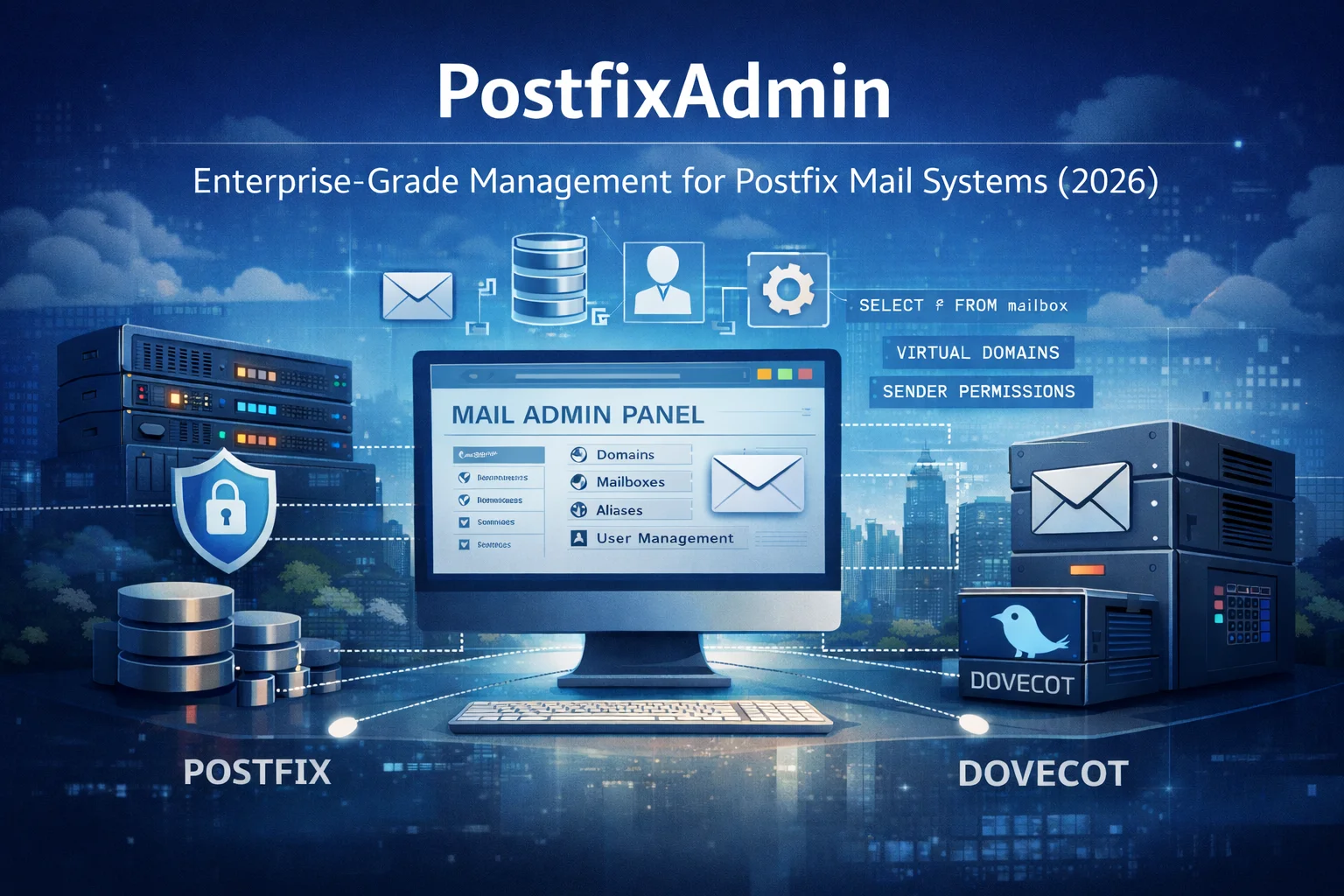
PostfixAdmin:企业级Postfix邮件系统管理平台 —— 2026年版
PostfixAdmin是一款以数据库为核心的邮件系统管理界面,专为专业级Postfix邮件系统设计。它并非隐藏复杂性,而是提供对域名、邮箱、别名及发件人权限的精准控制。本文将阐述为何PostfixAdmin在2026年仍是值得信赖的企业级解决方案,以及它如何融入注重安全性的现代邮件基础设施体系。

Ollama 并非产品:构建可投入生产的开源大语言模型应用
使用Ollama运行本地模型很简单。但构建一个可用于生产环境的开源大语言模型(Open-LLM)应用则更具挑战性:它需要RAG(检索增强生成)、访问控制、供应商抽象、评估、日志记录、部署规范,以及围绕模型构建受控的应用层。
HEIC转JPG转换:为何值得考虑及其工作原理
HEIC格式提供了现代化的图像压缩和高画质,但JPG仍是兼容性最广的格式。本指南将说明在Linux环境下,何时以及如何利用工具与自动化流程将HEIC转换为JPG格式。
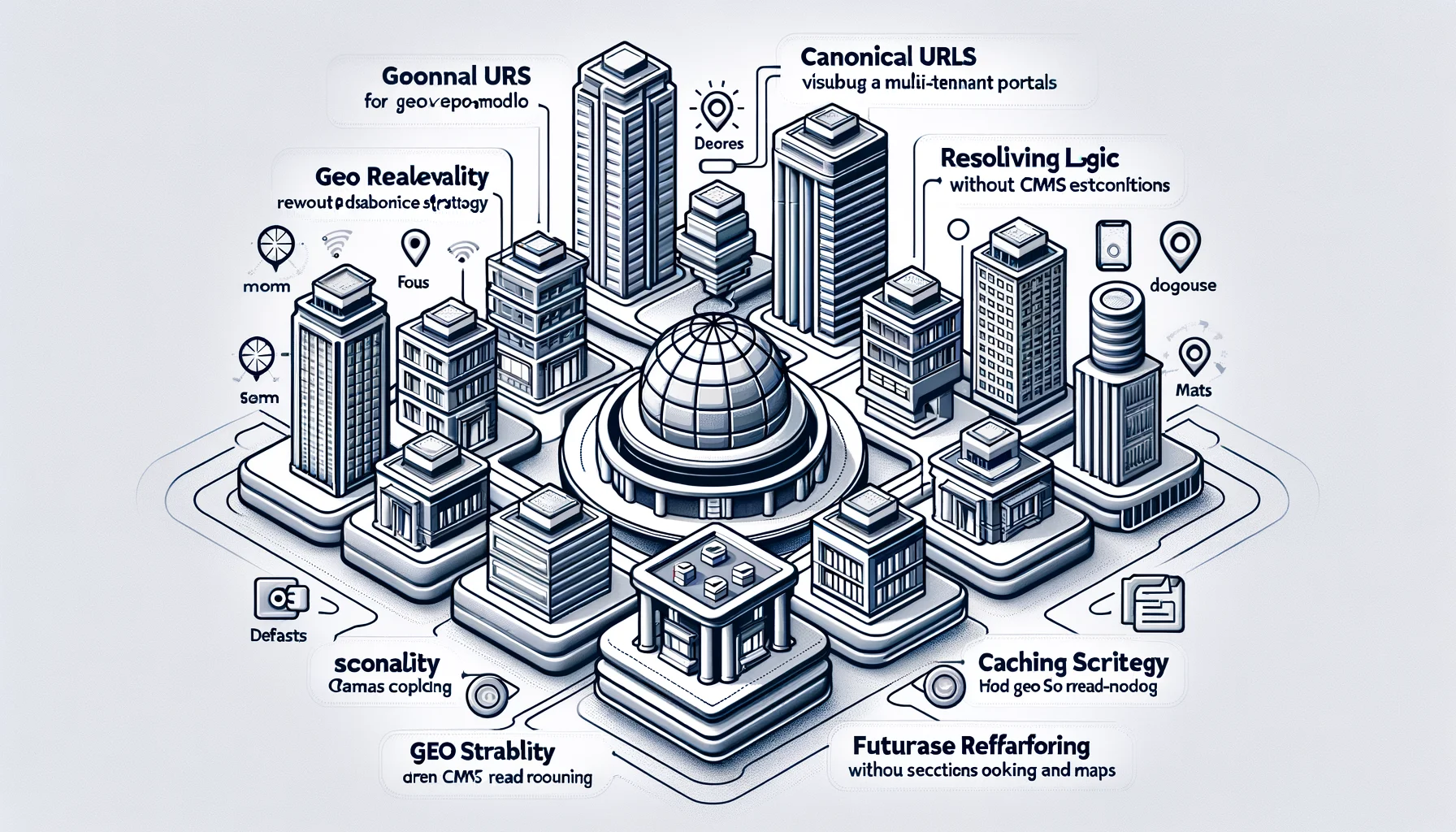
规范化架构、URL 设计、解析器逻辑、API 与可扩展性规范
面向多租户门户的地理发现架构。定义了规范化 URL、解析器逻辑、缓存策略以及不依赖 CMS 耦合或数据库重构的地理读模型。该设计旨在确保 SEO 稳定性、高可扩展性,并支持未来的功能扩展,例如预订和地图。
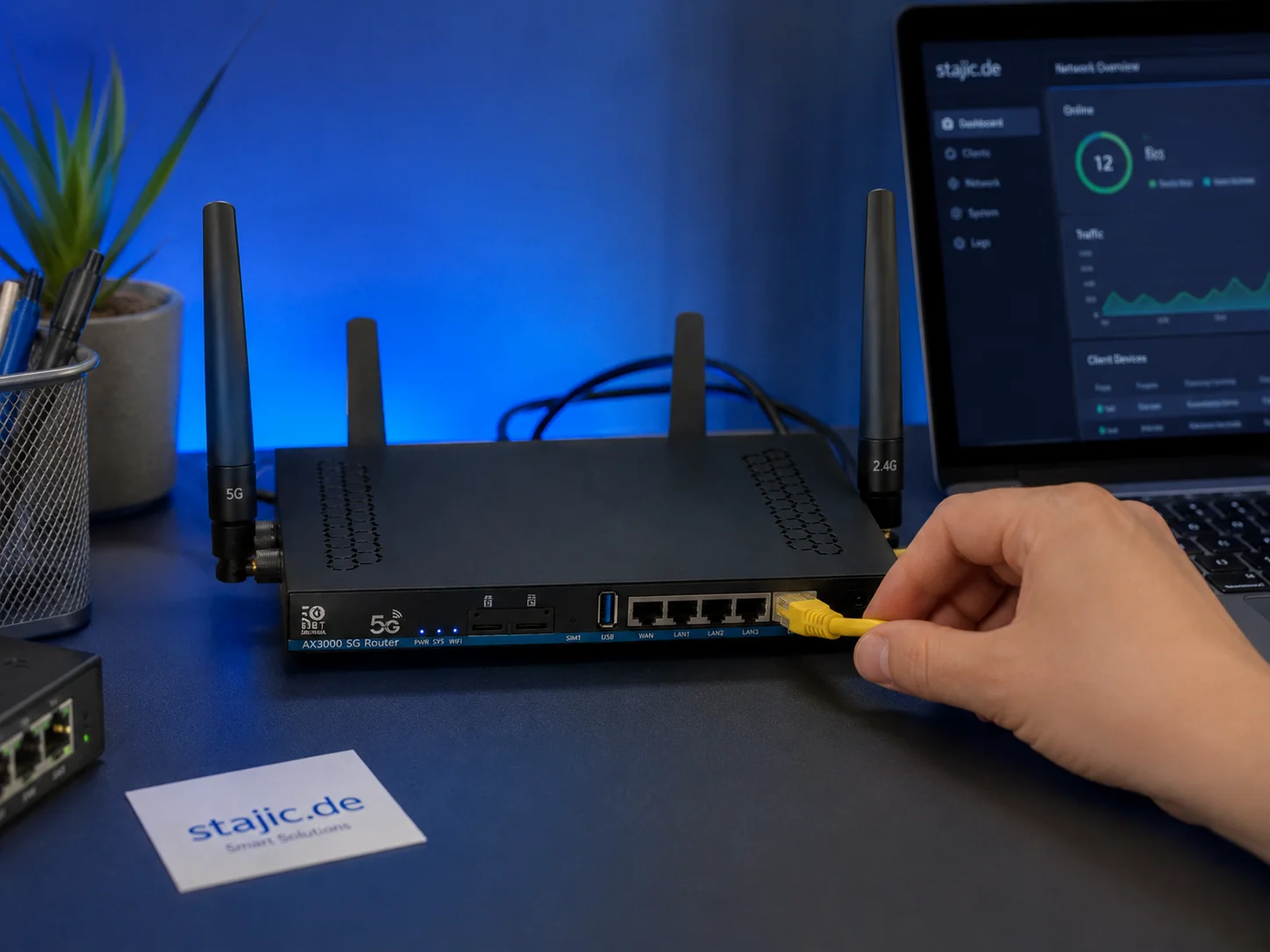
ZBT Z8102AX OpenWrt 21.02 固件评测:足够稳定,但能否面向未来?
ZBT Z8102AX 运行的是厂商修改版 OpenWrt 21.02 固件,内核版本为 5.4.246。实际测试中,该固件运行稳定,可保持路由器连续数日正常工作,但老旧的基础版本引发了关于安全性、调制解调器控制、升级路径及长期可维护性的重要问题。

LLM从哪里获取数据?Python中的RAG数据源
LLM 并不会神奇地知道你的文件、数据库或 API。这个 RAG 系列的实用续篇用简单的 Python 展示了外部数据如何变成可检索的证据:从文本文件和 SQL 到全文搜索、嵌入、上下文组装以及最终的 LLM 调用。

Prisma 7 多数据库架构:专家深度解析
复杂数据环境的管理需要现代化的架构。Prisma 7提供多数据库集成的高级功能,并应对多语言持久化带来的挑战。

RAG失败了——但究竟是哪一层真正失败了?一种诊断方法
当RAG答案出错时,将问题归咎于检索或模型过于笼统。这种诊断方法将来源覆盖、查询构建、检索、排序、上下文组装、生成、证据归因和时效性逐一隔离,从而使实际故障能够被复现并修复。

2026年新兴Linux趋势:塑造服务器基础设施的未来
探索2026年Linux关键趋势:从Kubernetes主导地位与不可变发行版,到人工智能集成与eBPF安全技术。

Boosting Productivity with ERP Systems: A Case Study on Relational Databases

AI代理记忆不是RAG:如何区分记忆、检索、状态和上下文
代理记忆、RAG、状态和上下文经常被当作可以互换的概念来使用。它们并不是。这个实用的架构模型将这四个层次区分开来,展示了每一层各自应处的位置,并解释了当系统将它们合并为一层时会出现什么问题。