
Remove Duplicate APT Package Sources: Expert Guide for Ubuntu and Debian

Introduction: Why Double APT Sources Are a Problem
The Advanced Package Tool (APT) is the central tool for managing software packages in Debian-based distributions such as Ubuntu and Debian itself. The efficiency and reliability of APT depend directly on the integrity of the configured package sources. Over time, especially through the installation of third-party software, the use of Personal Package Archives (PPAs), or manual configuration errors, duplicate entries in package sources can occur.
While APT is generally robust enough to handle duplicate entries, redundant sources lead to unnecessary warning messages, slow down the update process ('apt update'), and can occasionally cause conflicts in package prioritization. For system administrators and advanced users, cleaning up these redundancies is an essential step towards maintaining a stable and efficient system. Therefore, removing double APT package sources is an essential practice of system hygiene.
Overview: Structure of APT Package Sources
To successfully identify duplicate entries, one must understand the hierarchical structure in which APT reads its configurations. APT reads package sources from two main areas:
1. The Main Configuration File (/etc/apt/sources.list): This file traditionally contains the primary repositories of the distribution (e.g., main, restricted, universe, multiverse in Ubuntu or main, contrib, non-free in Debian).
2. The Configuration Directory (/etc/apt/sources.list.d/): This directory contains separate `.list` files that are typically created by external installation scripts or PPA tools. Each of these files defines one or more specific repositories. This modular design facilitates management but is also the most common cause for duplications when a repository is manually entered into the main file and automatically added to a separate file.
A source is considered duplicate if the exact same URL, distribution (e.g., 'focal' or 'bullseye'), and component (e.g., 'main') are configured in two different lines or files.
Benefits of Cleaning Up Duplicate Sources
The systematic removal of redundant APT entries offers several operational and security benefits:
- Reduction of Error Messages: The most common sign of duplication is warnings that are displayed with every call to
apt update(e.g., 'W: Target Packages (main/binary-amd64/Packages) is configured multiple times'). Cleaning up eliminates these unnecessary outputs. - Faster Update Process: APT has to download and process the same metadata (package lists) multiple times from the server when duplicate entries exist. Removing duplicates reduces network load and processing time.
- Improved System Stability: Although APT handles duplicates, in complex scenarios, duplicate entries, especially if they have slightly different configurations, can lead to unpredictable behavior during package prioritization. A clean configuration minimizes this risk.
- Increased Clarity: An organized
sources.list.ddirectory makes manual inspection and management of external repositories easier, which is important for system security and maintainability.
Technical Details: Identification and Removal
The identification of duplicate sources always begins with running the update command as APT itself reports duplicates.
Step 1: Diagnose Using apt update
Run sudo apt update. Pay attention to all lines that start with 'W: Target...' and contain the hint 'is configured multiple times'. These warnings indicate which specific package lists (e.g., main/binary-amd64/Packages) are configured more than once.
Step 2: Manual Review of Configuration Files
The actual work requires a manual review of the relevant files. It is advisable to start by checking the directory /etc/apt/sources.list.d/, as most external sources are located there. Subsequently, the main file /etc/apt/sources.list is inspected.
Use a text editor with root privileges to open the files. Look for lines that show identical repository URLs, distributions, and components. A common pattern is that official distribution repositories are in sources.list, while a PPA or third-party repo is in a separate file in sources.list.d/.
Removal Strategy:
It is best practice to retain duplicates in the dedicated files in sources.list.d/ and remove or comment out redundant entries in the main file /etc/apt/sources.list. This ensures that management by automated scripts (often used by PPA tools) continues to work.
Caution During Removal: Never delete a file in sources.list.d/ unless you are certain all repositories within it are redundant. If you comment out a line in sources.list, ensure the corresponding source is still active in sources.list.d/.
Step 3: Validation
After redundant entries are removed or commented out, the process must be validated by running sudo apt update again. The warnings about duplicate sources should now be gone.
Use Cases: How Duplicates Occur
The management of APT package sources is a critical aspect of system administration under Debian and Ubuntu. While duplicate entries are often harmless, they signal poor system hygiene that can lead to unnecessary delays and potential conflicts.
1. Manual PPA Integration: A user wants to add a PPA. Instead of using the command add-apt-repository (which automatically creates a file in sources.list.d/), the user manually copies the repository line into /etc/apt/sources.list. Later, when the software is uninstalled and the PPA is removed via a tool that does not know about the manual entry in sources.list, duplication occurs if the user later re-adds the PPA.
2. Third-Party Installation Scripts: Some software vendors provide installation instructions that add the repository in two steps: first, manually adding the line to sources.list, then installing the key. If the vendor later provides an installation package that automatically creates a `.list` file in sources.list.d/, redundancy occurs.
3. Upgrade Processes: During major distribution upgrades (e.g., from Ubuntu 20.04 to 22.04), sources are often automatically adjusted. However, if older, no longer needed or duplicate third-party sources were not properly migrated or removed, they may appear as duplicates in the new system context, especially if they refer to the same old distribution.
Conclusion and Takeaway
The management of APT package sources is a critical aspect of system administration under Debian and Ubuntu. While duplicate entries are often harmless, they signal poor system hygiene that can lead to unnecessary delays and potential conflicts. The expert recommendation is to regularly review the sources, ideally after installing new third-party software or major system upgrades.
The clear takeaway for every system administrator is to rely on the modular structure in /etc/apt/sources.list.d/ and limit manual entries in /etc/apt/sources.list to official distribution sources. By consistently cleaning up duplicate APT package sources, you ensure that your system operates efficiently, quickly, and free of unnecessary warnings, significantly improving overall maintainability and stability.
Related Articles

ZBT Z8102AX 硬件与包装评测:强劲路由器,薄弱包装
ZBT Z8102AX 作为一款纤薄黑色金属5G OpenWrt路由器,配备多个天线接口、双SIM卡槽、USB、LAN/WAN端口及实用配件套装,给人留下扎实的第一印象。硬件设计实用且专业,但包装显然是薄弱环节。

全新Qwen 3.5-Plus:开源AI迈入新纪元
探索阿里巴巴Qwen 3.5-Plus的革命性特性与优势,这款为开发者打造的颠覆性开源人工智能模型。

2026年新兴Linux趋势:塑造服务器基础设施的未来
探索2026年Linux关键趋势:从Kubernetes主导地位与不可变发行版,到人工智能集成与eBPF安全技术。

从研究协议到通用AI推理框架
为严谨的AI辅助研究而开发的一套方法论,其可推广范围远超研究本身。通过将证据与假设分离、检验相互竞争的假设、控制提示框架、搜寻反证并应用领域特定的验证器,同一推理架构可以改进调试、软件设计、战略、技术分析以及AI辅助决策支持。

托管代理框架与自托管代理循环:你得到什么,失去什么
“自托管代理”可能意味着截然不同的架构。本指南区分了托管式运行框架、自托管执行环境和完全自主运营的代理循环——并说明了团队实际需要哪种控制边界。

生成式人工智能解析:模型、检索、工具与应用并非同一回事
生成式AI不仅仅是一个模型。了解模型、检索、工具、上下文、运行时和应用程序如何在生产AI系统中协同工作。
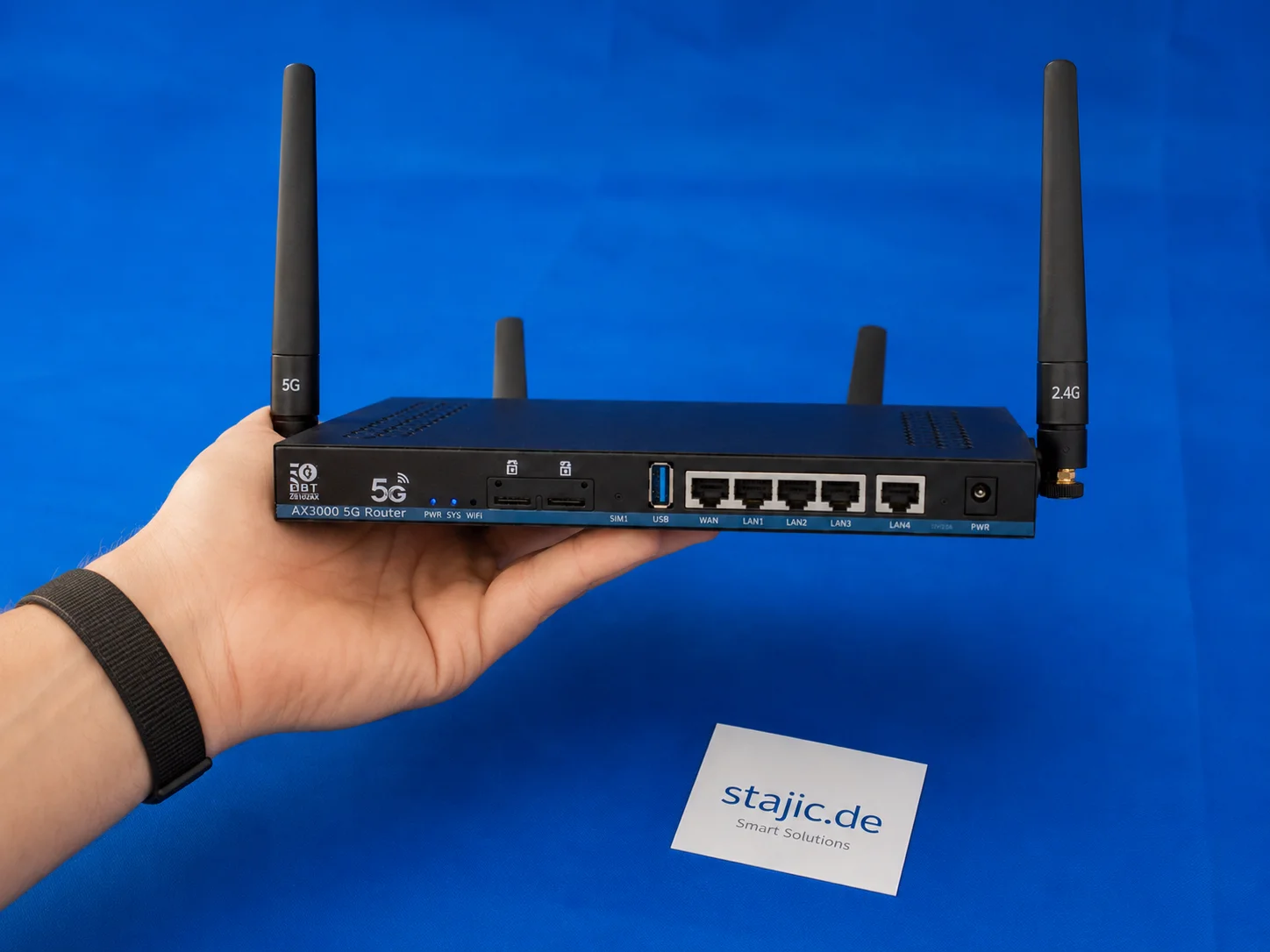
你应该购买带有旧固件的5G OpenWrt路由器吗?以ZBT Z8102AX为例
购买搭载旧版固件的5G OpenWrt路由器在特定条件下是合理的。ZBT Z8102AX型号清晰展现了利弊两面:硬件实用、调制解调器工作正常,测试中路由器保持稳定,但OpenWrt 21.02版本、简陋的包装以及不明确的升级路径,要求消费者在购买时需审慎决策。

GPU 不是产品:面向未来的私有 AI 架构
私有 AI 基础设施不应围绕单一 GPU 或单一模型来设计。更具韧性的做法是将快速推理 GPU、内存充裕的 AI 系统、物理 AI 节点以及可选的前沿云模型,统一置于一个具备能力感知的路由层之后。
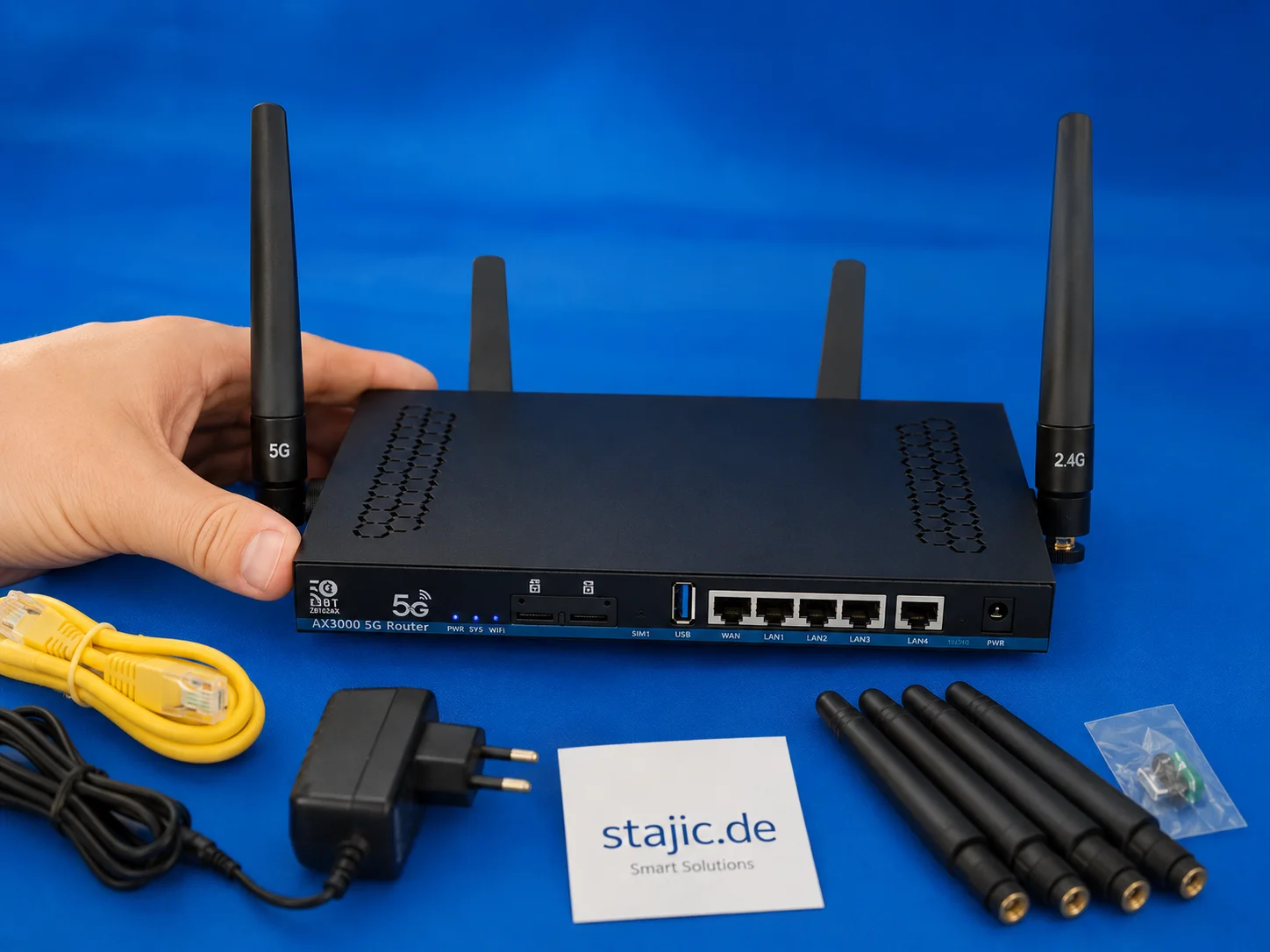
下一代OpenWrt 5G路由器:为何Wi-Fi 7、更强CPU与更优固件至关重要
ZBT Z8102AX 是一个有用的初步样品,但下一步应该更强:Wi-Fi 7、更强大的四核平台、更清晰的固件、改进的包装以及更稳定的定价策略。目标不仅仅是另一款5G路由器,而是一款配置更优、基于OpenWrt的准专业级设备。

计算机使用代理:为什么成功的演示仍可能是一个不可靠的系统
计算机使用代理如今能够完成令人印象深刻的浏览器和桌面工作流程,但一次成功的运行证明的是能力——而非可靠性。本文展示了如何测试可重复性、环境鲁棒性、长时程控制、状态感知、结果验证以及安全的目标处理。

MCP vs A2A vs UCP vs AP2 vs A2UI:智能体协议栈详解
MCP、A2A、UCP、AP2 和 A2UI 常被描述为相互竞争的智能体标准。它们大多解决的是不同的互操作性问题。本指南将每个协议映射到其实际标准化的边界,并展示它们如何在同一个生产系统中协同工作。
Qwen 3.6 生产环境部署:发布手册、AI 回滚与 LLMOps 版本管理
Qwen 3.6 不仅仅是一次模型升级。它同时是一个发布事件、一个回滚场景和一个版本管理问题。本文通过LLMOps规范、提示词与模型可追溯性、受控发布以及基于证据的回滚准备,阐述了在生产环境中应如何处理Qwen 3.6。