
Using Cygwin’s bash Babun terminal in a JetBrains IDE
Babun
pwd?
Hold on… you might notice you’re in the wrong directory now. The terminal opened in C:\Users\YOUR-USERNAME\ instead of opening at the root of the current project like it typically would with the default shell. This would drive me mad, especially when switching projects or opening more terminal tabs. To fix this, open up C:\Users\YOUR-USERNAME\.babun\cygwin\etc\bash.bashrcfor Babun, C:\cygwin\etc\bash.bashrc (or similar) for Cygwin, and add a new line to the end; cd $OLDPWD. Now, you're brought to the current project's room every time you open the terminal or another terminal tab.
Related Articles

Suchmaschinenoptimierung: Der zuverlässige Workflow für Top-Rankings
Detaillierte Analyse der Suchmaschinenoptimierung (SEO), ihrer technischen Grundlagen, der Rolle von Webcrawlern und der strategischen Schritte zum Erreichen organischer Top-Rankings.

Ollama ist nicht das Produkt: Entwicklung produktionsreifer Open-LLM-Anwendungen
Das Ausführen eines lokalen Modells mit Ollama ist einfach. Das Erstellen einer produktionsreifen Open-LLM-Anwendung ist schwieriger: Es erfordert RAG, Zugriffskontrolle, Anbieterabstraktion, Evaluierung, Protokollierung, Bereitstellungsdisziplin und eine kontrollierte Anwendungsschicht um das Modell herum.

Wie man PHP 8.3 auf Ubuntu 22.04 installiert
Aktueller Leitfaden zur Installation von PHP 8.3 auf Ubuntu 22.04, einschließlich Apache- und Nginx-(PHP-FPM)-Integration, Erweiterungen und dem parallelen Betrieb mehrerer PHP-Versionen.

Multi-Datenbank-Architektur mit Prisma 7: Ein Deep Dive für Experten
Die Verwaltung komplexer Datenlandschaften erfordert moderne Architekturen. Prisma 7 bietet erweiterte Funktionen für die Multi-Datenbank-Integration und adressiert die Herausforderungen der Polyglot Persistence.

Umfassender Leitfaden für Test DEv Enterprise Stajic.de: Architektur und Best Practices
Entdecken Sie die Architekturprinzipien, Vorteile und technischen Details der Verwaltung einer Entwicklungs- und Testumgebung der Enterprise-Klasse mit Test DEv Enterprise Stajic.de.
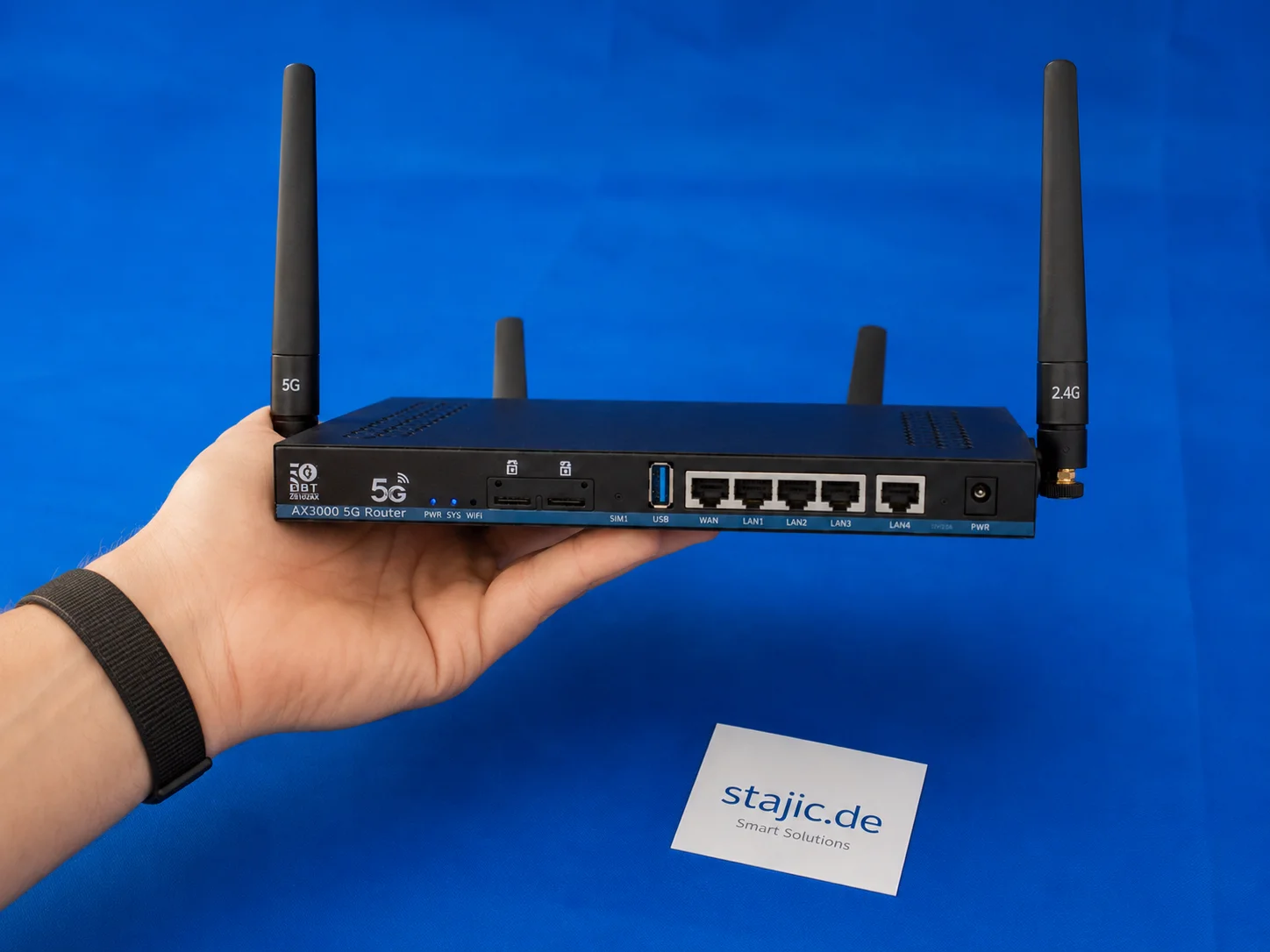
Sollten Sie einen 5G-OpenWrt-Router mit alter Firmware kaufen? ZBT Z8102AX als praktisches Beispiel
Kauf eines 5G-OpenWrt-Routers mit älterer Firmware kann sinnvoll sein, aber nur unter den richtigen Bedingungen. Der ZBT Z8102AX zeigt beide Seiten deutlich: Die Hardware ist nützlich, das Modem funktioniert, und der Router blieb im Test stabil, aber OpenWrt 21.02, schwache Verpackung und unklare Upgrade-Pfade erfordern eine sorgfältige Kaufentscheidung.
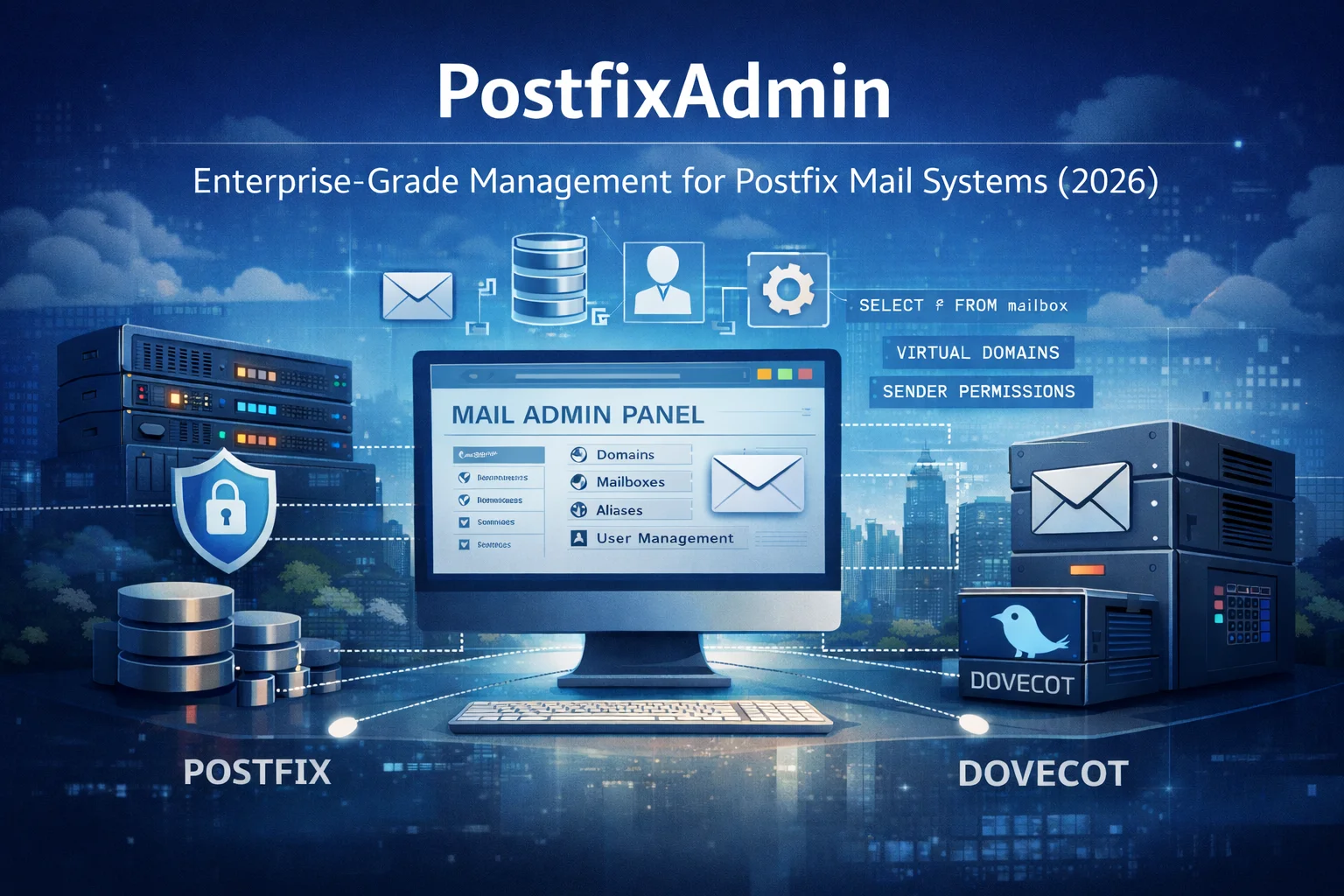
PostfixAdmin: Management in Unternehmensqualität für Postfix-Mailsysteme — Anno 2026
PostfixAdmin ist eine datenbankzentrierte Verwaltungsoberfläche, entwickelt für professionelle Postfix-Mailsysteme. Anstatt Komplexität zu verbergen, bietet es präzise Kontrolle über Domains, Mailboxen, Aliase und Absenderberechtigungen. Dieser Artikel erklärt, warum PostfixAdmin auch 2026 eine vertrauenswürdige Unternehmenslösung bleibt und wie es in moderne, sicherheitsorientierte Mail-Infrastrukturen passt.

Entdecke die bahnbrechenden Möglichkeiten von GPT-4
Install PCL Library on Python Ubuntu 19.10 - Point Cloud Library
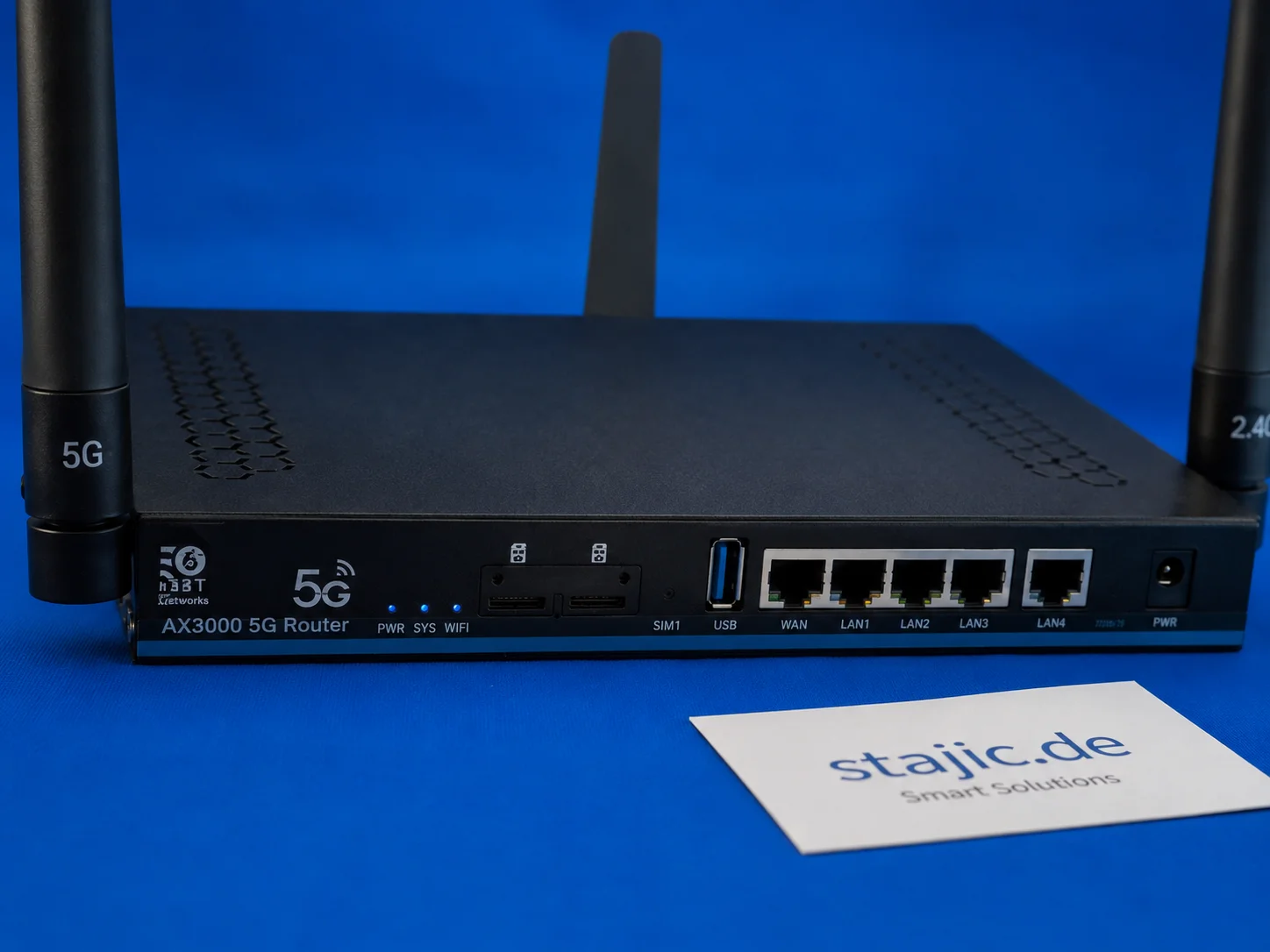
Quectel RM500U-EA im ZBT Z8102AX: 5G-Bänder, o2 Germany und Signalverhalten in der Praxis
Der ZBT Z8102AX verwendet ein Quectel RM500U-EA-Modem für die 4G- und 5G-Konnektivität. Im ersten Praxistest verband sich der Router erfolgreich mit o2 Germany mit LTE-Band 3 und NR n28. Das Modem funktioniert, aber tiefergehende Diagnosen wie RSRP, RSRQ, SINR, Band-Locking und Zellverhalten müssen noch richtig getestet werden.

Qwen 3.6 in der Produktion: Release-Runbook, KI-Rollback und LLMOps-Versionierung
Qwen 3.6 ist nicht nur ein weiteres Modell-Upgrade. Es ist gleichzeitig ein Release-Ereignis, ein Rollback-Szenario und ein Versionierungsproblem. Dieser Artikel erklärt, wie Qwen 3.6 in der Produktion durch LLMOps-Disziplin, Prompt- und Modell-Rückverfolgbarkeit, kontrollierten Rollout und evidenzbasierte Rollback-Bereitschaft gehandhabt werden sollte.

Optimierung der Codequalität: Testen mit ESLint und Prettier
Dieser Artikel beschreibt die Integration von ESLint und Prettier in moderne Entwicklungs- und Test-Workflows und konzentriert sich auf die praktische Umsetzung für eine konsistente Codequalität und einen einheitlichen Stil.