
Using Cygwin’s bash Babun terminal in a JetBrains IDE
Babun
pwd?
Hold on… you might notice you’re in the wrong directory now. The terminal opened in C:\Users\YOUR-USERNAME\ instead of opening at the root of the current project like it typically would with the default shell. This would drive me mad, especially when switching projects or opening more terminal tabs. To fix this, open up C:\Users\YOUR-USERNAME\.babun\cygwin\etc\bash.bashrcfor Babun, C:\cygwin\etc\bash.bashrc (or similar) for Cygwin, and add a new line to the end; cd $OLDPWD. Now, you're brought to the current project's room every time you open the terminal or another terminal tab.
Related Articles

优化代码质量:使用ESLint与Prettier进行测试
在现代软件开发中,保持一致的代码质量和风格至关重要。ESLint与Prettier提供了强大的组合方案,能够自动化这些关键环节,确保代码库的整洁性、可读性,并遵循既定标准。本文将深入探讨这两款工具如何无缝融入测试工作流,从而提升开发者的工作效率与项目的可维护性。

全面评估指南:精通LLM性能评估
本指南详细介绍了评估工具(Evaluation Harness),这是一个在企业级LLMOps流程中严格评估大型语言模型(LLM)能力的关键框架。您将学习其设置方法、最佳实践以及高级技巧,以确保模型基准测试与优化的可靠性。

Google I/O 2026:架构转型、自主AI与统一生态的现实检验
Google I/O 2026 不仅仅是一场模范活动。它展示了 Gemini 模型、开发者工具、Android 相关界面以及智能设备之间更深层次的平台变革。本文作为核心报道,为需要区分实际运行时影响与舞台炒作的技术工程师、架构师和产品团队解读这场主题演讲。
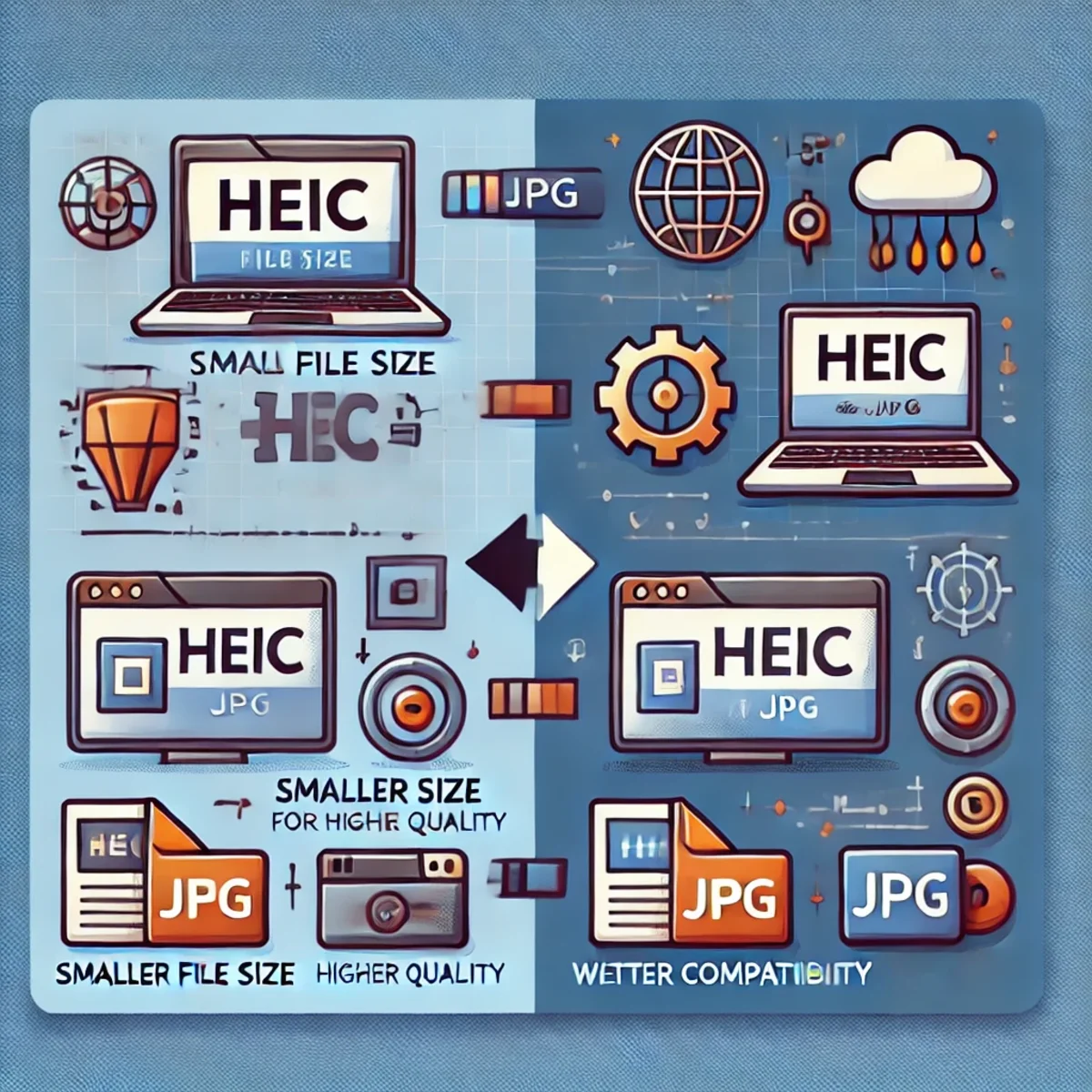
HEIC转JPG转换:为何值得考虑及其工作原理
HEIC格式提供了现代化的图像压缩和高画质,但JPG仍是兼容性最广的格式。本指南将说明在Linux环境下,何时以及如何利用工具与自动化流程将HEIC转换为JPG格式。
PostgreSQL 14 Ubuntu Server 23.04
PostgreSQL 14 Ubuntu Server 23.04
installation-mod_wsgi-auf-ubuntu-80-04-python-apache-2-4-und-django

ZBT Z8102AX OpenWrt 21.02 固件评测:足够稳定,但能否面向未来?
ZBT Z8102AX 运行的是厂商修改版 OpenWrt 21.02 固件,内核版本为 5.4.246。实际测试中,该固件运行稳定,可保持路由器连续数日正常工作,但老旧的基础版本引发了关于安全性、调制解调器控制、升级路径及长期可维护性的重要问题。
install-pcl-library-on-python-ubuntu-19-10-point-cloud-librar

基于Next.js、Fastify、Prisma和NGINX的实用单体仓库架构
探索一种实用的单体仓库架构,结合Next.js、Fastify、Prisma与NGINX,重点展示实际集成与工作流程。

Laravel 12 Custom CMS with Filament 3: The Expert Workflow
A detailed look at the synergies between Laravel 12 and Filament 3 for creating customized Content Management Systems. Experts analyze the innovative workflow, advantages, disadvantages, and the challenge of the Jetstream workflow.
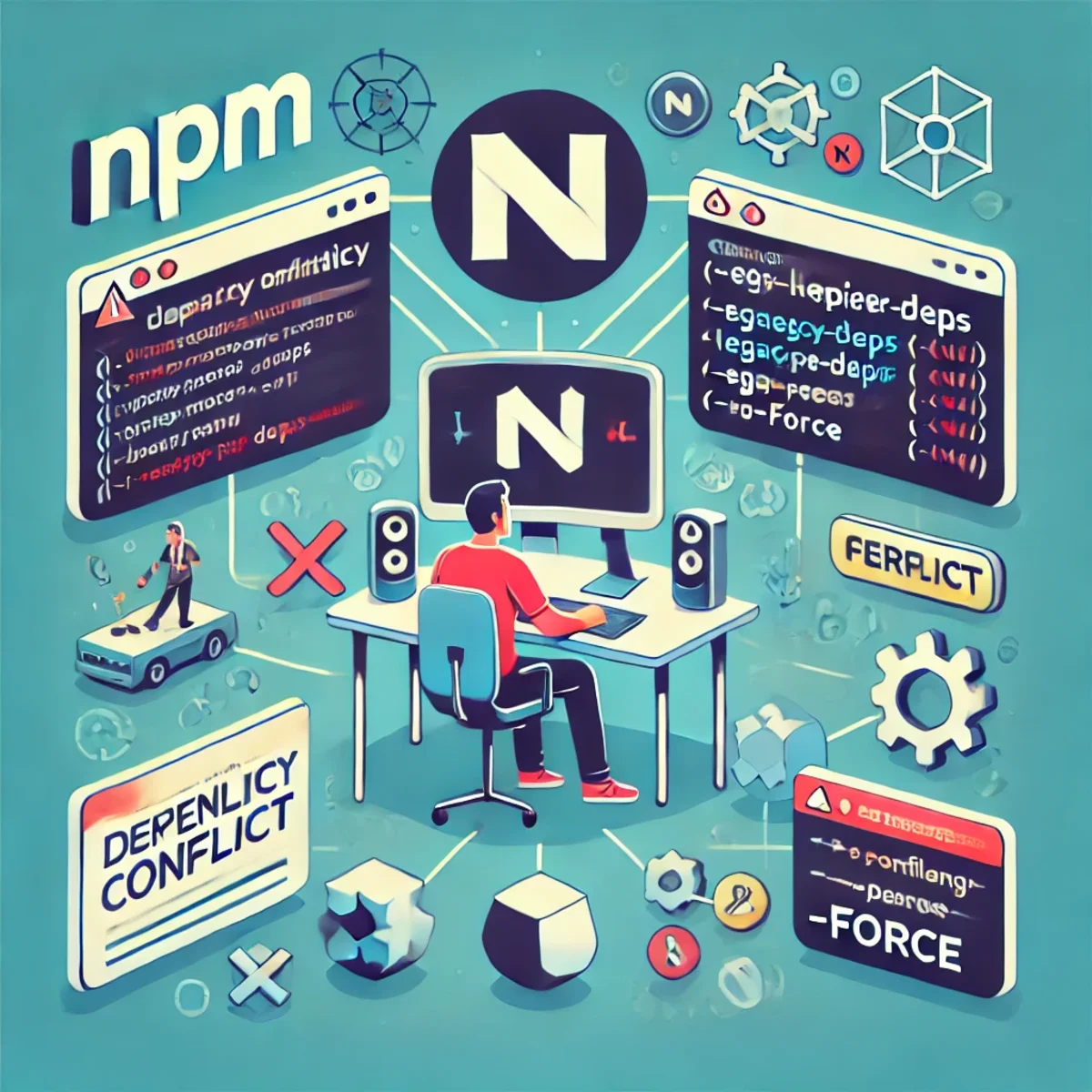
理解和解决npm ERESOLVE依赖冲突
正确解决npm ERESOLVE对等依赖冲突的方法:识别真正的版本不匹配,对齐版本,安全使用覆盖选项,并了解何时更适合使用pnpm或Yarn。
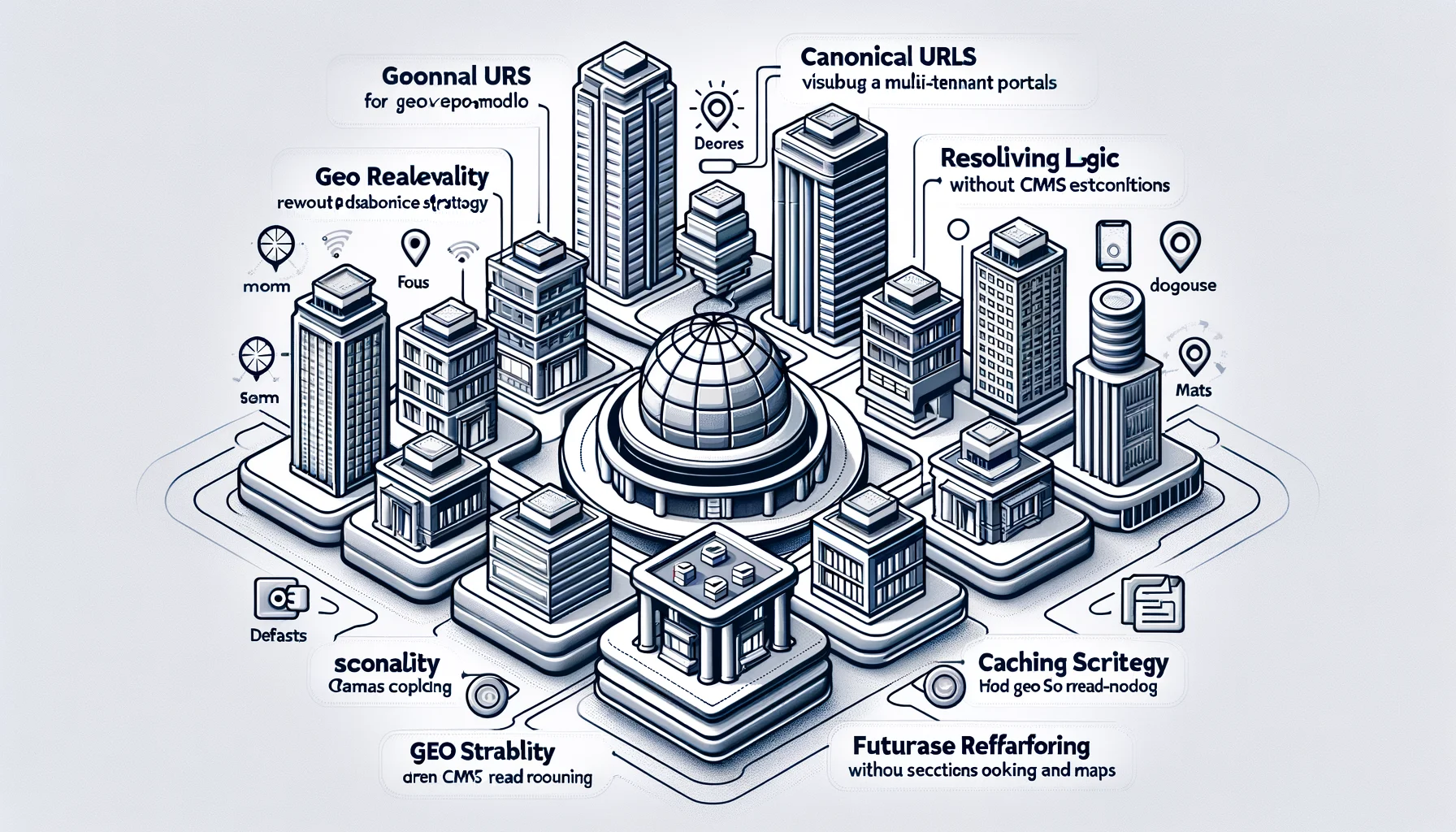
规范化架构、URL 设计、解析器逻辑、API 与可扩展性规范
面向多租户门户的地理发现架构。定义了规范化 URL、解析器逻辑、缓存策略以及不依赖 CMS 耦合或数据库重构的地理读模型。该设计旨在确保 SEO 稳定性、高可扩展性,并支持未来的功能扩展,例如预订和地图。