
How to Scan and Clean Your Cloud Linux Server from Malware

How to Scan and Clean Your Cloud Linux Server from Malware
Learn how to uncover potential malware and security risks on your cloud Linux server using essential scanning tools.
Why Malware Detection is Crucial for Your Cloud Server
Some unexpected behavior on a cloud Linux server could be a result of a malware infection, while other malicious software might not alert to its presence. Scanning your system for different types of unwanted programs can help identify potential issues, or at least give you peace of mind knowing that your server is clean.
There are multiple options for ensuring your cloud server is free from malware. In this guide, we will discuss a couple of essential scanning software tools you can utilize to check your system.
ClamAV: A Popular Antivirus Solution for Linux
ClamAV is a well-known open-source antivirus engine available on most Linux distributions.
To install ClamAV on your system, run:
sudo apt-get install clamav clamav-daemonUpdate the virus database:
sudo systemctl stop clamav-freshclam
sudo freshclam
Start and enable the services:
sudo systemctl start clamav-freshclam
sudo systemctl enable clamav-freshclam
Run a test scan:
sudo clamscan -r /homeHow to Test ClamAV
Download the harmless EICAR test file:
wget -P ~/ http://www.eicar.org/download/eicar.comScan again to verify detection:
sudo clamscan -r /homeRemove detected files:
sudo clamscan --infected --remove --recursive /homeFull system scan:
sudo clamscan --infected --recursive --exclude-dir="^/sys" /Conclusion
Regular malware scanning with tools like ClamAV helps keep your cloud Linux server secure and reliable.
Related Articles

企业级多租户架构,适用于国际平台
Loving Rocks 是一款企业级婚礼平台,采用真正的多租户架构设计,实现租户间数据库隔离,并内置国际化支持,以确保全球可扩展性、安全性及长期运营稳定性。
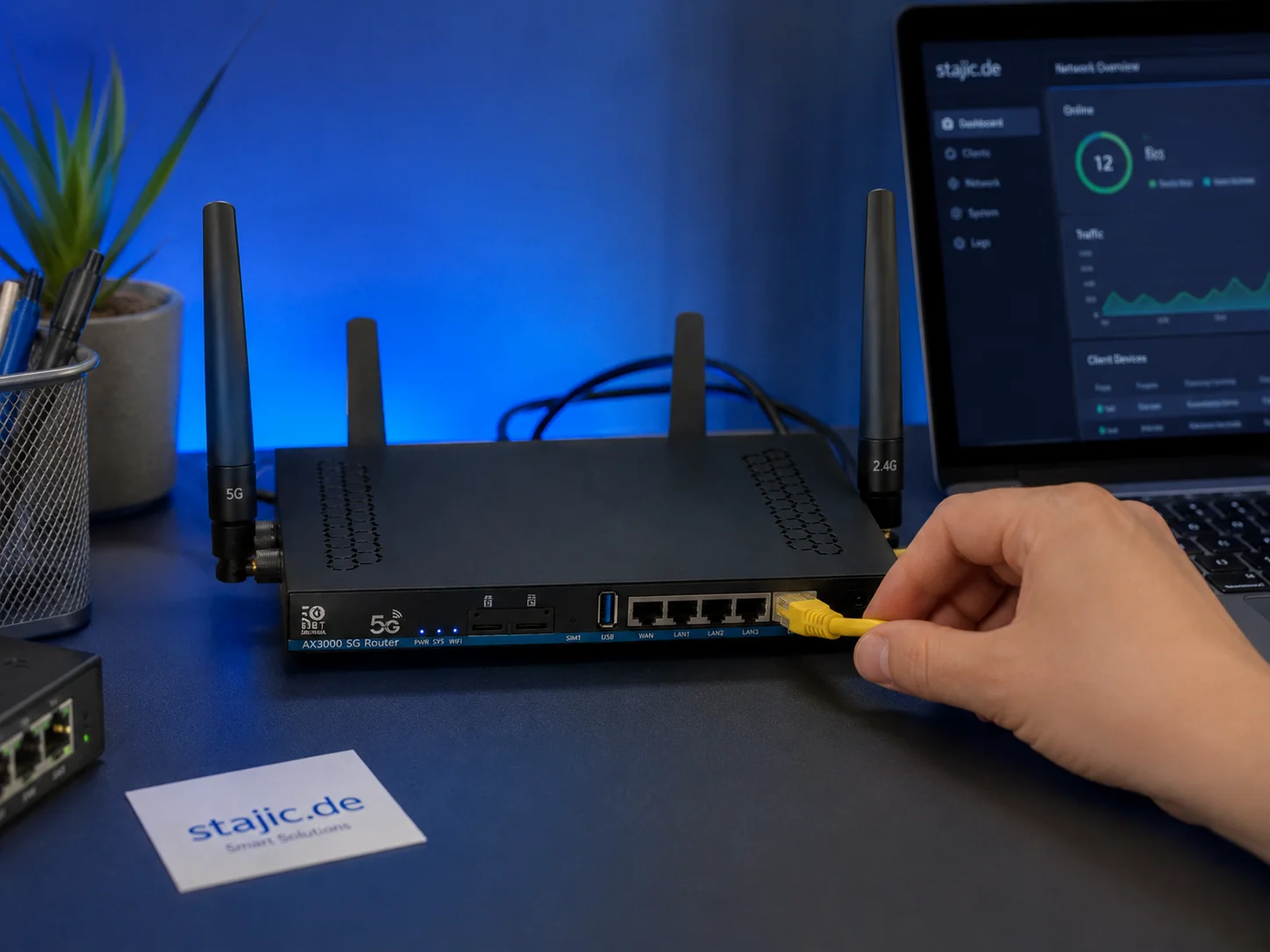
ZBT Z8102AX OpenWrt 21.02 固件评测:足够稳定,但能否面向未来?
ZBT Z8102AX 运行的是厂商修改版 OpenWrt 21.02 固件,内核版本为 5.4.246。实际测试中,该固件运行稳定,可保持路由器连续数日正常工作,但老旧的基础版本引发了关于安全性、调制解调器控制、升级路径及长期可维护性的重要问题。

RAG失败了——但究竟是哪一层真正失败了?一种诊断方法
当RAG答案出错时,将问题归咎于检索或模型过于笼统。这种诊断方法将来源覆盖、查询构建、检索、排序、上下文组装、生成、证据归因和时效性逐一隔离,从而使实际故障能够被复现并修复。
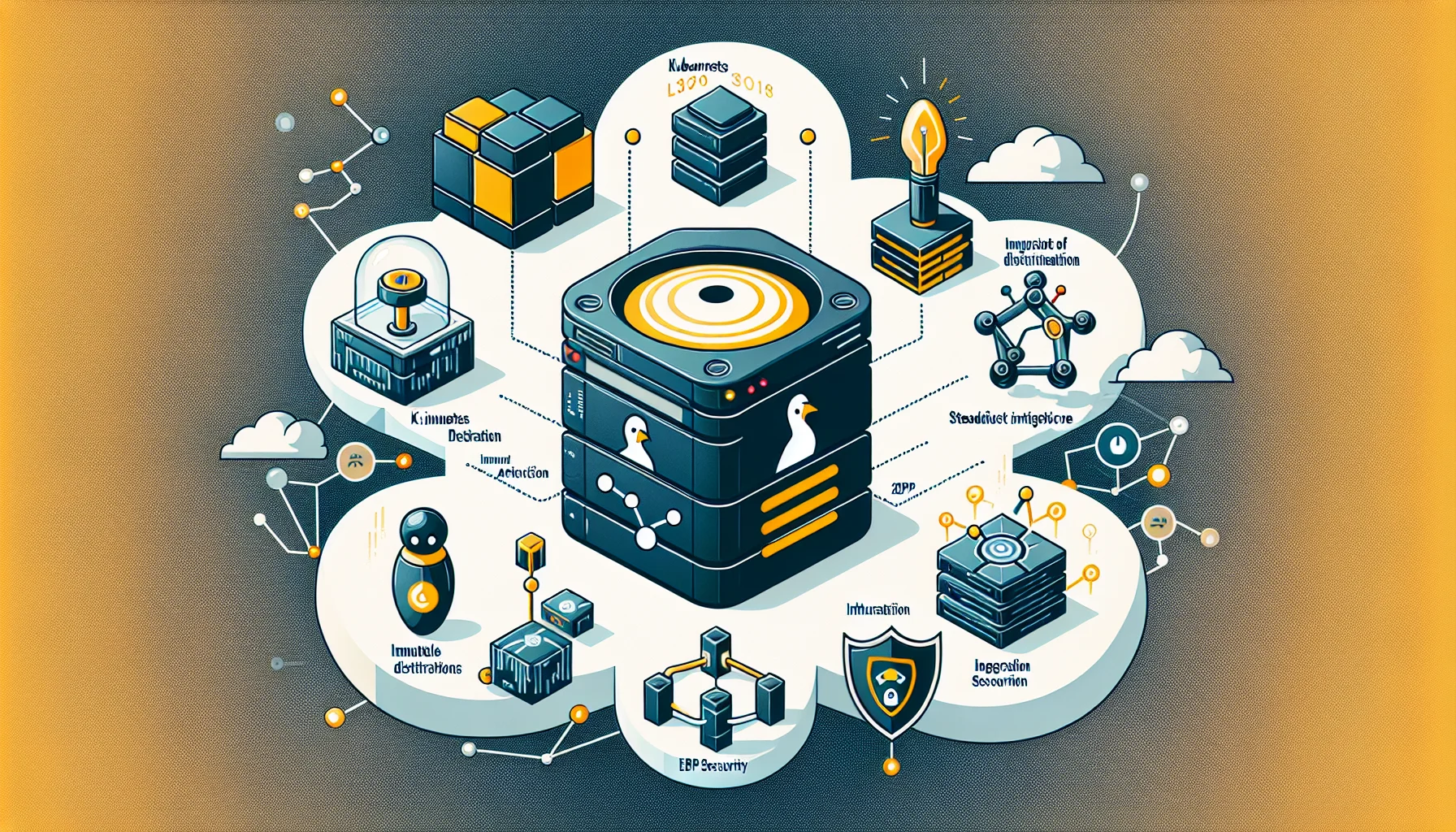
2026年新兴Linux趋势:塑造服务器基础设施的未来
探索2026年Linux关键趋势:从Kubernetes主导地位与不可变发行版,到人工智能集成与eBPF安全技术。

提示词本身就是偏见的一部分:AI的框架设定如何塑造推理
提示词的措辞并非中立。探索框架设定、预设假设、指令遵循和谄媚如何塑造AI推理——以及为什么可靠的结论需要在原始提示之外进行测试。

Laravel 12 Custom CMS with Filament 3: The Expert Workflow
A detailed look at the synergies between Laravel 12 and Filament 3 for creating customized Content Management Systems. Experts analyze the innovative workflow, advantages, disadvantages, and the challenge of the Jetstream workflow.

Ollama 并非产品:构建可投入生产的开源大语言模型应用
使用Ollama运行本地模型很简单。但构建一个可用于生产环境的开源大语言模型(Open-LLM)应用则更具挑战性:它需要RAG(检索增强生成)、访问控制、供应商抽象、评估、日志记录、部署规范,以及围绕模型构建受控的应用层。

MCP vs A2A vs UCP vs AP2 vs A2UI:智能体协议栈详解
MCP、A2A、UCP、AP2 和 A2UI 常被描述为相互竞争的智能体标准。它们大多解决的是不同的互操作性问题。本指南将每个协议映射到其实际标准化的边界,并展示它们如何在同一个生产系统中协同工作。
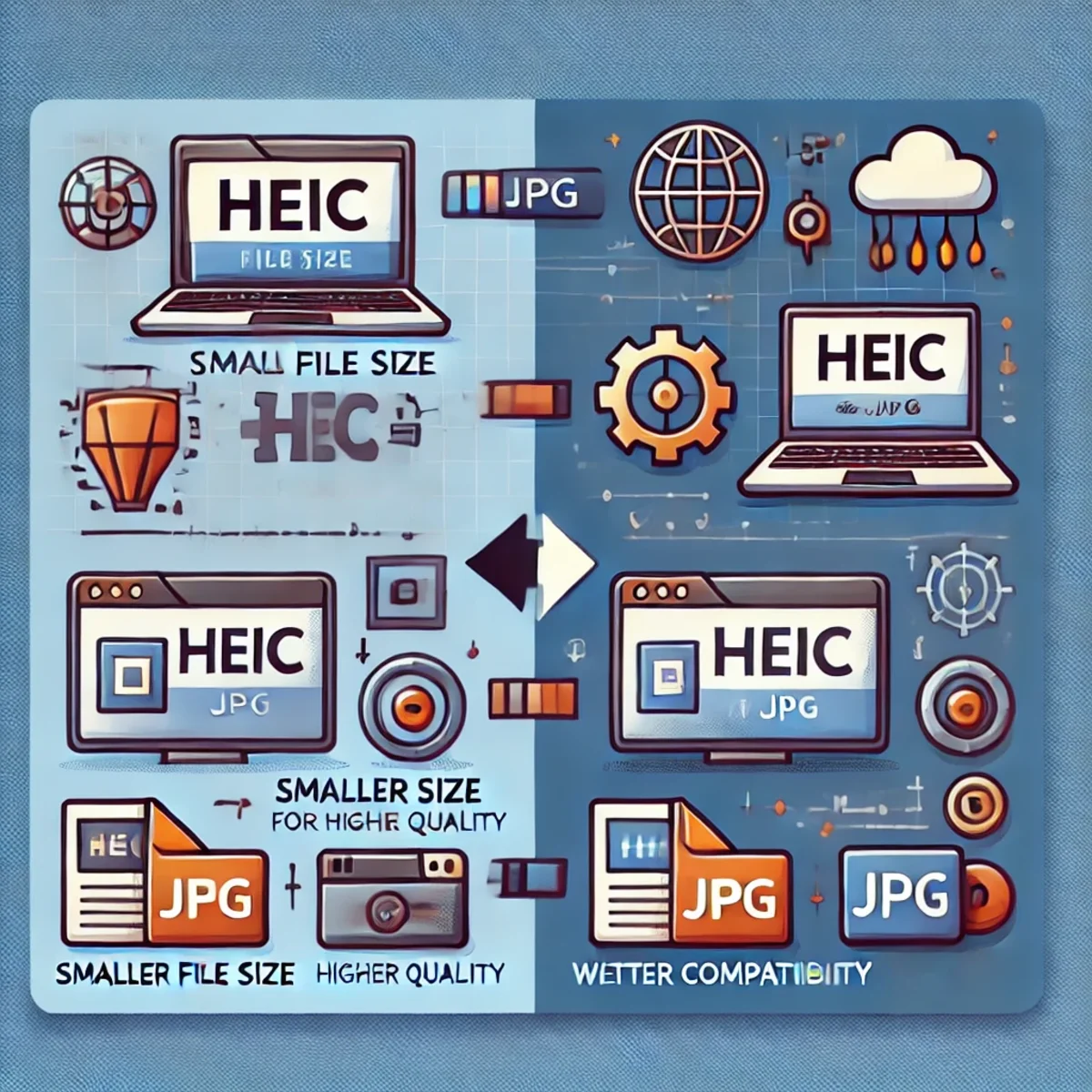
HEIC转JPG转换:为何值得考虑及其工作原理
HEIC格式提供了现代化的图像压缩和高画质,但JPG仍是兼容性最广的格式。本指南将说明在Linux环境下,何时以及如何利用工具与自动化流程将HEIC转换为JPG格式。

什么是RAG?对其工作原理的最简单解释
RAG听起来很复杂,但想法很简单:在AI回答之前,它先从知识源查找有用的信息,并将该信息提供给语言模型。本指南使用一个简单的思维模型来解释RAG、LLM、状态、记忆和工具。

Drag-and-Drop with JavaScript: A Deep Analysis of the Native API for Interactive Menu Structures
Implementing drag-and-drop functionality is crucial for modern, interactive user interfaces. This article examines the technical implementation using the native HTML5 Drag-and-Drop API in Vanilla JavaScript and TypeScript, focusing on the creation of dynamic menu structures.

交付与变更管理综合指标指南
本指南详细概述了企业交付与变革管理的关键指标,帮助团队衡量绩效、优化流程并推动持续改进。探索关键指标、计算方法及最佳实践,使您的指标与业务成果保持一致。