
Git with automatic upload and synchronization to a production server
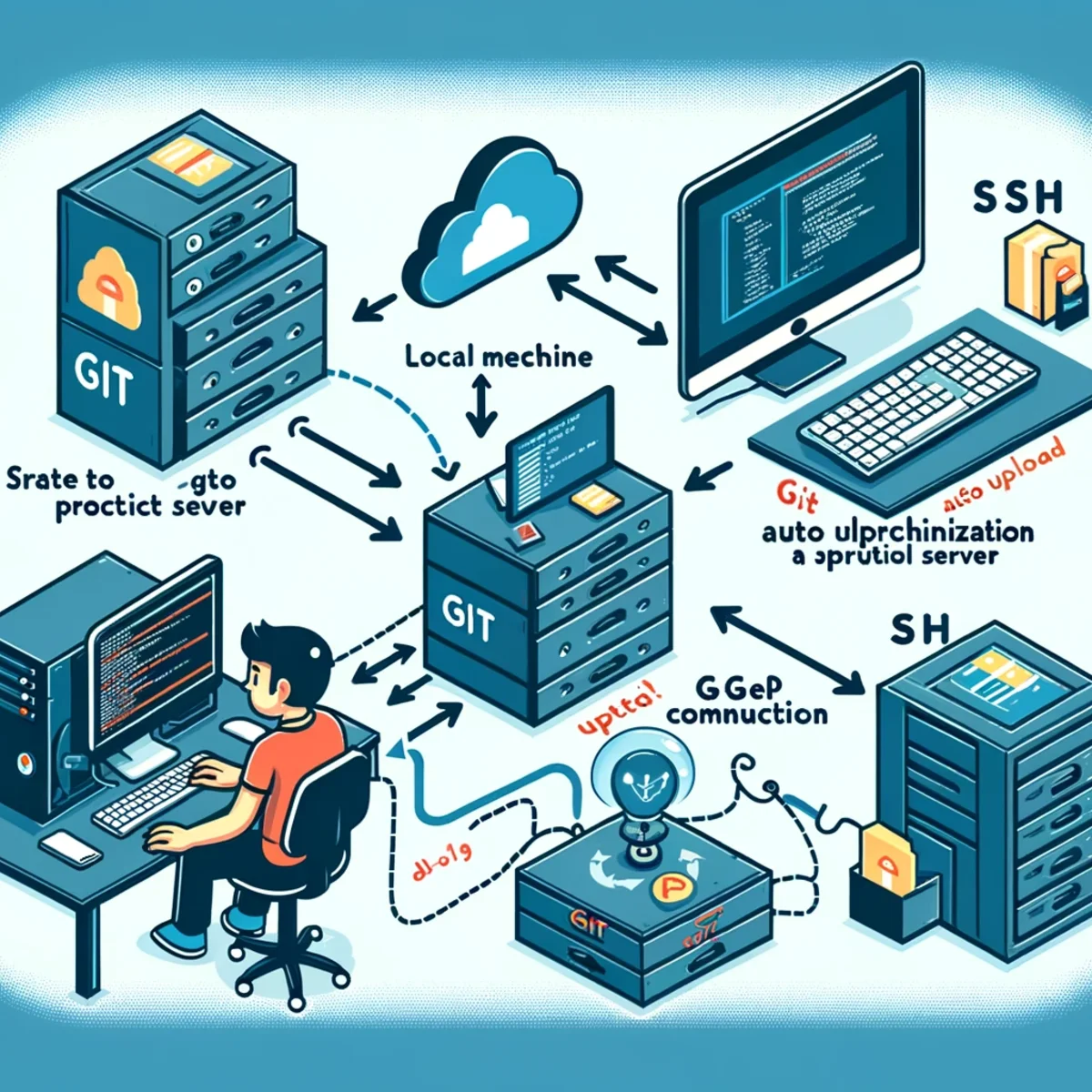
Setting Up Git with Auto Upload and Sync to a Productive Server Prerequisites Git installed on your local machine and the production server. SSH access to the production server. A Git repository on your local machine. Steps 1. Initialize a Git Repository First, make sure you have a Git repository set up on your local machine. If you don't have one, you can initialize it using: cd /path/to/your/project git init 2. Set Up the Remote Repository You'll need a bare repository on your production server to which you will push your code. # On your production server mkdir -p /var/repo/your_project.git cd /var/repo/your_project.git git init --bare 3. Add the Remote Repository On your local machine, add the production server repository as a remote: git remote add production user@production_server:/var/repo/your_project.git Replace user with your username on the production server and production_server with the server's address. 4. Push Code to the Production Server Push your local repository to the production server: git push production master 5. Post-Receive Hook for Deployment Create a post-receive hook on the production server to automatically deploy the code when pushed. # On your production server cd /var/repo/your_project.git/hooks nano post-receive Add the following script to post-receive: #!/bin/bash GIT_WORK_TREE=/var/www/your_project git checkout -f Make the hook executable: chmod +x post-receive 6. Automate Sync with Git Hooks (Optional) To automate the push to the production server every time you commit or push to your local repository, you can use Git hooks on your local machine. Post-Commit Hook This hook will push changes to the production server every time you commit. # On your local machine cd /path/to/your/project/.git/hooks nano post-commit Add the following script: #!/bin/bash git push production master Make the hook executable: chmod +x post-commit Post-Push Hook This hook will push changes to the production server every time you push to your remote repository. # On your local machine cd /path/to/your/project/.git/hooks nano post-push Add the following script: #!/bin/bash git push production master Make the hook executable: chmod +x post-push 7. Test the Setup Make a commit and push it to see if everything works as expected. git add . git commit -m "Test commit" git push Check your production server to ensure the changes are deployed. Notes Make sure your production server is secure and only accessible by authorized users. Consider setting up a more advanced deployment tool (like Capistrano, Ansible, or Docker) for larger projects or more complex deployment needs. Always have backups and a rollback strategy in place in case something goes wrong during deployment. This setup ensures that your code is automatically uploaded and synchronized with your production server whenever you commit or push changes to your local repository.
Related Articles

Was ist Context Engineering? Was das Modell erhält, bevor es antwortet
Context Engineering gestaltet, welche Informationen ein KI-Modell vor der Inferenz erhält, einschließlich Prompts, Retrieval, Speicher, Anwendungszustand, Tool-Ergebnissen und Konversationsverlauf.

Neues Qwen 3.5-Plus: Open-Source-KI macht jetzt Ernst
Entdecken Sie die bahnbrechenden Funktionen und Vorteile von Alibabas Qwen 3.5-Plus, einer revolutionären Open-Source-KI für Entwickler.

MLOps vs. LLMOps: Was sich ändert, wenn das Modell ein LLM ist
MLOps betreibt Systeme für maschinelles Lernen; LLMOps erweitert diese Praktiken auf Prompts, Kontext, Retrieval, Anbieter, Tools, Evaluierungen und Laufzeitverhalten rund um große Sprachmodelle.
Qwen 3.6 in der Produktion: Release-Runbook, KI-Rollback und LLMOps-Versionierung
Qwen 3.6 ist nicht nur ein weiteres Modell-Upgrade. Es ist gleichzeitig ein Release-Ereignis, ein Rollback-Szenario und ein Versionierungsproblem. Dieser Artikel erklärt, wie Qwen 3.6 in der Produktion durch LLMOps-Disziplin, Prompt- und Modell-Rückverfolgbarkeit, kontrollierten Rollout und evidenzbasierte Rollback-Bereitschaft gehandhabt werden sollte.

Wann sollte eine KI aufhören, ihrem eigenen Wissen zu vertrauen? — Der Retrieval-Trigger
Ein KI-Modell benötigt nicht für jede Frage einen Retrieval. Das wichtige Problem ist zu erkennen, wann sein internes Wissen nicht mehr ausreicht. Der Retrieval-Trigger ist eine praktische Entscheidungsgrenze, die bestimmt, wann ein KI-System aufhören sollte, sich allein auf das Modellwissen zu verlassen, und vor der Beantwortung externe Evidenz einholen sollte.

Woher bezieht ein LLM seine Daten? RAG-Datenquellen in Python
Ein LLM kennt deine Dateien, Datenbanken oder APIs nicht auf magische Weise. Diese praktische Fortsetzung der RAG-Reihe zeigt mit einfachem Python, wie externe Daten zu abrufbaren Belegen werden: von Textdateien und SQL bis hin zu Volltextsuche, Embeddings, Kontextzusammenstellung und dem abschließenden LLM-Aufruf.

Was ist RAG? Die einfachste Erklärung, wie es funktioniert
RAG klingt kompliziert, aber die Idee ist einfach: Bevor eine KI antwortet, sucht sie zunächst nützliche Informationen aus einer Wissensquelle und gibt diese Informationen an das Sprachmodell weiter. Dieser Leitfaden erklärt RAG, LLMs, Zustand, Gedächtnis und Werkzeuge anhand eines einfachen mentalen Modells.