
HEIC to JPG Conversion: Why You Should Consider It and How It Works
HEIC to JPG Conversion: Why You Should Consider It and How It Works
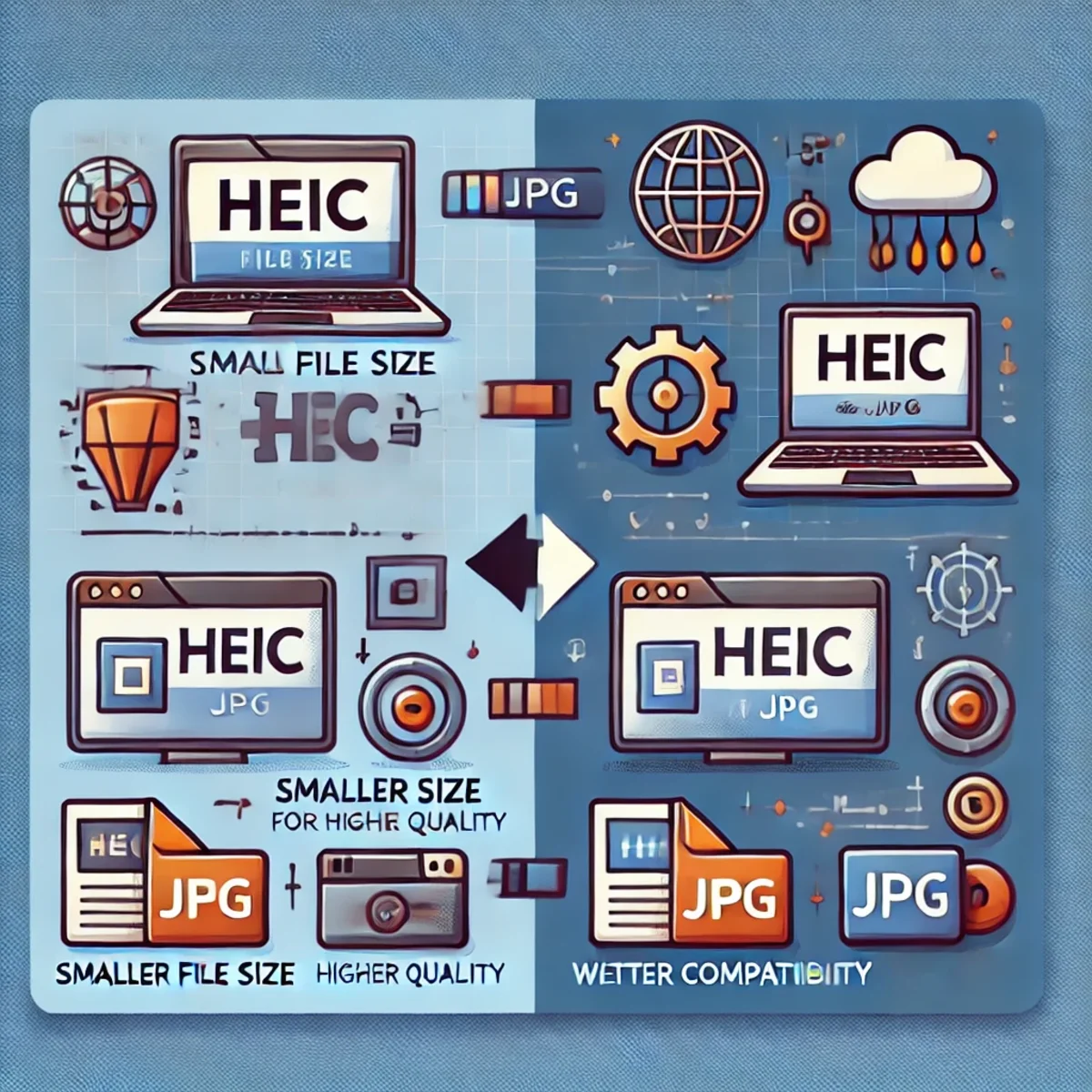
The HEIC image format has become increasingly popular, especially with Apple devices. While HEIC offers significant advantages in terms of compression and image quality, it also introduces compatibility challenges. Converting HEIC to JPG remains a practical and often necessary step in modern workflows.
What Is a HEIC File?
HEIC stands for High Efficiency Image Coding. It is based on the HEIF container format and uses advanced compression techniques derived from modern video codecs. Apple adopted HEIC to reduce storage usage while maintaining high image quality.
Unlike traditional JPG files, HEIC supports features such as higher bit depth, image sequences, and advanced metadata. These characteristics make HEIC ideal for modern mobile photography, but less practical for cross-platform distribution.
Why Convert HEIC to JPG?
- Compatibility: JPG is universally supported across operating systems, browsers, printers, and CMS platforms.
- Ease of workflow: Converting to JPG avoids issues with software that does not support HEIC natively.
- Web and e-commerce usage: Most websites, online shops, and social platforms expect JPG or PNG uploads.
- Editing and processing: Image editors and automation pipelines work more reliably with JPG files.
Installing HEIC Tools on Linux
On Linux systems, HEIC support is typically provided by libheif. This library includes command-line tools that allow efficient and scriptable conversion of HEIC images.
sudo apt update
sudo apt install libheif-examples
After installation, the heif-convert utility becomes available for converting HEIC images to JPG or PNG formats.
Converting a Single HEIC File to JPG
heif-convert input.HEIC output.jpgThis command decodes the HEIC image and re-encodes it as a JPG file using sensible default quality settings.
Batch Conversion of Multiple HEIC Files
For directories containing many HEIC files, batch conversion can be automated using a shell loop.
for file in *.HEIC; do
  heif-convert "$file" "${file%.HEIC}.jpg"
done
This approach is ideal for importing photos from mobile devices, cameras, or backups into systems that rely on JPG.
Advanced Conversion Using FFmpeg
FFmpeg also supports HEIC decoding and provides additional control over quality, color profiles, and automation.
ffmpeg -i input.HEIC -q:v 2 output.jpgLower quality values produce higher-quality JPG images. This is useful when preserving visual fidelity is critical.
Advantages of the HEIC Format
- Smaller file sizes compared to JPG at similar quality levels.
- Support for higher color depth and richer tonal transitions.
- Ability to store multiple images and advanced metadata in a single file.
Disadvantages of the HEIC Format
- Limited support on older operating systems and software.
- Inconsistent handling across web platforms and CMS tools.
- Potential issues when sharing images with non-technical users.
When to Use HEIC and When to Convert
HEIC is ideal for capturing and storing images on modern devices where storage efficiency matters. JPG remains the preferred format for distribution, publishing, editing, and long-term compatibility.
A practical strategy is to archive originals in HEIC while converting copies to JPG for everyday use, web publishing, and integration into existing systems.
Conclusion
HEIC represents the future of image compression, but JPG remains the present standard for compatibility. Understanding when and how to convert between these formats ensures smooth workflows without sacrificing image quality or accessibility.
Related Articles
git-with-automatic-upload-and-synchronization-to-a-production-server

Google I/O 2026: Android XR, Intelligent Eyewear, and the Ambient AI Interface
Google I/O 2026 pushed Android XR and intelligent eyewear from concept toward a real platform direction. This article breaks down audio glasses, display glasses, Gemini-powered context awareness, developer implications, privacy risks, and why wearable AI is less about replacing phones and more about creating ambient assistance surfaces.

New Qwen 3.5-Plus: Open-source AI is getting serious now
Discover the groundbreaking features and benefits of Alibaba's Qwen 3.5-Plus, a revolutionary open-source AI for developers.

ComfyUI on Fedora 43: Two Virtual Environments + One-Click Start (March 2026)
Goal: Keep two Python venvs (e.g., 3.12 + 3.14) for compatibility, but start ComfyUI automatically with a clean, lightweight setup.

What Should an AI Agent Remember, Forget, Recompute or Retrieve Again?
Long-running agents should not remember everything. This article provides a practical lifecycle model for deciding what belongs in durable memory, what should be retrieved again, what is safer to recompute, and what should expire or be superseded.

AI Agent Reliability: Why the Final Answer Is Not Enough
Correct output does not prove correct reasoning, safe execution, or a trustworthy system.

erstellen-eines-benutzerdefinierten-gpt-4-plugins-in-wordpress
Qwen 3.6 in Production: Release Runbook, AI Rollback, and LLMOps Versioning
Qwen 3.6 is not just another model upgrade. It is a release event, a rollback scenario, and a versioning problem at the same time. This article explains how Qwen 3.6 should be handled in production through LLMOps discipline, prompt and model traceability, controlled rollout, and evidence-based rollback readiness.

Enterprise-Grade Multi-Tenant Architecture for an International Platform
Loving Rocks is an enterprise-grade wedding platform designed with a true multi-tenant architecture, isolated databases per tenant, and built-in internationalization for global scalability, security, and long-term operational stability.
Understanding and Resolving npm ERESOLVE Dependency Conflicts
Resolve npm ERESOLVE peer dependency conflicts the right way: identify the real mismatch, align versions, use overrides safely, and know when pnpm or Yarn is a better fit.

Comprehensive Guide to Test Dev Enterprise Stajic.de: Architecture and Best Practices
Explore the architectural principles, benefits, and technical details of managing an enterprise-grade development and testing environment with Test DEv Enterprise Stajic.de.

Ultimate Guide to Acceptance Criteria for LLM Adoption in Enterprise Playbooks
Master the art of defining precise acceptance criteria to ensure successful LLM integration in your enterprise environment. This comprehensive guide provides actionable frameworks, examples, and best practices tailored for playbook-driven adoption.