
Techniques for creating SHA512 password hashes with doveadm

Introduction: The necessity of secure password hashes
The secure storage of user passwords is a fundamental requirement in modern IT infrastructure. Unlike outdated or insecure hashing methods, SHA512 (Secure Hash Algorithm with 512 bits) provides a robust foundation for ensuring the integrity of password databases. For environments relying on the Dovecot Mail Server, the command-line tool `doveadm` offers a standardized and efficient method to generate these highly secure hashes directly from the command line.
This article provides extensive technical documentation for system administrators and programmers who need to create password hashes according to the SHA512 schema. The use of `doveadm` ensures compatibility with Dovecot's internal authentication mechanisms and promotes adherence to current security standards through automatic handling of salting processes.
Overview: doveadm and Dovecot
Dovecot is a widely used open-source IMAP and POP3 server known for its stability, performance, and comprehensive security features. As a central management utility, `doveadm` enables administrators to perform various tasks, from user management and mailbox status checks to authentication and password hash generation.
The function of generating password hashes is essential for preparing user accounts, migrating authentication databases, or manually verifying hash formats. Since Dovecot supports a variety of hashing schemes, the correct specification of the desired algorithm – in this case SHA512 – via `doveadm` is crucial for interoperability and security.
Benefits of Using doveadm for Hashing
The use of the native Dovecot tool to create SHA512 hashes offers specific advantages over generic hashing tools:
- Standardization and compatibility: The generated hashes match exactly the format that Dovecot expects for authentication, including correct schema prefixes (e.g., {SHA512}).
- Integrated salting mechanisms: For modern schemas like SHA512, `doveadm` automatically applies cryptographically secure salts. This significantly hinders rainbow table attacks and brute-force attempts, representing a significant innovation in password security.
- Direct command-line integration: The generation can be embedded directly into shell scripts or automation processes, simplifying the management of large user databases.
- Support for various encodings: `doveadm` can output hashes in different encodings (e.g., Base64 or hexadecimal) depending on the specific SHA512 schema defined in Dovecot's configuration (typically `auth_mechanisms` or `default_pass_scheme`).
Technical Details: SHA512 Hashing with doveadm
To create a password hash, the subcommand `pw` (password) of `doveadm` is used. This command accepts the password either directly as an argument or reads it securely from standard input to avoid displaying in shell history. Correct specification of the hashing schema is mandatory.
The general syntax pattern is:
doveadm pw -s-p — Generating a hash with directly passed password
For SHA512, several schemas are usually available depending on whether plain un-salted SHA512 or salted SSHA512 (Salted SHA512) is desired. Using salted hashes is always preferred for security reasons. Dovecot often uses the prefix `SHA512` for the salted variant when configured as a standard password schema, or explicitly `SSHA512`.
To generate a salted SHA512 hash that conforms to the Dovecot standard, the following command is typically used. Here, 'Geheim123' is used as an example password:
doveadm pw -s SHA512 -p Geheim123— Example for generating a SHA512 hash
The output of `doveadm` provides the complete hash, including the schema prefix, salt, and actual hash value. A typical result looks like this (the hash value is random and varies due to the salt):
{SHA512}809d4c9e8f... (long Base64 string)— Example output format
For maximum security, it is recommended not to pass the password directly in the command line but to use `doveadm` for secure input prompt. If the `-p` parameter is omitted, `doveadm` prompts securely for the password entry.
doveadm pw -s SHA512— Secure password input prompt
Use Cases and Implementation
The ability to quickly generate conformant SHA512 hashes is significant for various administrative and development scenarios:
1. **User provisioning:** During the setup of new user accounts, especially when stored in an external database (e.g., MySQL, PostgreSQL or LDAP), the hash must be present in correct Dovecot format. `doveadm pw` ensures that the hash is immediately ready for use.
2. **Database migration:** During a transition from an older authentication system to Dovecot or when migrating weaker hashing algorithms (such as MD5 or SHA1) to SHA512, `doveadm` can be used to rehash user passwords once they log in next time. For initial population of test environments, manual generation is often necessary.
3. **Script-based management:** In large environments, shell scripts or configuration management tools (such as Ansible or Puppet) can use `doveadm pw` to automatically create users while ensuring passwords are hashed robustly from the start with SHA512. This increases efficiency and security of infrastructure management.
4. **Configuration verification:** Administrators can use `doveadm pw` to verify if the standard password schema defined in Dovecot's configuration (`dovecot.conf`) functions correctly and delivers expected output.
Conclusion and Outlook
Creating SHA512 password hashes via `doveadm` is the recommended method for all environments using Dovecot for authentication. The tool provides a technical, standardized, and secure solution that abstracts the complexity of salting and formatting. By consistently applying SHA512, a high level of password security is ensured, representing a necessary innovation in handling sensitive user data.
For technicians and programmers, `doveadm pw` is an indispensable tool to thoroughly secure authentication databases and streamline management processes. Mastering this command-line syntax is a fundamental step towards maintaining a robust and modern email infrastructure.
Related Articles

Google I/O 2026:Gemini Omni、Gemini 3.5 以及驱动自主式AI的计算层
Google I/O 2026 将 Gemini Omni 和 Gemini 3.5 置于谷歌代理型 AI 战略的核心。本文解析了多模态创作与行动级智能之间的区别,阐释了 Gemini 3.5 Flash 对代理和编码的重要性,以及这些模型如何驱动更广泛的 Google I/O 2026 平台转型。
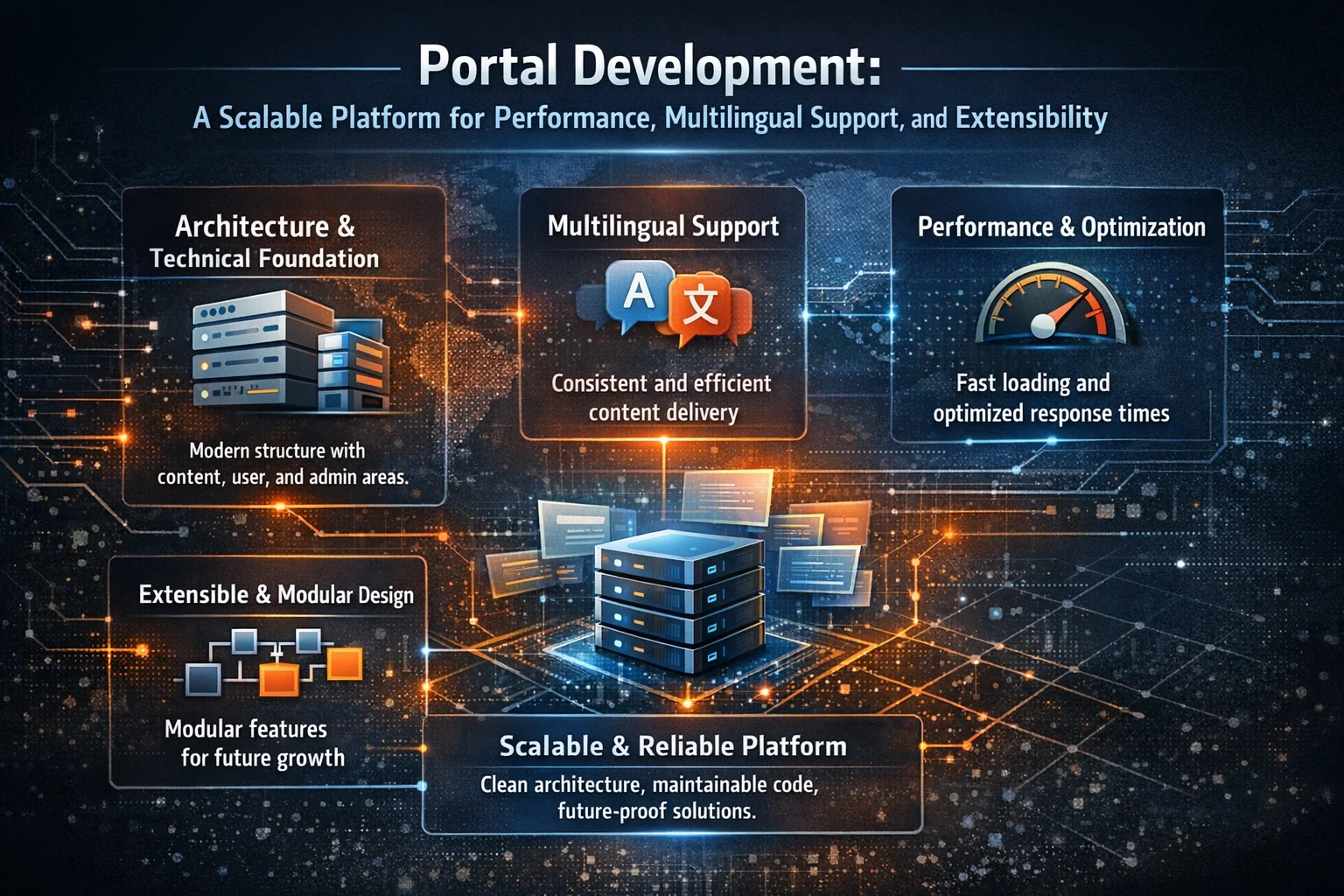
门户开发:一个可扩展的平台,专注于性能、多语言支持与可扩展性
Ein modernes Webportal wird entwickelt, das auf Skalierbarkeit, Leistung, Mehrsprach
Snap 软件包:为何对 DBeaver 等高级工具力不从心
Snap包引入了限制性沙盒机制,这会破坏高级工作流程。本文解释了为何DBeaver在Snap环境下难以实现SSH隧道功能,以及为何Flatpak或原生软件包是更优的替代方案。

Google I/O 2026:搜索、工作空间和购物中的智能代理产品
Google I/O 2026 展示了代理型 AI 正从模型演示和开发者工具走向日常产品界面。本文解析了搜索、Workspace、Gemini Spark 和 Universal Cart 如何指向一种新的产品模式——谷歌代理帮助用户在互联服务中研究、工作、购物和行动。

Ubuntu图形堆栈转型:混合GPU启动崩溃、Wayland风险与稳定部署实践
Ubuntu桌面版升级可能导致启动卡顿、登录会话丢失以及渲染不稳定等问题,在英特尔与NVIDIA混合显卡系统中尤为突出。本文深入解析图形堆栈的底层变更、问题产生的根源,并指导如何通过长期支持版基线及经过验证的驱动策略安全部署Ubuntu系统。

全新Qwen 3.5-Plus:开源AI迈入新纪元
探索阿里巴巴Qwen 3.5-Plus的革命性特性与优势,这款为开发者打造的颠覆性开源人工智能模型。
install-pcl-library-on-python-ubuntu-19-10-point-cloud-librar

基于Next.js、Fastify、Prisma和NGINX的实用单体仓库架构
探索一种实用的单体仓库架构,结合Next.js、Fastify、Prisma与NGINX,重点展示实际集成与工作流程。

你应该购买带有旧固件的5G OpenWrt路由器吗?以ZBT Z8102AX为例
购买搭载旧版固件的5G OpenWrt路由器在特定条件下是合理的。ZBT Z8102AX型号清晰展现了利弊两面:硬件实用、调制解调器工作正常,测试中路由器保持稳定,但OpenWrt 21.02版本、简陋的包装以及不明确的升级路径,要求消费者在购买时需审慎决策。
force-install-package-in-virtualenv
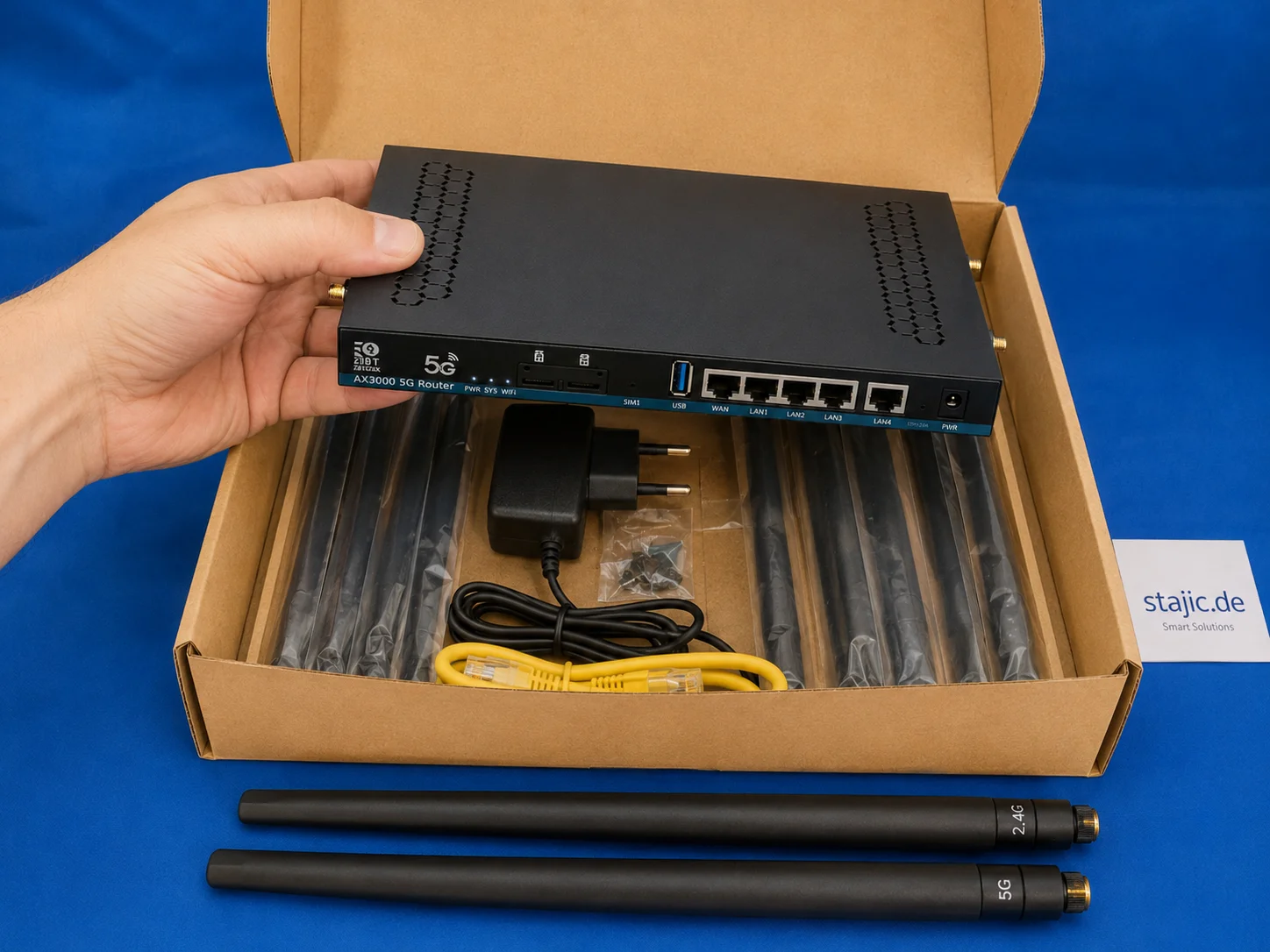
ZBT Z8102AX 硬件与包装评测:强劲路由器,薄弱包装
ZBT Z8102AX 作为一款纤薄黑色金属5G OpenWrt路由器,配备多个天线接口、双SIM卡槽、USB、LAN/WAN端口及实用配件套装,给人留下扎实的第一印象。硬件设计实用且专业,但包装显然是薄弱环节。

ZBT Z8102AX OpenWrt 21.02 固件评测:足够稳定,但能否面向未来?
ZBT Z8102AX 运行的是厂商修改版 OpenWrt 21.02 固件,内核版本为 5.4.246。实际测试中,该固件运行稳定,可保持路由器连续数日正常工作,但老旧的基础版本引发了关于安全性、调制解调器控制、升级路径及长期可维护性的重要问题。