
Using Cygwin’s bash Babun terminal in a JetBrains IDE
Babun
pwd?
Hold on… you might notice you’re in the wrong directory now. The terminal opened in C:\Users\YOUR-USERNAME\ instead of opening at the root of the current project like it typically would with the default shell. This would drive me mad, especially when switching projects or opening more terminal tabs. To fix this, open up C:\Users\YOUR-USERNAME\.babun\cygwin\etc\bash.bashrcfor Babun, C:\cygwin\etc\bash.bashrc (or similar) for Cygwin, and add a new line to the end; cd $OLDPWD. Now, you're brought to the current project's room every time you open the terminal or another terminal tab.
Related Articles
mozilla-thunderbird-68-x-kann-oauth2-fuer-provider-for-google-calendar-nicht-speichern
Ovladavanje komandnom linijom: Sveobuhvatan vodič za komandu find
Otključajte puni potencijal Linux find komande. Ovaj vodič pokriva sintaksu, proširene primere i tehničke detalje za efikasno upravljanje datotekama.

Ovladavanje SEO radnim tokom: Ključne strategije optimizacije za organski rast
Strukturiran SEO tok posla je ključan za održiv organski rast. Naučite deset osnovnih strategija, od istraživanja ključnih reči i tehničke optimizacije do kvaliteta sadržaja i analize performansi.

Databasemarketing – Moderan pristup za odnose sa klijentima
Moderan pregled marketinga baze podataka: od strategije podataka i tehničke arhitekture do automatizacije, GDPR-a i najboljih praksi za održive odnose sa klijentima.
installation-mod_wsgi-auf-ubuntu-80-04-python-apache-2-4-und-django
javascript-batchverarbeitung-oder-stapelverarbeitung-von-function

Sveobuhvatni vodič za Test DEv Enterprise Stajic.de: Arhitektura i najbolje prakse
Istražite arhitektonske principe, prednosti i tehničke detalje upravljanja okruženjem za razvoj i testiranje nivoa preduzeća pomoću Test DEv Enterprise Stajic.de.
konvertieren-rpm-in-debian-ubuntu-deb-format-debian-package-manager
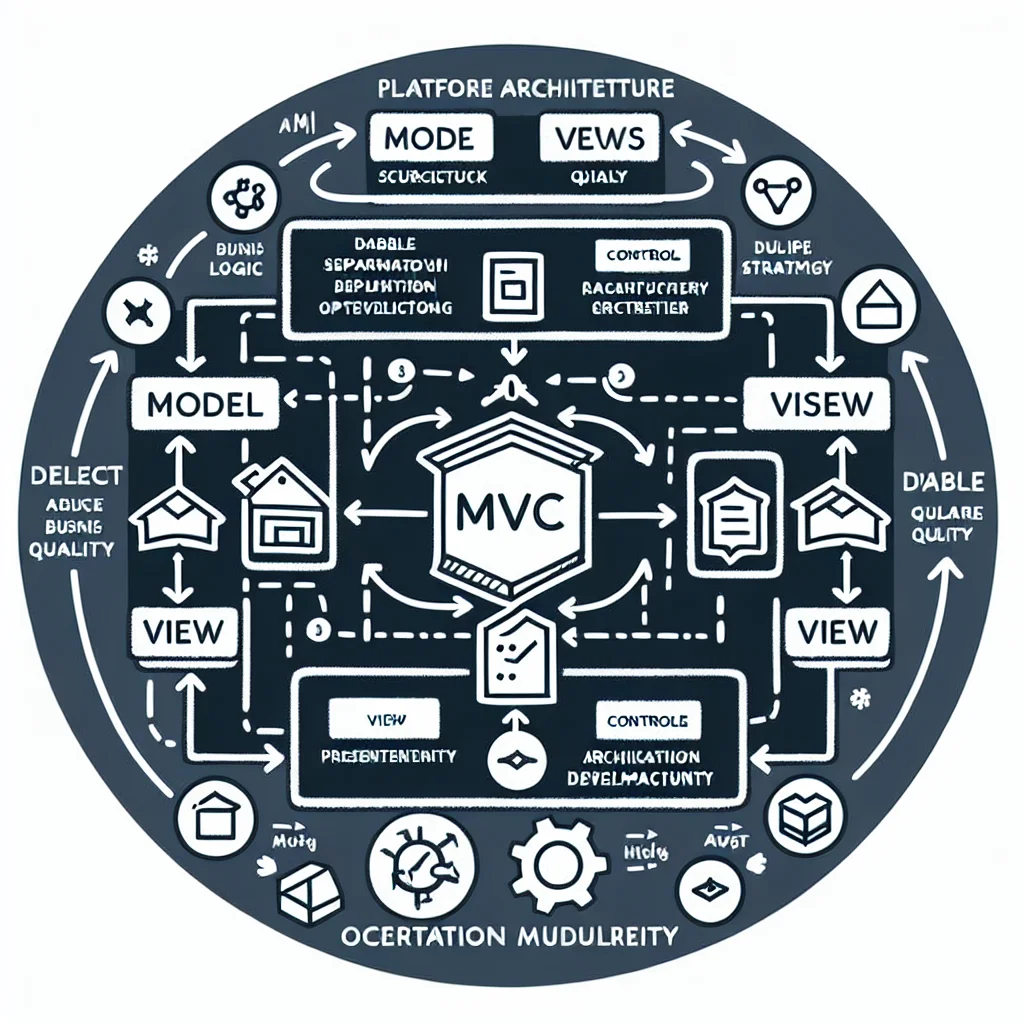
Model-View-Controller (MVC): Strukturna okosnica modernih veb aplikacija
Model-View-Controller, obično skraćeno kao MVC, ostaje jedan od najtrajnijih arhitektonskih obrazaca u razvoju softvera. On timovima pruža praktičan način da razdvoje poslovnu logiku, prezentaciju i interakciju korisnika kako bi aplikacije ostale lakše za izgradnju, proširenje, testiranje i održavanje. Ovaj članak objašnjava šta je MVC, zašto je i dalje važan, gde se uklapa u današnje veb stekove i kako se povezuje sa širom arhitekturom platforme, kvalitetom isporuke, strategijom migracije i operativnom zrelošću.

Google I/O 2026: Android XR, inteligentne naočare i ambijentalni AI interfejs
Google I/O 2026 je pogurao Android XR i inteligentne naočare od koncepta ka smeru stvarne platforme. Ovaj članak analizira audio-naočare, naočare sa ekranom, kontekstualnu svest koju pokreće Gemini, implikacije za programere, rizike po privatnost i zašto se nosiva veštačka inteligencija manje bavi zamenom telefona, a više kreiranjem ambijentalnih površina za asistenciju.

Sveobuhvatni vodič za metrike u isporuci i upravljanju promenama
Ovaj vodič pruža detaljan pregled osnovnih metrika za isporuku i upravljanje promenama u preduzećima, pomažući timovima da mere performanse, optimizuju procese i podstiču kontinuirano poboljšanje. Otkrijte ključne indikatore, metode izračunavanja i najbolje prakse za usklađivanje metrika sa poslovnim ishodima.
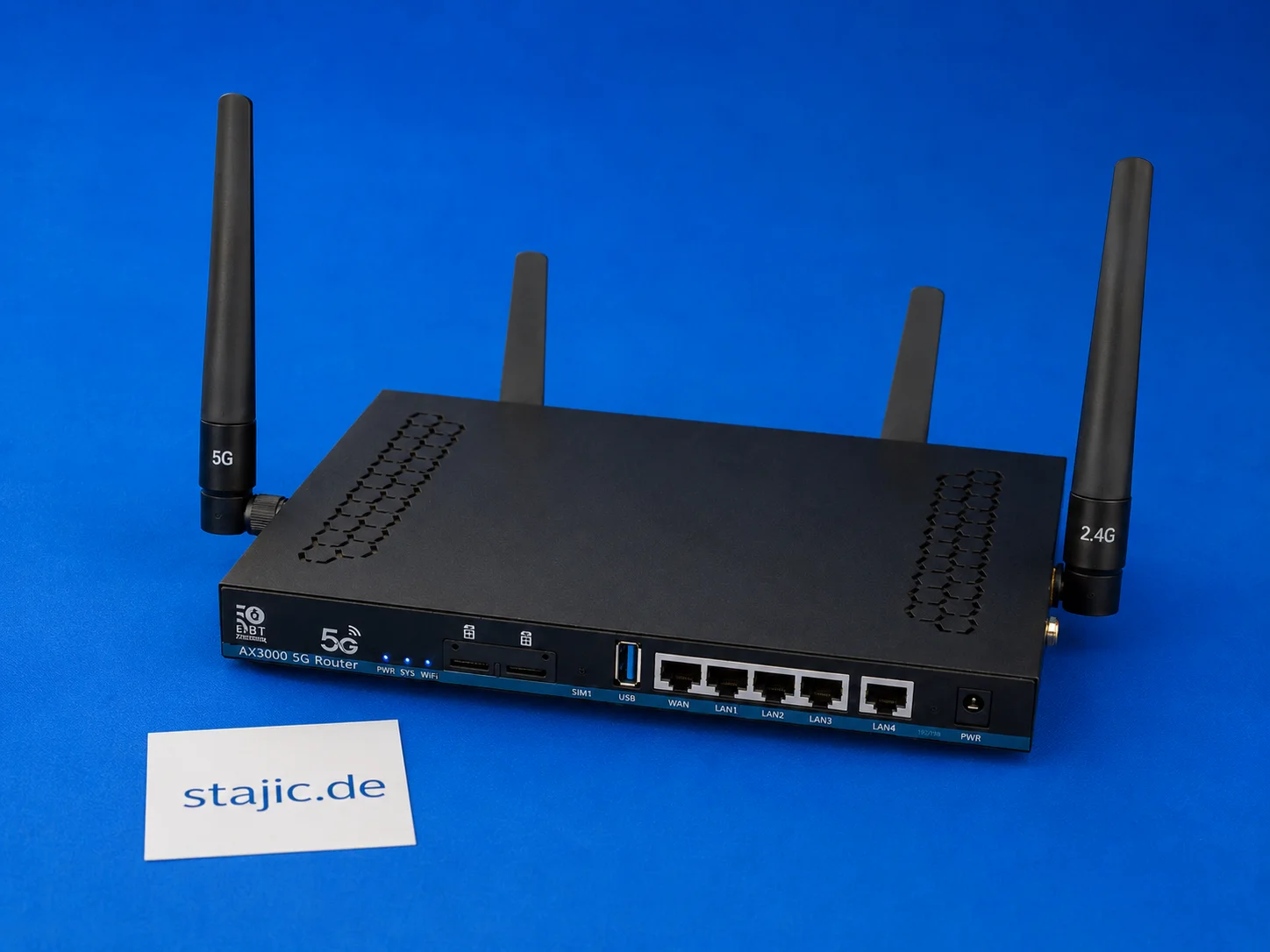
ZBT Z8102AX Dual-SIM failover: Šta radi, šta nedostaje i šta zahteva bolji firmver
ZBT Z8102AX je dual-SIM 5G OpenWrt ruter, ali sam dual-SIM hardver nije isto što i inteligentni failover. Ruter prepoznaje SIM karticu i uspešno se povezuje, ali automatsko prebacivanje, oporavak modema, odluke zasnovane na signalu i čista failover logika i dalje zahtevaju dublje testiranje.