LibreOffice ChatGPT Macro Integration Case Study

Custom Python OpenAI Macro Integration for ChatGPT in LibreOffice
In the realm of productivity software, LibreOffice stands as a powerful open-source suite for document creation and management. The challenge addressed in this case study revolves around integrating Python OpenAI macro capabilities with ChatGPT directly into LibreOffice. This custom integration transforms standard office workflows by embedding AI assistance seamlessly within the application, allowing users to leverage ChatGPT's generative power without switching tools.
The project focused on creating a macro that utilizes Python scripting within LibreOffice to connect with the OpenAI API, enabling ChatGPT interactions for tasks like text generation, editing suggestions, and content ideation. This technological advancement bridges the gap between office productivity and advanced AI, optimizing workflows for writers, editors, and knowledge workers.
Project Overview
The core challenge was to overcome the limitations of standalone office suites by incorporating real-time AI capabilities. Traditional workflows in LibreOffice required manual copying of prompts to external ChatGPT interfaces, disrupting focus and efficiency. The solution involved developing a custom Python macro that interfaces with LibreOffice's macro environment, calls the OpenAI API for ChatGPT responses, and inserts outputs directly into active documents.
This integration targets users seeking to enhance their LibreOffice experience with AI-driven automation. By embedding ChatGPT functionality, the macro supports diverse applications from drafting emails to generating reports, all within the familiar LibreOffice interface.
Key challenges included ensuring stable API connectivity from within LibreOffice's sandboxed macro system, handling authentication securely, and maintaining responsiveness during AI query processing. The process demanded deep knowledge of LibreOffice's UNO API, Python scripting, and OpenAI's integration protocols.
Key Benefits
- Streamlined workflow by eliminating tool-switching between LibreOffice and web-based ChatGPT.
- Real-time AI text generation and editing suggestions within documents.
- Customizable prompts for tailored content creation in spreadsheets, writers, and presentations.
- Enhanced knowledge management through AI-assisted summarization and idea generation.
- Offline-capable macro setup with online API calls for flexibility.
Technical Details
The solution leverages LibreOffice's built-in Python macro support via the UNO (Universal Network Objects) API. The macro script initializes by importing necessary modules such as uno, urllib for HTTP requests, and json for API payload handling. OpenAI API integration occurs through direct POST requests to the ChatGPT endpoint, using API keys stored securely in macro properties.
Core process: User triggers the macro via Tools > Macros menu or custom toolbar button. A dialog prompts for input text or query. Python code formats the prompt, sends it to OpenAI servers, receives JSON response, parses the ChatGPT output, and inserts it at the cursor position using LibreOffice's document controller.
Tech stack includes Python 3.x embedded in LibreOffice, OpenAI Python client library adapted for macro constraints, and LibreOffice UNO bindings. Error handling covers network issues, rate limits, and invalid responses, ensuring robust operation.
Development process: First, prototype macro in LibreOffice Basic, then migrate to Python for advanced HTTP capabilities. Test API calls in isolated scripts before full integration. Iterate on UI dialogs using LibreOffice's XDialogProvider for user-friendly input. Deploy as a shared macro library for easy distribution.
Use Cases and Applications
This LibreOffice ChatGPT macro integration shines in knowledge-intensive workflows. Content creators use it for brainstorming outlines in Writer, generating bullet points in Impress, or analyzing data descriptions in Calc. Technical writers benefit from code snippet explanations, while educators draft lesson plans with AI assistance.
Applications extend to multilingual translation within documents, automated email drafting in Writer templates, and research summarization by feeding excerpts to ChatGPT for concise overviews. The macro supports batch processing for multiple prompts, ideal for report generation.
For teams, the macro fosters collaborative workflows by standardizing AI usage across shared LibreOffice files, promoting consistent knowledge output.
Results demonstrate significant workflow improvements through reduced context-switching and accelerated content production. The integration proves scalable for individual and enterprise use, with the custom code enabling further extensions like model selection or prompt templates.
Conclusion
This case study highlights the successful custom integration of a Python OpenAI macro with ChatGPT in LibreOffice. By addressing workflow challenges through a precise technological solution, the project delivers AI-enhanced productivity. The process, from UNO API scripting to API orchestration, underscores deep knowledge in open-source office automation and AI integration.
Ultimately, this macro empowers users with seamless ChatGPT access, revolutionizing LibreOffice workflows for efficient, intelligent document handling.
Related Projects
Digitalization portal for Archive Museum Library
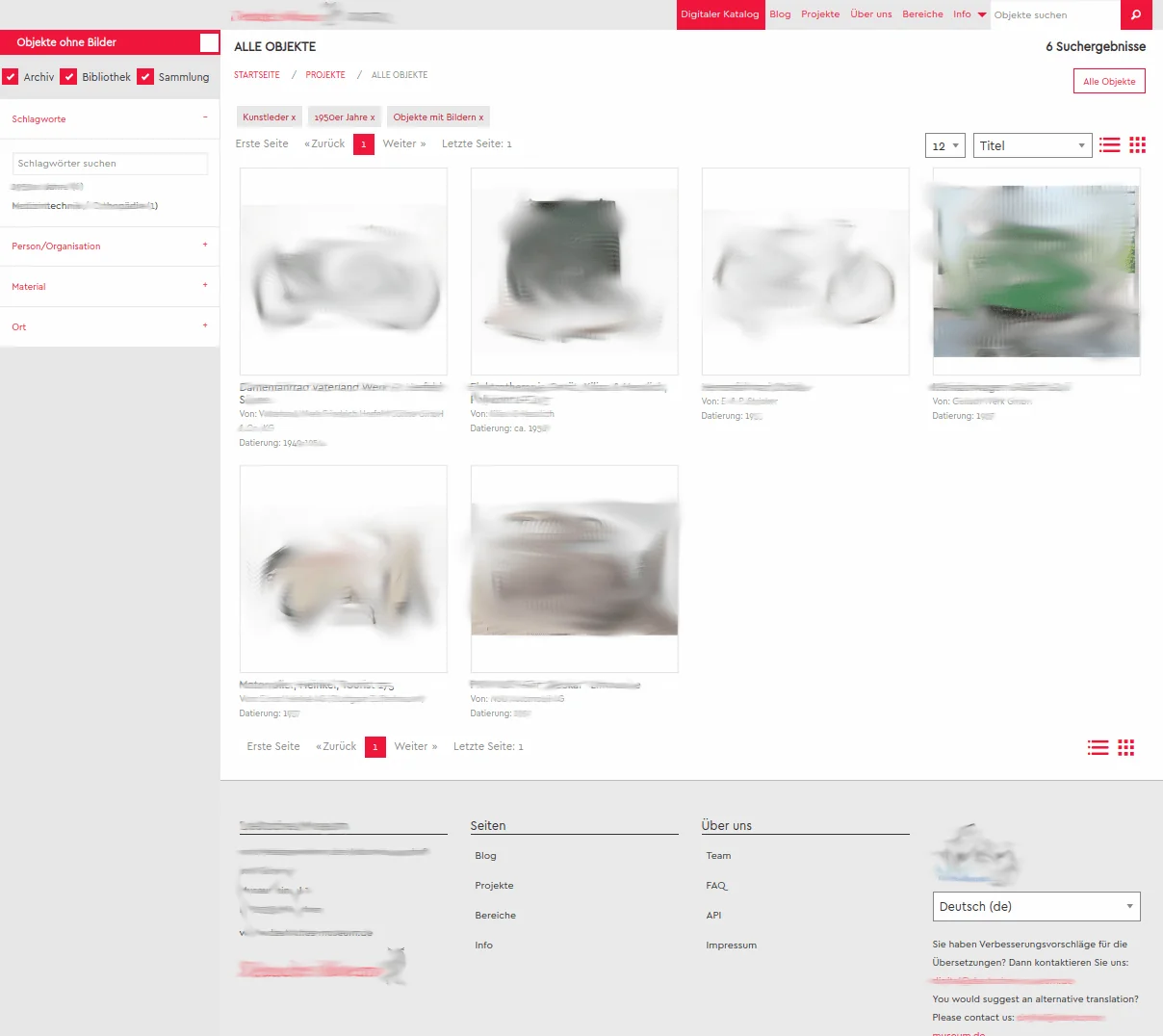
The Deutsche Museum Digital is dedicated to the digitalization and scientific exploration of the collections of objects, archives, and library of the Deutsches Museum.

Local Roots, Global Reach: Implementing the Enterprise Business OS
A deep dive into transforming local business operations through the Enterprise Business OS, focusing on clear positioning, high-output content engines, and strategic distribution systems.

From Vision to Value: Maximizing POS ROI Through Consistent CI Creation and Strategic Branding
In modern retail, bridging the gap from creative vision to financial value requires aligning Corporate Identity (CI) with the Point of Sale (POS). This case study explores the framework for eliminating cognitive friction to enhance ROI.

SEO Mobile Web Application Munich
SEO for Mobile Web Applications in Munich: clean indexing, analytics, structured sitemaps and Google News optimization as a solid foundation for sustainable visibility.
Presence Platforms — Enterprise Communication That Wins Without Competing
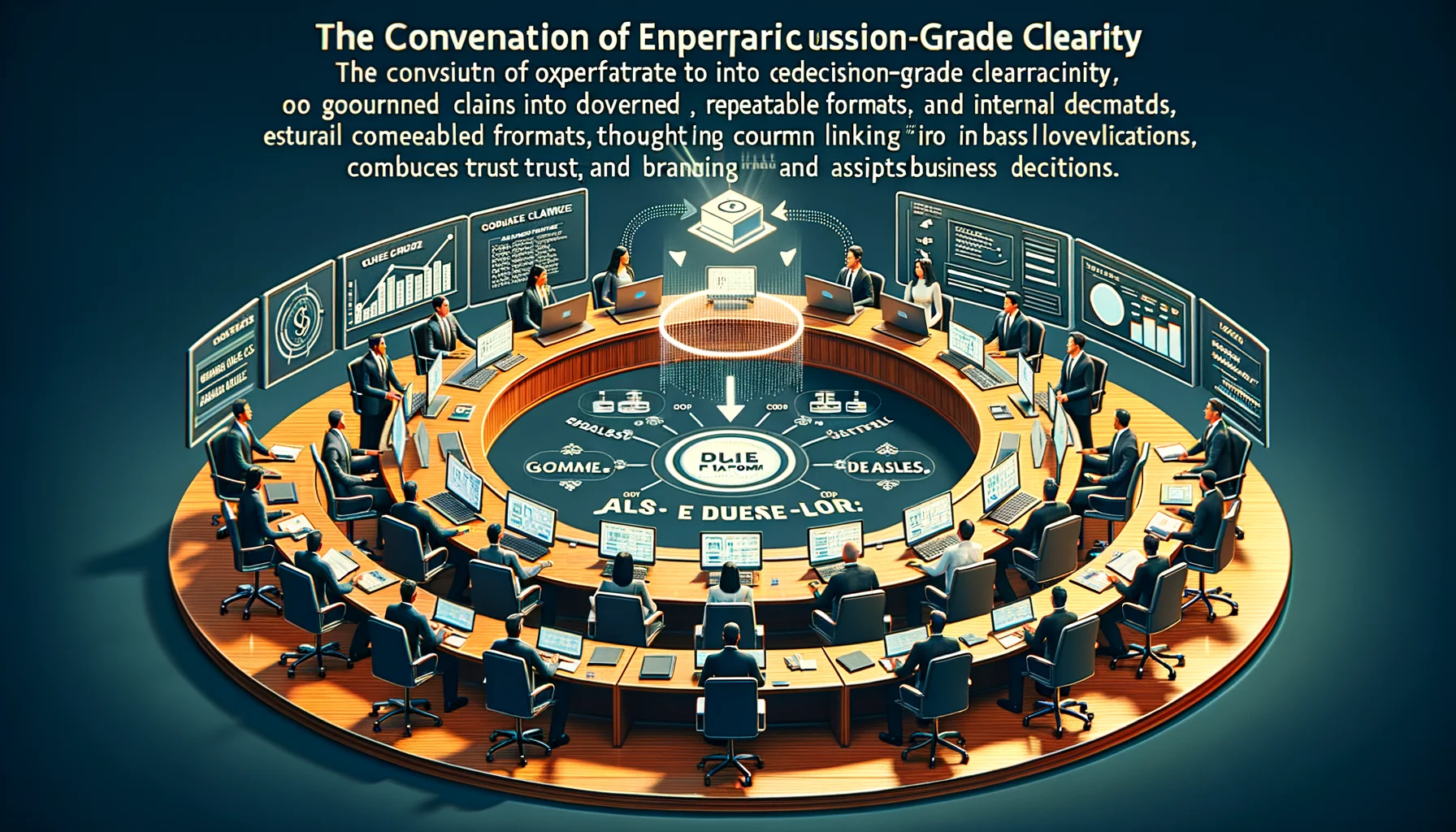
A Presence Platform turns operations into decision-grade clarity: governed claims, repeatable formats, internal linking that routes decisions, and a weekly learning loop that compounds trust and pipeline.

From Global Business to the Kitchen — A Reverse Communication System That Still Scales
Stop scaling by noise. Start with global signals, reduce them to a few stable truths, and turn them into weekly templates, checklists, and repeatable “menus” that ship real value.

Enterprise-Grade Production Platform
Enterprise-grade CMS- und Portal-Plattform mit Multi-Database-Architektur, echter Mehrsprachigkeit und professioneller WordPress-Migration. Entwickelt für skalierbare, sichere und zukunftsfähige Publishing-Systeme.

Mobile App Creation with Apache Cordova: Cross-Platform Case Study
Explore how Apache Cordova transforms web apps into cross-platform mobile solutions for Android, iOS, and more, with detailed process, tech stack, and benefits.

From Global Business to the Kitchen — Enterprise Media OS That Scales Calmly (stajic.de + Showcase Portals)
Global strategy only works if it survives the kitchen: constraints, cadence, clarity, and measurable output. Here’s how an Enterprise Media OS turns market noise into repeatable systems — with figure.rocks and loving.rocks as showcase implementations.
Solr Fuzzy Suggester and Solr Infix Suggester over Ajax
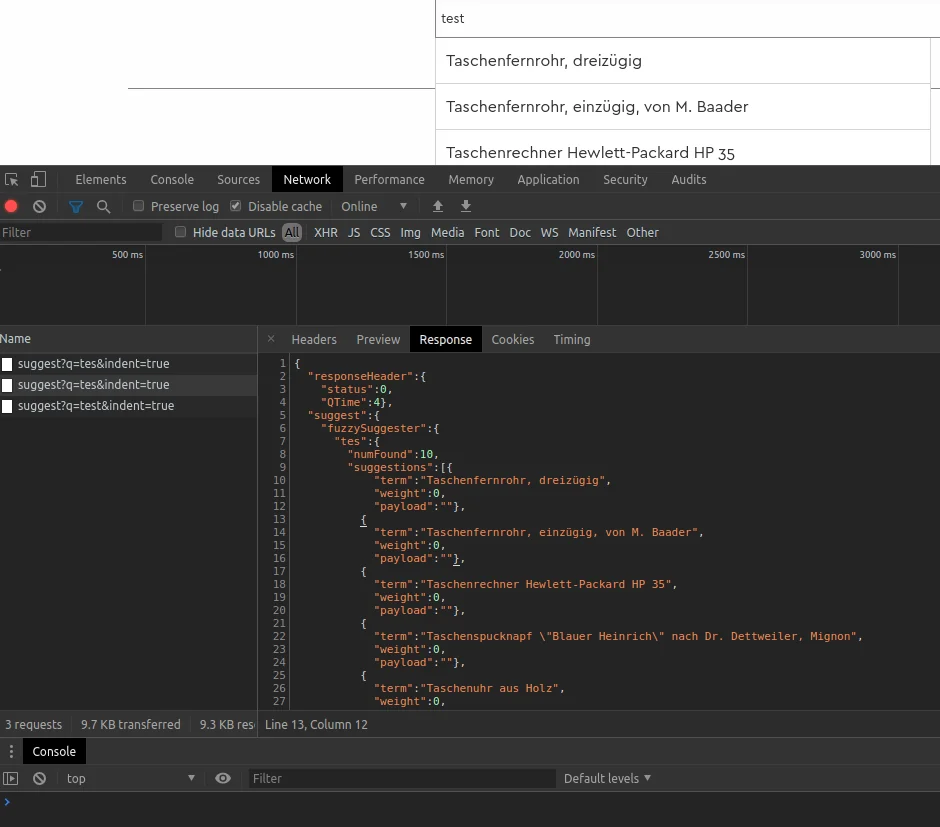
For effective website search, it is important that users quickly and easily find relevant results. Solr Fuzzy Suggester and Solr Infix Suggester offer an efficient solution for this. They can be called and filtered via Ajax queries.

From Raw Data to Verifiable AI Context: A Practical Architecture for Agent-Ready Information
AI systems do not mainly fail because they lack more text. They fail because identity, provenance, conflicts, unknowns and validity are often missing from the context they receive. This article documents a practical architecture for turning heterogeneous business data into controlled, reusable information objects for humans, applications and agents.