
Mobile App Creation with Apache Cordova: Cross-Platform Case Study

Mobile App Creation Using Apache Cordova: A Comprehensive Case Study
In the realm of mobile app creation, Apache Cordova stands out as a powerful tool for converting web applications into cross-platform mobile applications. This case study delves into a project where we utilized Apache Cordova to address the challenge of delivering a seamless mobile experience across multiple platforms without the need for separate native development efforts. By leveraging Cordova's capabilities, we transformed a standard web application into fully functional apps for Android and iOS, with potential extensions to Windows, macOS, and Linux.
The project highlighted Cordova's free, easy-to-use nature, allowing for advanced customizations through plugins or JavaScript. This approach not only streamlined the development process but also ensured broad accessibility and cost-efficiency, making it ideal for teams seeking rapid deployment across diverse ecosystems.
Project Overview
The core challenge was to take an existing web application and make it available as native-like mobile apps for Android and iOS platforms. Traditional development would require building separate codebases for each, increasing time and costs. Apache Cordova solved this by wrapping the web app in a native container, enabling access to device features while maintaining a single codebase.
We identified key pain points: limited device integration in web apps, platform-specific UI inconsistencies, and the need for offline functionality. Cordova's framework allowed us to bridge these gaps, supporting not just Android and iOS but also Windows, macOS, and Linux applications when required.
The primary challenge involved ensuring the web app's HTML, CSS, and JavaScript performed optimally within mobile environments. Cross-platform compatibility was crucial, as was integrating native features like camera access or notifications without compromising the user experience.
Key Benefits of Using Apache Cordova
- Completely free tool, eliminating licensing costs for mobile app creation.
- Easy-to-use interface that simplifies converting web apps to cross-platform mobile applications.
- Supports Android and iOS primarily, with extensions to Windows, macOS, and Linux.
- Enables advanced customizations using plugins or JavaScript for native features.
- Single codebase reduces development time and maintenance efforts across platforms.
- Access to device hardware like GPS, camera, and sensors through standardized APIs.
Our solution centered on Apache Cordova's ability to package web technologies into hybrid apps. We started by setting up the Cordova CLI, creating a new project, and integrating the existing web app's assets. Plugins were added to handle platform-specific functionalities, ensuring the app felt native on each target device.
The process unfolded in structured phases. First, we prepared the web app for mobile by optimizing responsiveness and performance. Next, we initialized the Cordova project and added platforms for Android and iOS. Custom plugins were installed for features like file system access. Testing occurred iteratively on emulators and physical devices, followed by building and signing the apps for distribution.
Technical Details and Tech Stack
Apache Cordova served as the cornerstone, utilizing its CLI for project management. The tech stack included HTML5, CSS3, and JavaScript for the core web app, wrapped in Cordova's WebView. Plugins extended functionality, such as cordova-plugin-camera for media capture and cordova-plugin-network-information for connectivity status.
For Android, we targeted API levels compatible with Cordova's requirements, using Android Studio for builds. iOS development leveraged Xcode, ensuring compliance with Apple's guidelines. JavaScript was used for custom logic, with plugins providing the bridge to native APIs. The entire stack remained lightweight, focusing on Cordova's free and open-source nature.
Advanced customizations involved injecting JavaScript to fine-tune behaviors, such as handling orientation changes or gesture recognitions uniformly across platforms.
Use Cases and Applications
This Cordova-based approach excels in scenarios requiring quick mobile app creation from web assets. Ideal for business apps needing data syncing, e-commerce frontends with payment integrations, or informational tools leveraging device sensors. Its cross-platform support makes it suitable for enterprise deployments targeting Android, iOS, Windows, macOS, and Linux users.
Applications include hybrid apps for field service workers accessing offline maps, educational platforms with interactive content, or internal tools customized via plugins for specific workflows.
The project resulted in fully deployable apps that mirrored web functionality while gaining native capabilities. Deployment to app stores was straightforward, with the single codebase simplifying updates. User feedback emphasized smooth performance and consistent experience across devices.
Conclusion
Apache Cordova proved instrumental in overcoming cross-platform mobile app creation challenges. By converting a web application into apps for Android, iOS, and beyond, we achieved efficiency, cost savings, and feature-rich outcomes. Its free, easy-to-use design with plugin and JavaScript customizations makes it a go-to solution for hybrid development.
This case study underscores Cordova's value in streamlining processes, from setup to deployment, delivering robust results that enhance accessibility and user engagement across diverse platforms.
Related Projects
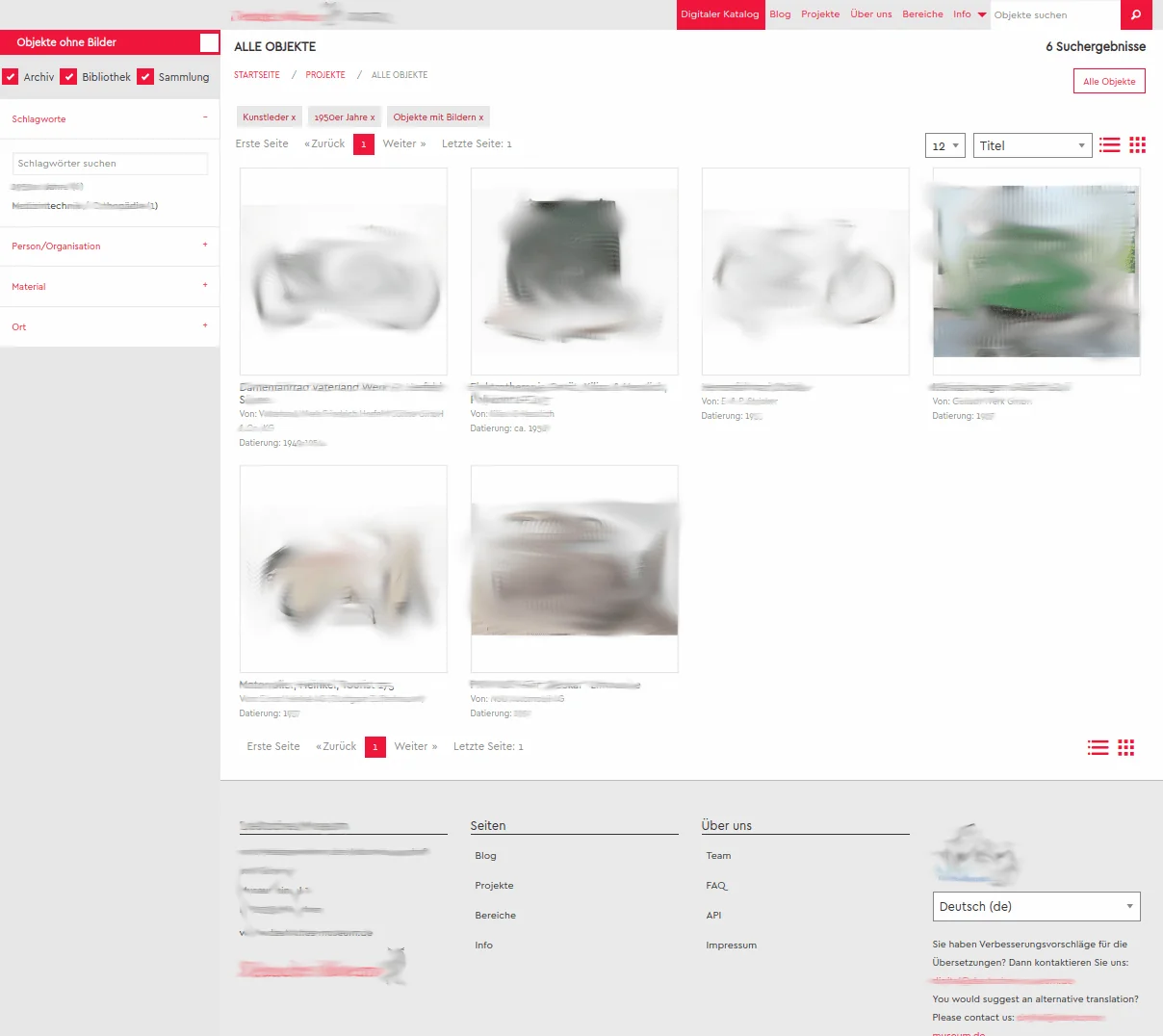
Digitalization portal for Archive Museum Library
The Deutsche Museum Digital is dedicated to the digitalization and scientific exploration of the collections of objects, archives, and library of the Deutsches Museum.

Enterprise-Grade Production Platform
Enterprise-grade CMS- und Portal-Plattform mit Multi-Database-Architektur, echter Mehrsprachigkeit und professioneller WordPress-Migration. Entwickelt für skalierbare, sichere und zukunftsfähige Publishing-Systeme.

Local Roots, Global Reach: Implementing the Enterprise Business OS
A deep dive into transforming local business operations through the Enterprise Business OS, focusing on clear positioning, high-output content engines, and strategic distribution systems.

Source of Truth Enterprise Intelligence Platform
A self-hosted, evidence-governed enterprise intelligence platform that turns internal company knowledge, documents and business data into traceable intelligence for research, decisions, monitoring and controlled AI execution.

Web Presence Making a Statement - Automobile Bauer Joomla

From Raw Data to Verifiable AI Context: A Practical Architecture for Agent-Ready Information
AI systems do not mainly fail because they lack more text. They fail because identity, provenance, conflicts, unknowns and validity are often missing from the context they receive. This article documents a practical architecture for turning heterogeneous business data into controlled, reusable information objects for humans, applications and agents.

SEO Mobile Web Application Munich
SEO for Mobile Web Applications in Munich: clean indexing, analytics, structured sitemaps and Google News optimization as a solid foundation for sustainable visibility.

From Vision to Value: Maximizing POS ROI Through Consistent CI Creation and Strategic Branding
In modern retail, bridging the gap from creative vision to financial value requires aligning Corporate Identity (CI) with the Point of Sale (POS). This case study explores the framework for eliminating cognitive friction to enhance ROI.

Presence Platforms — Enterprise Communication That Wins Without Competing
A Presence Platform turns operations into decision-grade clarity: governed claims, repeatable formats, internal linking that routes decisions, and a weekly learning loop that compounds trust and pipeline.

From Global Business to the Kitchen — Enterprise Media OS That Scales Calmly (stajic.de + Showcase Portals)
Global strategy only works if it survives the kitchen: constraints, cadence, clarity, and measurable output. Here’s how an Enterprise Media OS turns market noise into repeatable systems — with figure.rocks and loving.rocks as showcase implementations.
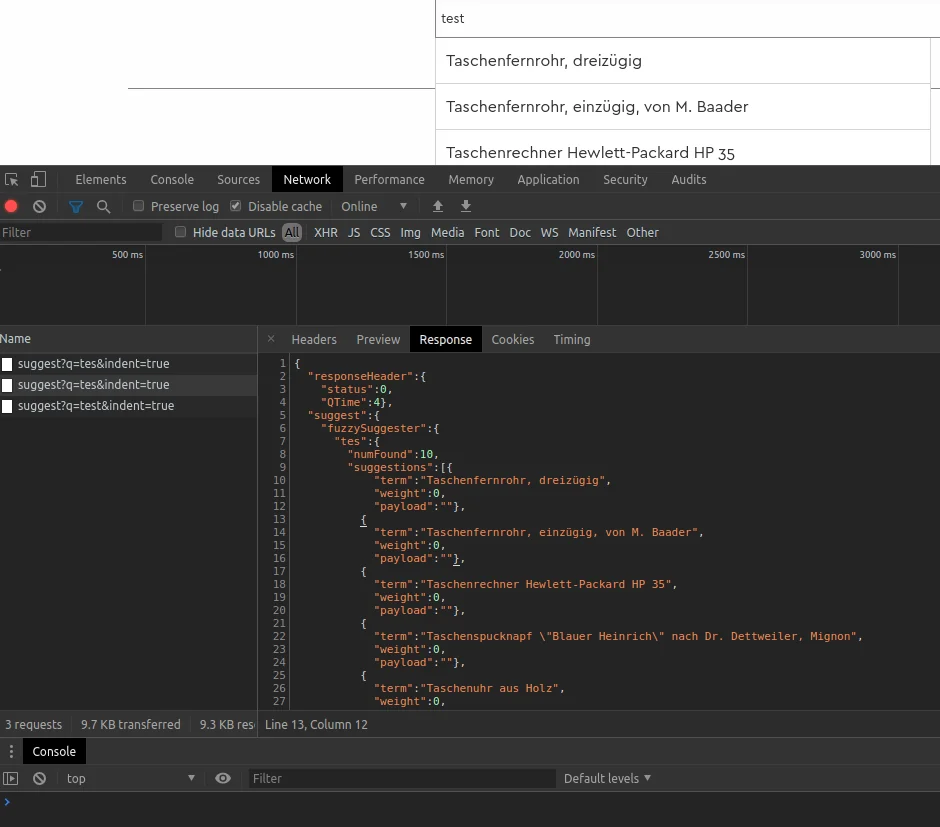
Solr Fuzzy Suggester and Solr Infix Suggester over Ajax
For effective website search, it is important that users quickly and easily find relevant results. Solr Fuzzy Suggester and Solr Infix Suggester offer an efficient solution for this. They can be called and filtered via Ajax queries.

LibreOffice ChatGPT Macro Integration Case Study
Explore the custom Python OpenAI macro integration for ChatGPT in LibreOffice, enhancing workflows with AI assistance directly in your documents.