
Ubuntu Graphics Stack Transition: Hybrid GPU Boot Crashes, Wayland Risks, and Stable Deployment Practices
Ubuntu Desktop Boot/Session Instability in the Modern Graphics Stack: Background, Risk Factors, and Deployment Context
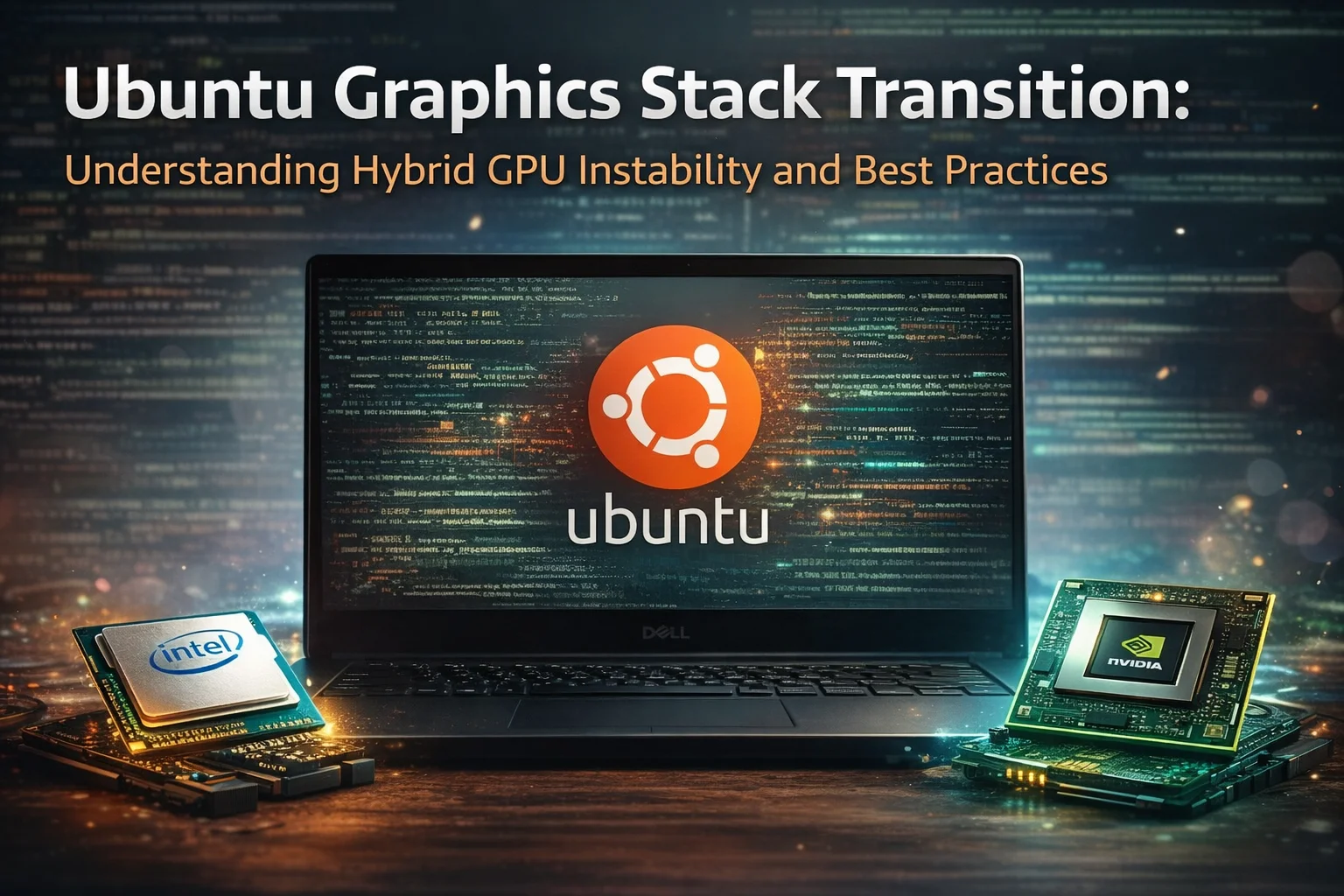
This article provides a technical background on a class of Ubuntu Desktop issues that can manifest as boot hangs, missing login sessions, or unstable graphical rendering—especially on systems with hybrid graphics (Intel iGPU + NVIDIA dGPU). It is written for informational and engineering risk-management purposes and does not allege misconduct by any party.
1. Executive Summary
- Ubuntu follows a documented release cadence, with Long Term Support (LTS) releases recommended for stability-critical systems. [1]
- Ubuntu desktop graphics continues an industry-wide transition toward Wayland as the default display protocol. [3]
- Hybrid graphics setups increase complexity and can raise regression risk during upgrades (kernel + compositor + vendor driver alignment).
- Interim releases are valuable for testing, but risk-managed deployments typically favor LTS baselines and validated driver stacks. [1]
2. What Changed in Ubuntu Desktop Graphics (Context, Not Allegation)
Ubuntu Desktop evolves alongside upstream projects (Linux kernel, Mesa, GNOME/Mutter, Wayland). This is normal for a modern Linux distribution. However, coordinated transitions—such as display protocol defaults and session availability—can temporarily increase upgrade sensitivity for specific hardware combinations. Canonical’s official documentation explicitly describes the release model and the role of LTS releases for stability-oriented use cases. [1]
A documented change that impacts user experience is that some newer Ubuntu releases may change which GNOME sessions are offered at login. Ubuntu community/maintainer discussions around Ubuntu 25.10 describe removal of GNOME-on-Xorg session options in GDM, effectively pushing GNOME toward Wayland-only sessions on that release line. [3]
3. Why Hybrid Graphics Systems Are Higher Risk
Hybrid graphics devices must coordinate multiple layers: (1) kernel graphics drivers (DRM/KMS), (2) compositor/session management (GDM, Mutter/Wayland or Xorg), and (3) vendor drivers and user-space acceleration (Mesa for Intel/AMD, proprietary or open NVIDIA variants). A change at any layer can surface as boot-time black screens, missing sessions, or unstable rendering—even when the underlying filesystem and core OS remain intact.
- The kernel must initialize display outputs and handle power management reliably for both GPUs.
- The display manager (e.g., GDM) must offer and start an appropriate session consistently.
- Driver packaging and version alignment must match the kernel ABI and compositor expectations; mismatches can produce confusing upgrade outcomes, including ‘foreign package’ warnings. [4]
4. Packaging and Upgrade Friction: ‘Foreign Packages’ and Version Alignment
During distribution upgrades, users may encounter packaging friction—especially with NVIDIA components—when the destination release contains different version baselines than the source release. Ubuntu community reports describe scenarios where NVIDIA packages appear as ‘foreign’ or look like they are being ‘downgraded’ even when they originate from Ubuntu repositories, due to version numbering and release-to-release packaging differences. This is not evidence of malicious behavior; it is a known class of upgrade complexity that should be treated as an engineering risk requiring validation, version control, and rollback readiness. [4]
5. ‘Big Crash’ Narrative: What Is Accurate to Say (and What Is Not)
In public discussions, a ‘big crash’ narrative may appear when many users hit regressions after upgrades. A legally safe and technically accurate framing is: (a) interim releases can introduce significant stack changes, (b) certain hardware configurations are more sensitive (notably hybrid graphics), and (c) some regressions are mitigated through updates, workarounds, or by choosing an LTS release for stability. This aligns with Ubuntu’s documented release strategy and community-maintainer discussions regarding session changes. [1][3]
For production or long-lived systems, a conservative baseline (LTS + tested driver stack) reduces operational risk compared to frequent adoption of interim releases with major graphics-stack transitions.— Engineering risk-management principle, consistent with Ubuntu’s LTS guidance. [1]
6. About Ubuntu 26.04 and LTS Status
It is important not to present speculation as fact. Official Ubuntu documentation and release-team materials list Ubuntu 26.04 as an LTS release (“Resolute Raccoon”), including schedule and support details. Therefore, claims that “26.04 will probably not be LTS” are not supported by official sources; the legally correct approach is to cite the official release schedule. [2]
7. Deployment Checklist (Neutral, Practical, Low-Risk)
- Prefer LTS for stability-critical environments; treat interim releases as test/validation channels. [1]
- Document display protocol/session requirements (Wayland vs Xorg) and validate them after upgrades, especially where GNOME session offerings change. [3]
- For hybrid graphics: define a policy (Intel-only, NVIDIA-only, or PRIME/offload) and validate it after kernel/driver updates.
- Maintain rollback procedures (kernel selection, driver version pinning, and a known-good boot entry) and test them before upgrading.
- If packaging warnings appear (e.g., ‘foreign’), confirm package origin and versions; do not assume wrongdoing—treat it as version alignment complexity. [4]
Sources
Ubuntu Release Cycle — Official Canonical DocumentationOverview of Ubuntu release cadence, LTS vs interim releases.
Ubuntu Release Team — List of ReleasesOfficial list of Ubuntu releases including 26.04 LTS schedule.
Ubuntu 25.10 Community Discussion — GNOME Session ChangesDiscussion about Wayland default and GNOME-on-Xorg session availability changes.
Ubuntu 25.10 Upgrade Discussion — NVIDIA Foreign PackageCommunity conversation describing NVIDIA packages flagged as foreign during upgrade.
This document is for informational purposes and does not constitute legal advice. It summarizes publicly available documentation and community-maintainer discussions. No allegation of misconduct is made against any person or organization.
Related Articles

Air-Gapped AI: How AI Systems Work Without Internet or Cloud Access
Air-gapped AI runs models, RAG and AI applications inside an isolated security domain without internet or cloud dependencies. Learn how models, data, updates and tools operate offline.
MCP Explained: What It Connects, What It Does Not Do and Where It Fits
Model Context Protocol connects AI applications to external tools, resources and prompts through a standard client-server boundary. Learn what MCP does, what it does not do, and where it fits in agent architecture.
Comprehensive Guide to Evaluation Harness: Mastering LLM Performance Evaluation
This guide provides a detailed walkthrough of Evaluation Harness, an essential framework for rigorously assessing large language model (LLM) capabilities in enterprise LLMOps pipelines. Learn setup, best practices, and advanced techniques to ensure reliable model benchmarking and optimization.

Enterprise AI Architecture: What Changes When AI Enters a Company
Enterprise AI architecture explains how AI changes company systems across data authority, identity, permissions, providers, risk, governance, evaluation, compliance and operations.

RAG Failed — But Which Layer Actually Failed? A Diagnostic Method
When a RAG answer is wrong, blaming retrieval or the model is too vague. This diagnostic method isolates source coverage, query construction, retrieval, ranking, context assembly, generation, evidence attribution, and freshness—so the actual failure can be reproduced and fixed.

AI Agent Reliability: Why the Final Answer Is Not Enough
Correct output does not prove correct reasoning, safe execution, or a trustworthy system.
ZBT Z8102AX Hardware and Packaging Review: Strong Router, Weak Box
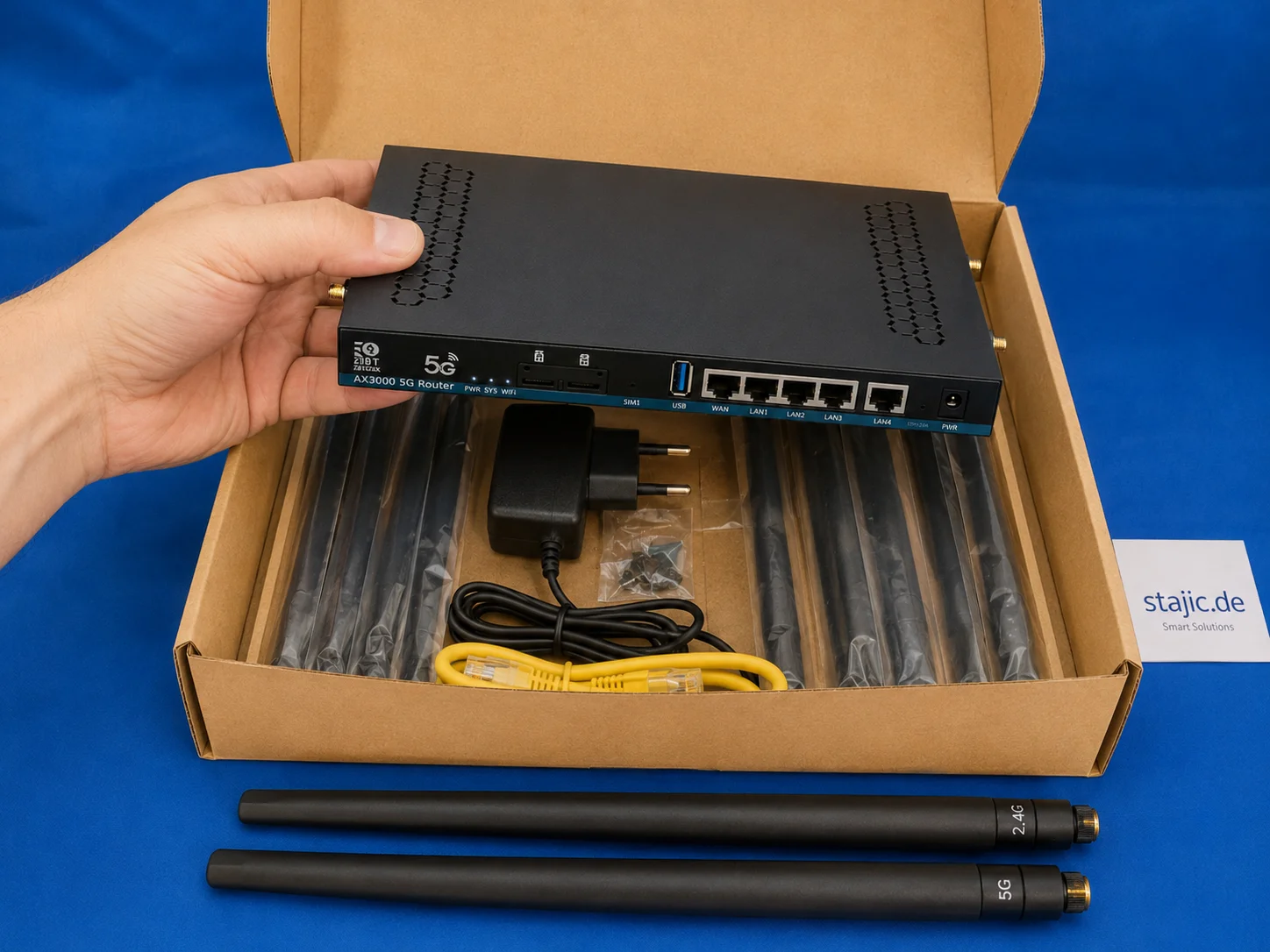
The ZBT Z8102AX makes a solid first impression as a slim black metal 5G OpenWrt router with multiple antenna connectors, dual-SIM slots, USB, LAN/WAN ports and a practical accessory set. The hardware feels useful and serious, but the packaging is clearly the weak point.

Why More Context Can Make AI Answers Worse
A larger context window does not guarantee a better answer. This article explains how signal dilution, conflicting evidence, stale state, position sensitivity, and lossy compression can reduce AI reliability—and introduces a practical Context Pressure Test.
Emerging Linux Trends in 2026: Shaping the Future of Server Infrastructure
Explore the key Linux trends of 2026, from Kubernetes dominance and immutable distributions to AI integration and eBPF security.

OpenAI Agents API vs Agents SDK vs Responses API: What Should You Build On in 2026?
OpenAI’s agent stack changed in September 2026. This architecture guide separates the Agents API, Agents SDK, Responses API, and Codex SDK by runtime ownership—so teams can choose the right control boundary instead of comparing product names.

Agentic AI Explained: When an AI System Can Plan, Use Tools and Act
Agentic AI uses models inside multi-step execution loops where they can choose tools, observe results, update state and adapt their next action within explicit runtime and permission boundaries.

Beyond Prompt Engineering: A Methodology for More Reliable AI Reasoning
Large language models do not necessarily fail because they lack reasoning capability. They often fail because the reasoning process is not sufficiently constrained, challenged, or verified. This article presents a domain-independent methodology that turns prompting into a structured epistemic process: separating facts from assumptions, generating competing hypotheses, testing counter-evidence, applying falsification, and checking whether conclusions remain stable under alternative framings. The goal is not to make the model “agree less,” but to make its conclusions less dependent on the user’s initial framing.