
Snap Packages: Why They Fall Short for Advanced Tools like DBeaver
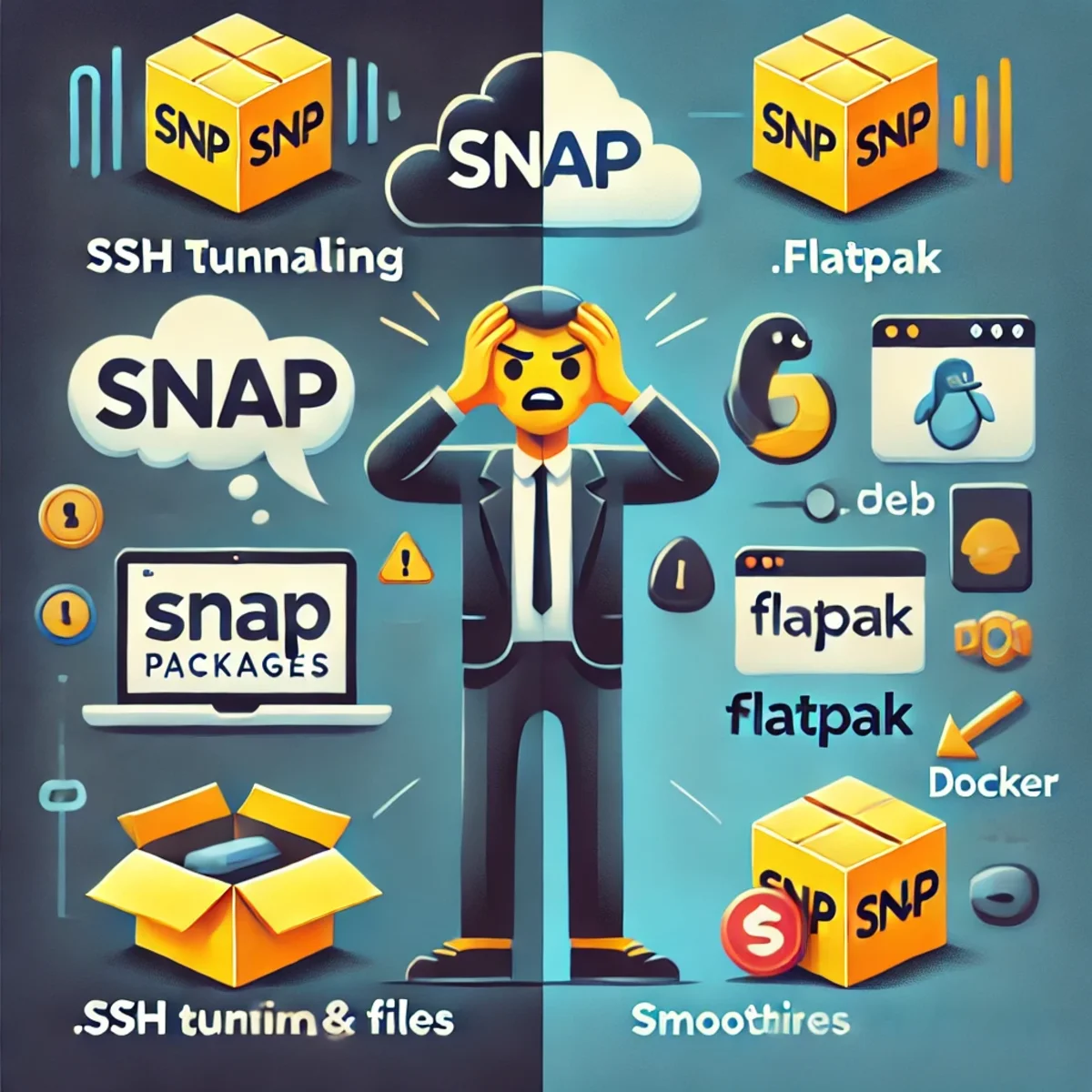
The Downside of Snap Packages: Why DBeaver Struggles with SSH Tunneling
Snap packages are promoted as a modern, secure, and convenient way to distribute applications on Linux, especially on Ubuntu-based systems. While the concept sounds appealing in theory, Snap introduces significant limitations that negatively impact advanced applications such as DBeaver.
For power users, developers, and database administrators, Snap’s strict sandboxing model often becomes an obstacle rather than a benefit. Features that rely on direct system access, such as SSH tunneling, filesystem integration, and custom configurations, frequently break or require complex workarounds.
Restrictive Sandboxing and Permission Issues
Snap applications run inside a confined sandbox that isolates them from the host system. While this improves security for simple desktop apps, it creates serious usability problems for tools that depend on system-level resources.
- Limited access to SSH configuration files located in the user home directory.
- Restricted access to custom configuration directories and environment-specific settings.
- Blocked access to external drives and mounted volumes unless permissions are manually granted.
- Inconsistent handling of user permissions across different systems.
In the case of DBeaver, these restrictions directly affect SSH tunneling. Database connections that rely on SSH keys, agents, or custom SSH configs often fail or behave unpredictably when running inside Snap confinement.
Performance and Integration Drawbacks
Another major downside of Snap packages is performance overhead. Snap applications typically start slower than traditional packages due to additional mounting layers and sandbox initialization.
System integration is also weaker. Desktop themes, font rendering, filesystem access, and system-wide configurations are often inconsistent, resulting in a fragmented user experience that feels detached from the host environment.
Centralization and Ecosystem Concerns
Snap relies on a centralized infrastructure controlled by Canonical. This introduces concerns about vendor lock-in and reduced flexibility within the Linux ecosystem.
Unlike decentralized alternatives, Snap limits how software is distributed and managed. For developers and advanced users, this centralized control reduces transparency and user autonomy.
Why DBeaver Users Should Avoid Snap
DBeaver is a professional database management tool that relies heavily on system-level access. SSH tunneling, certificate handling, and integration with local development environments are core features, not optional extras.
Running DBeaver as a Snap package forces users into permission hacks and fragile configurations, ultimately reducing productivity and increasing maintenance overhead.
Better Alternatives to Snap
For users who depend on SSH tunneling and full system integration, several alternatives offer a significantly better experience.
- The native .deb package provides full system access and predictable behavior.
- Flatpak offers sandboxing with explicit, user-controlled permissions.
- Docker allows controlled isolation while remaining transparent and configurable.
Flatpak vs Snap for Power Users
Flatpak uses a more flexible permission model that allows users to explicitly grant filesystem, network, and device access. This makes Flatpak a far better choice for advanced desktop applications like DBeaver.
With Flatpak, SSH access, custom directories, and external resources can be enabled in a controlled and transparent way, without breaking core application functionality.
Final Verdict
Snap packages may work well for simple desktop applications, but they fall short for professional tools that require deep system integration. In the case of DBeaver, Snap’s restrictive design actively undermines key features such as SSH tunneling.
For developers and power users, traditional packages, Flatpak, or container-based solutions offer better performance, reliability, and control. In real-world workflows, these alternatives consistently outperform Snap and provide a superior user experience.
Related Articles
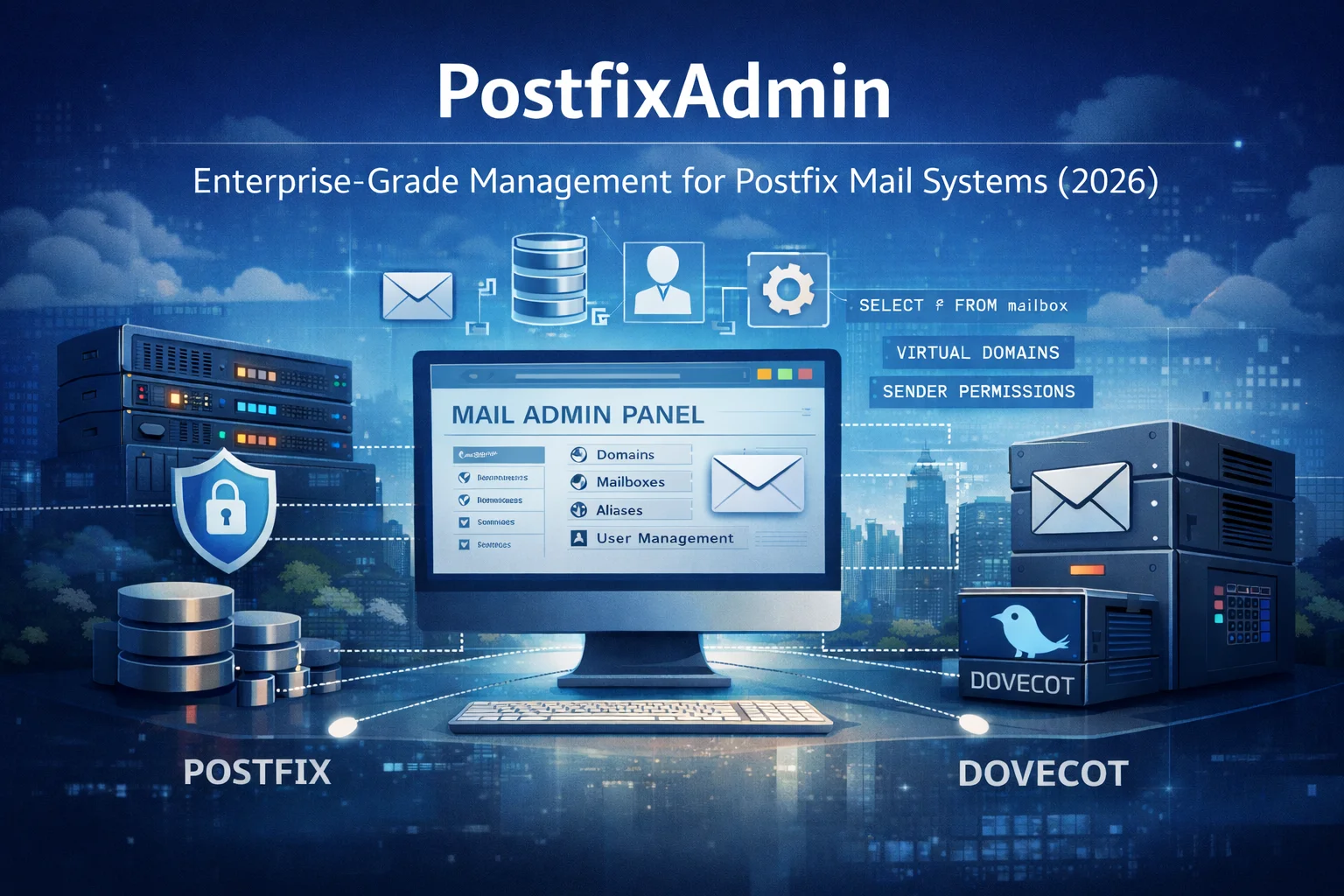
PostfixAdmin: Enterprise-Grade Management for Postfix Mail Systems — Anno 2026
PostfixAdmin is a database-centric administration interface designed for professional Postfix mail systems. Rather than hiding complexity, it provides precise control over domains, mailboxes, aliases, and sender permissions. This article explains why PostfixAdmin remains a trusted enterprise solution in 2026 and how it fits into modern, security-focused mail infrastructures.
ComfyUI on Fedora 43: Two Virtual Environments + One-Click Start (March 2026)
Goal: Keep two Python venvs (e.g., 3.12 + 3.14) for compatibility, but start ComfyUI automatically with a clean, lightweight setup.

Prompt Invariance: Does the Conclusion Survive the Prompt?
A practical methodology for testing whether an AI conclusion depends on the way a problem was framed. Prompt Invariance compares original, blind, inverted and adversarial formulations while keeping the evidence structure controlled.

Convert MOV to MP4 Using FFmpeg: A Simple Guide
Learn how to convert MOV videos to MP4 using FFmpeg with reliable commands, batch processing, and quality optimization for web, streaming, and cross-platform compatibility.

What Should an AI Agent Remember, Forget, Recompute or Retrieve Again?
Long-running agents should not remember everything. This article provides a practical lifecycle model for deciding what belongs in durable memory, what should be retrieved again, what is safer to recompute, and what should expire or be superseded.

Welcome to NuxtWP Multilang Theme
Introduction to the NuxtWP Multilang Theme - a modern multilingual CMS built with Nuxt 4.
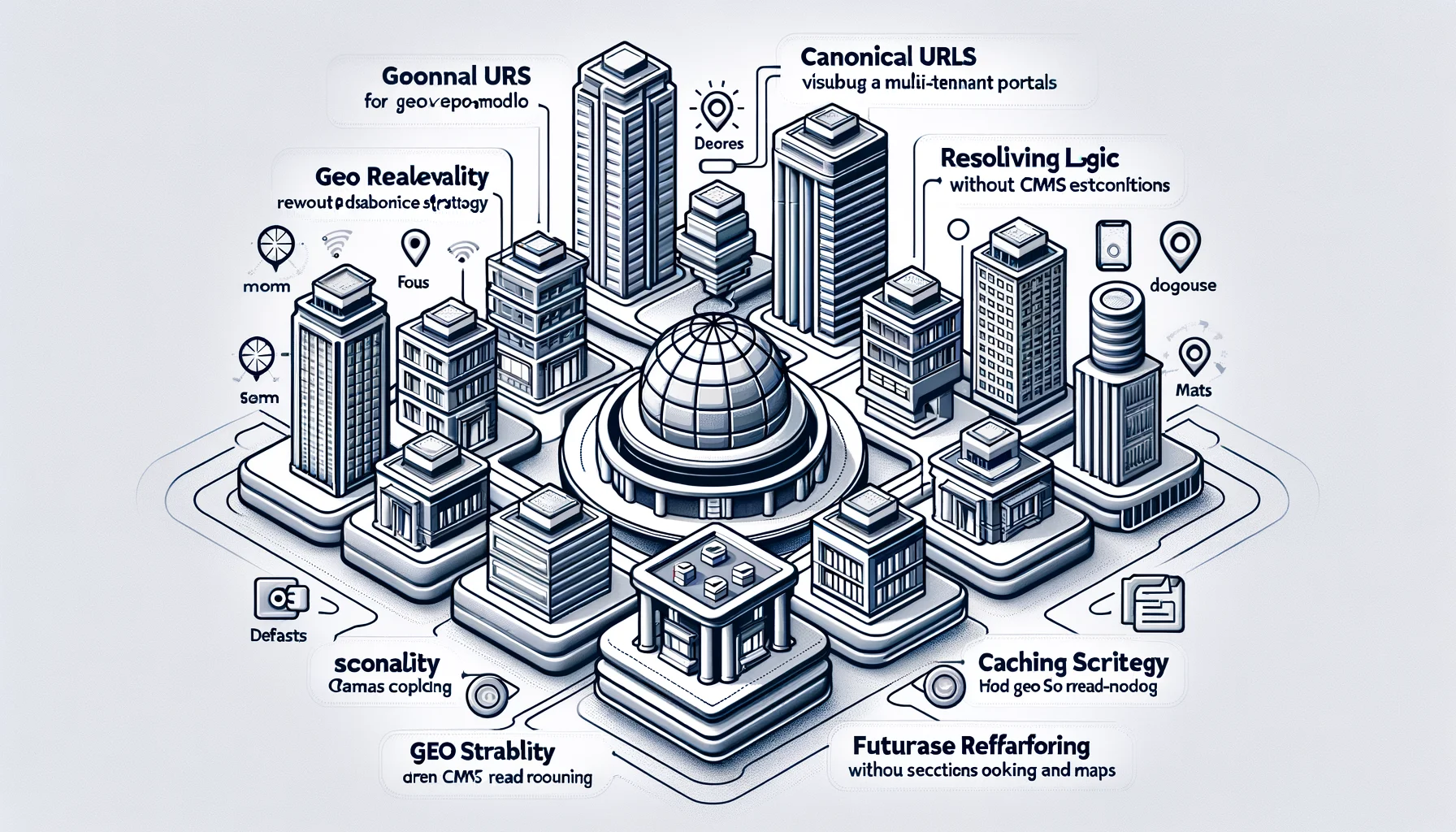
Canonical Architecture, URL Design, Resolver Logic, API & Scalability Specification
Geo-based discovery architecture for multi-tenant portals. Defines canonical URLs, resolver logic, caching strategy, and a geo read-model without CMS coupling or database refactoring. Designed for SEO stability, scalability, and future extensions like booking and maps.
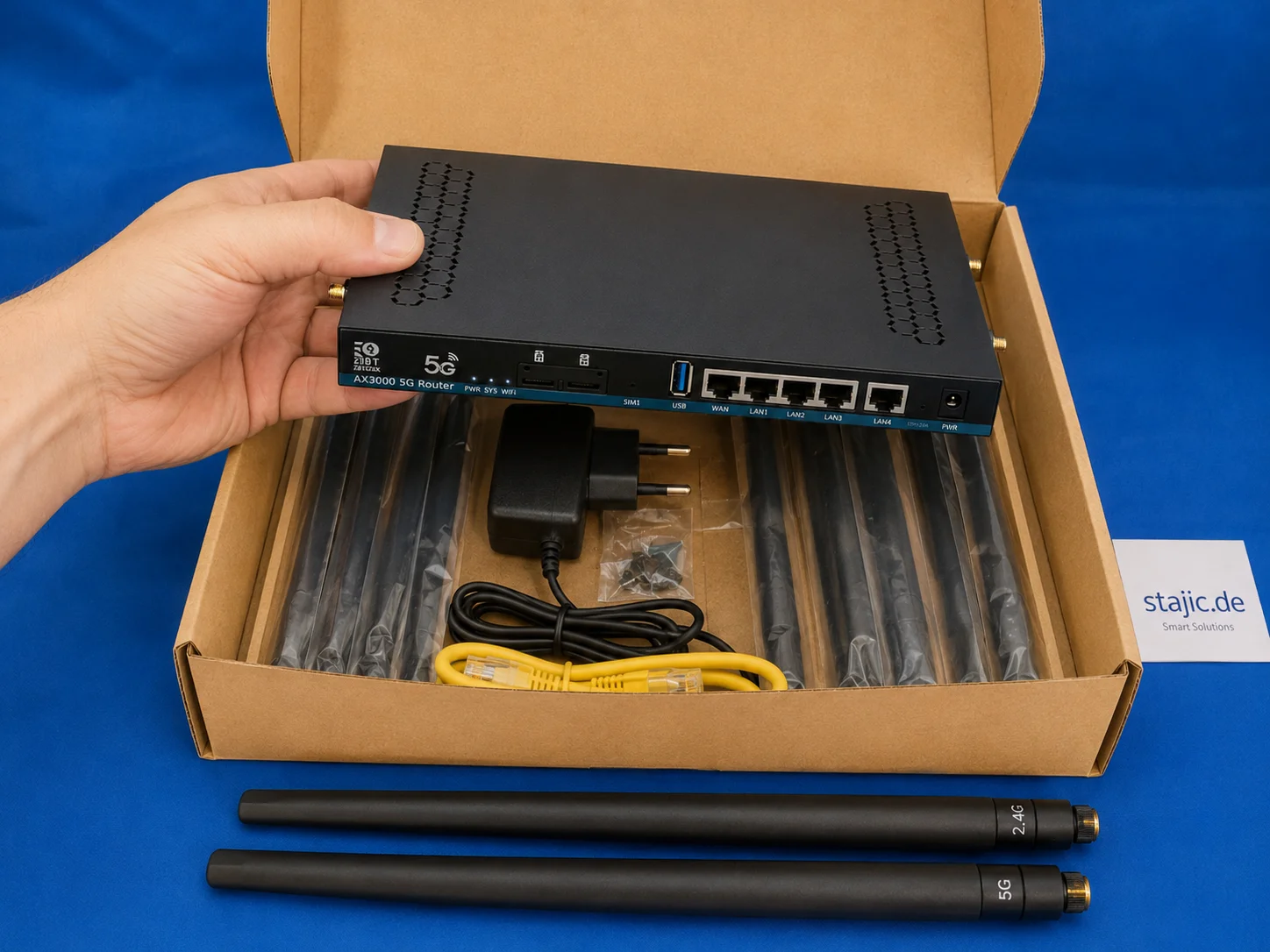
ZBT Z8102AX Hardware and Packaging Review: Strong Router, Weak Box
The ZBT Z8102AX makes a solid first impression as a slim black metal 5G OpenWrt router with multiple antenna connectors, dual-SIM slots, USB, LAN/WAN ports and a practical accessory set. The hardware feels useful and serious, but the packaging is clearly the weak point.

Managed Agent Harness vs Self-Hosted Agent Loop: What You Gain, What You Lose
“Self-hosted agent” can mean very different architectures. This guide separates the managed harness, self-hosted execution environment, and fully self-operated agent loop—and shows which control boundary teams actually need.

Enterprise-Grade Multi-Tenant Architecture for an International Platform
Loving Rocks is an enterprise-grade wedding platform designed with a true multi-tenant architecture, isolated databases per tenant, and built-in internationalization for global scalability, security, and long-term operational stability.
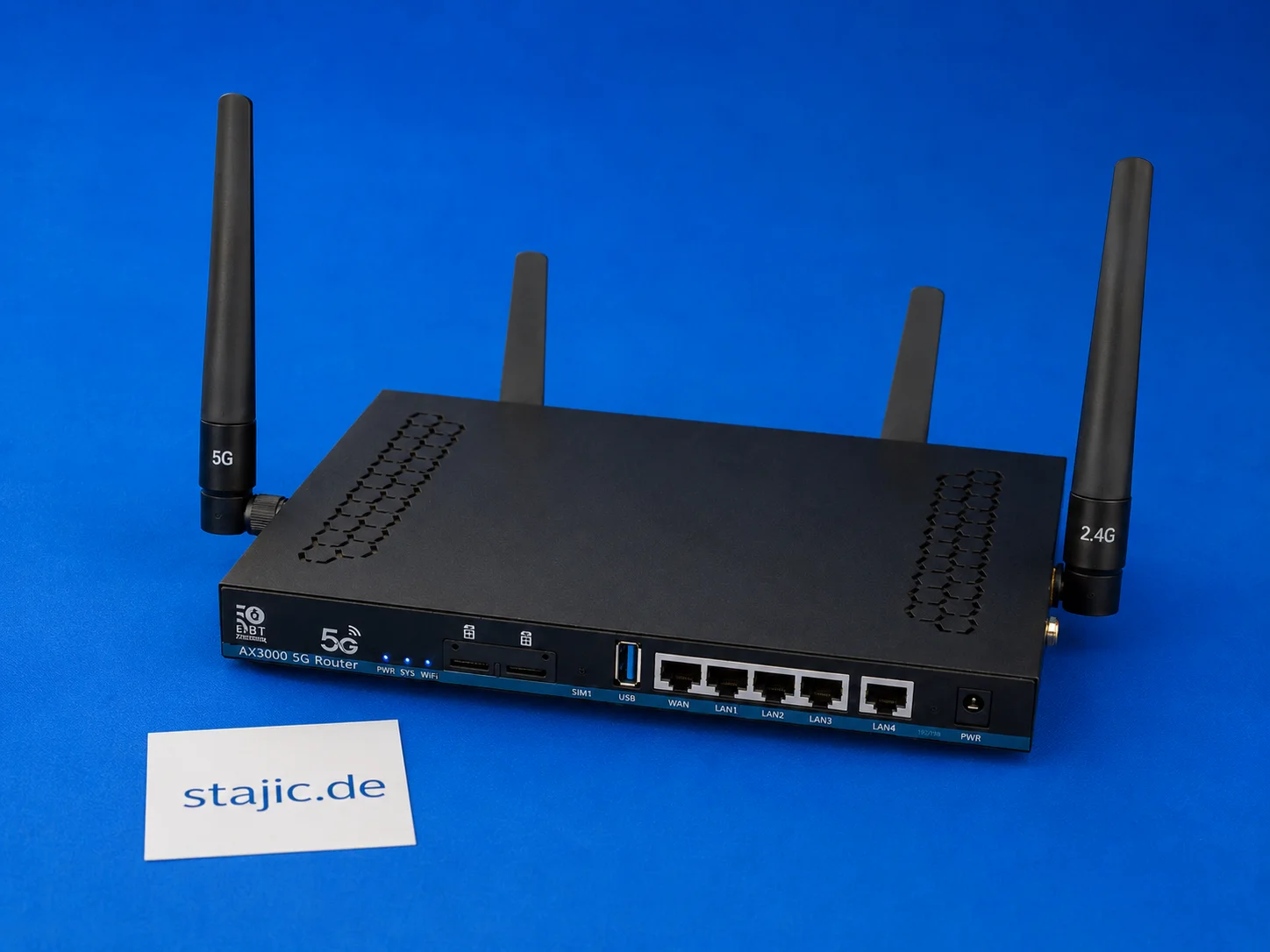
ZBT Z8102AX Dual-SIM Failover: What Works, What Is Missing and What Needs Better Firmware
The ZBT Z8102AX is a dual-SIM 5G OpenWrt router, but dual-SIM hardware alone is not the same as intelligent failover. The router recognizes the SIM and connects successfully, but automatic switching, modem recovery, signal-based decisions and clean failover logic still need deeper testing.

Multi-Database Architecture with Prisma 7: A Deep Dive for Experts
The management of complex data landscapes requires modern architectures. Prisma 7 offers advanced functionalities for multi-database integration and addresses the challenges of Polyglot Persistence.