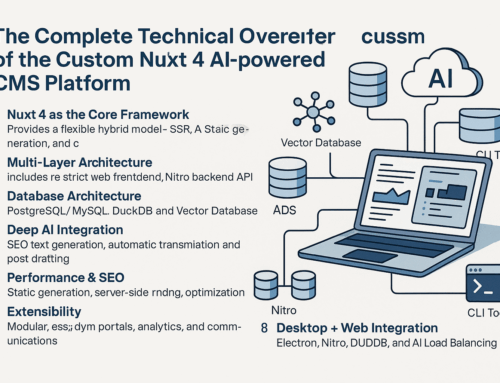
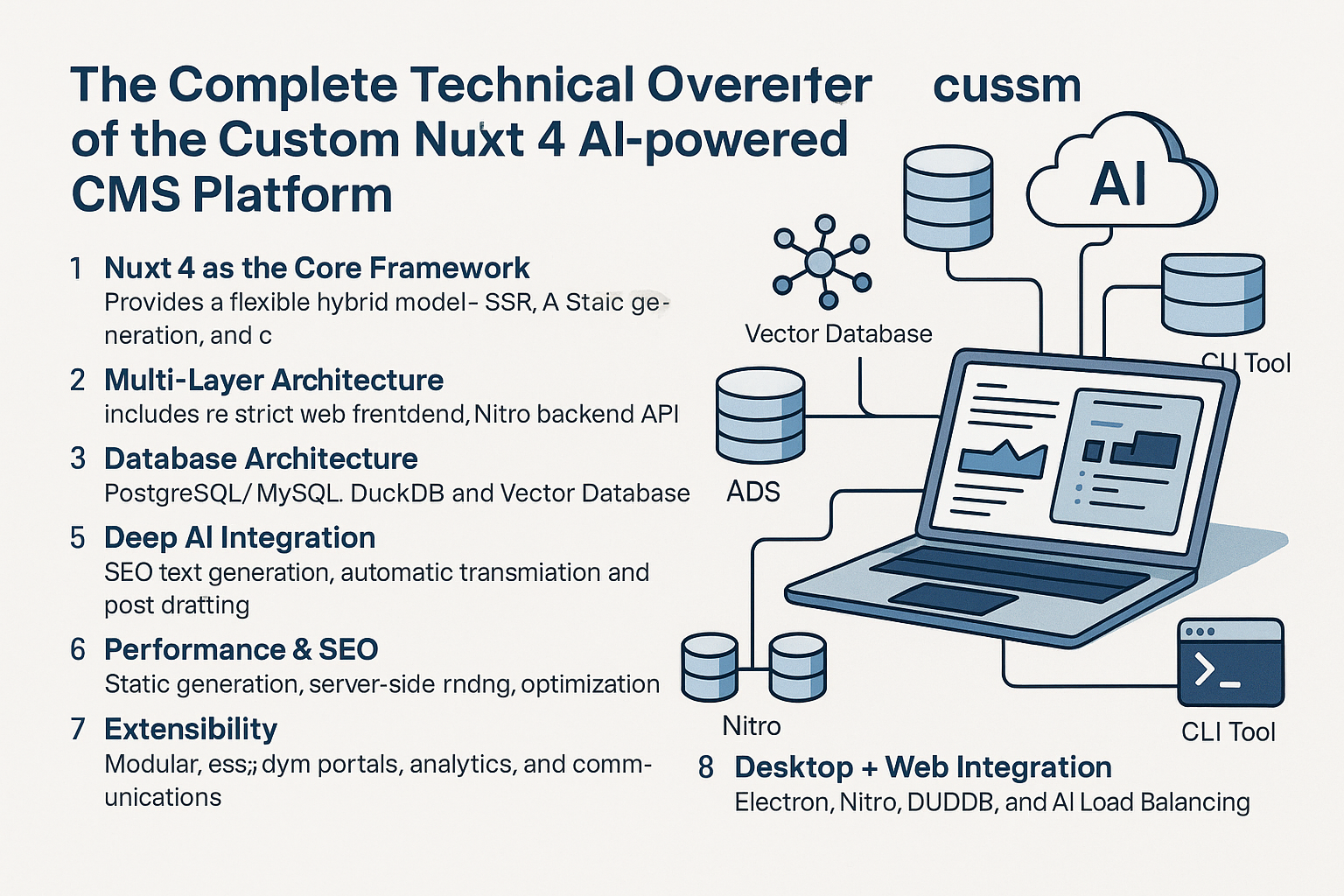
Comprehensive overview of the runtime architecture and development process
Nuxt 4 Architecture
Nuxt 4 is a Vue.js-based framework that provides a robust architecture for building modern web applications.
- Universal Vue.js applications (SSR & SPA)
- File-based routing system
- Auto-imports for components and composables
- Server API routes with Nitro server
- Middleware support for route handling
Tailwind CSS Integration
Tailwind CSS is a utility-first CSS framework that works seamlessly with Nuxt.
- Utility-first styling approach
- JIT (Just-In-Time) mode for optimized builds
- Component-friendly with @apply directive
- Customizable design system
- Responsive design utilities
Prisma ORM
Prisma is a next-generation ORM for Node.js and TypeScript.
- Type-safe database client
- Database migrations
- Declarative data model
- Connection pooling and management
- Relations and query optimization
Development Process
The typical workflow when working with this stack:
- Define data model in Prisma schema
- Run migrations to update database
- Create API endpoints in server/ directory
- Build Vue components with Tailwind styling
- Test application in development mode
- Deploy to production environment
Architecture Diagram
subgraph Client [Client Side]
UI[UI Components
Vue.js + Tailwind]
SP[State Management
Pinia]
R[Routing
Vue Router]
end
subgraph Server [Server Side]
NS[Nuxt Server
Nitro]
API[API Routes]
PC[Prisma Client]
end
subgraph Database
DB[(Database)]
end
UI –> SP
UI –> R
UI — HTTP Requests –> API
API –> PC
PC –> DB
NS –> API
style UI fill:#dcfce7
style API fill:#dbeafe
style PC fill:#ffedd5
style DB fill:#fae8ff
Project Structure
nuxt-app/
├── components/          # Vue components
├── composables/         # Vue composables
├── layouts/             # Layout components
├── pages/               # Application views and routes
├── server/
│   ├── api/             # API routes
│   ├── middleware/      # Server middleware
│   └── models/          # Data models (Prisma)
├── utils/               # Utility functions
├── assets/
│   └── css/             # Global styles
├── prisma/
│   └── schema.prisma    # Database schema
├── nuxt.config.ts       # Nuxt configuration
├── tailwind.config.js   # Tailwind configuration
└── package.json
Example: API Route with Prisma
// server/api/users/[id].get.ts
import { prisma } from '../utils/prisma'

export default defineEventHandler(async (event) => {
  const id = Number(event.context.params?.id)

  if (!id) {
    throw createError({
      statusCode: 400,
      statusMessage: 'ID should be an integer',
    })
  }

  try {
    const user = await prisma.user.findUnique({
      where: { id },
      include: { posts: true }
    })

    if (!user) {
      throw createError({
        statusCode: 404,
        statusMessage: 'User not found',
      })
    }

    return user
  } catch (error) {
    console.error('Error fetching user:', error)
    throw createError({
      statusCode: 500,
      statusMessage: 'Internal Server Error',
    })
  }
})
Development Process Steps
1. Project Setup
Initialize a new Nuxt project and install dependencies:
npx nuxi@latest init my-app && cd my-app
npm install -D tailwindcss postcss autoprefixer
npm install @prisma/client
npm install -D prisma
2. Database Configuration
Initialize Prisma and configure your database connection:
npx prisma init
# Edit prisma/schema.prisma to define your data model
npx prisma generate
npx prisma db push
3. Development
Start the development server with hot reload:
npm run dev
4. Building for Production
Build the application for production:
npm run build